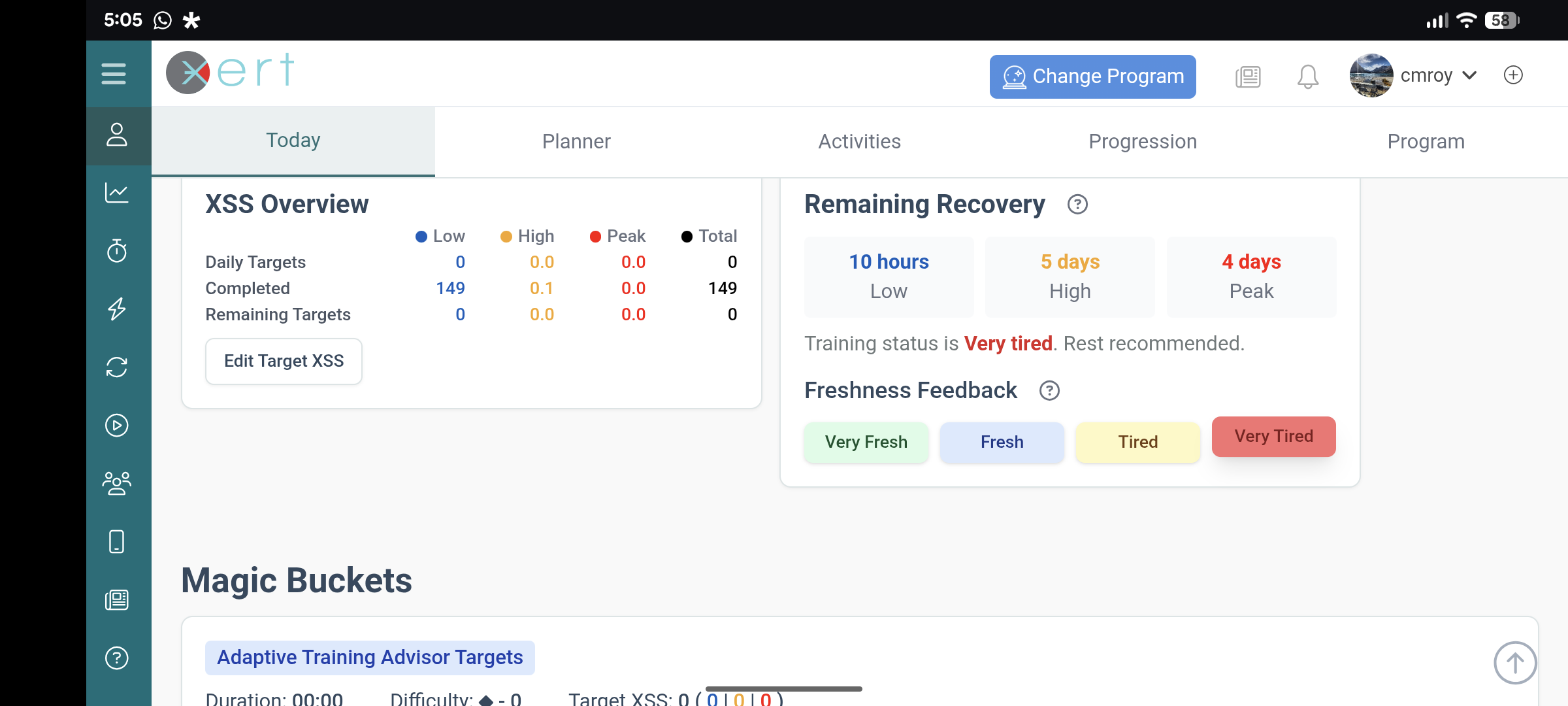
@ManofSteele After the update I get «No workout has been selected» when I open the Remote or Session player.
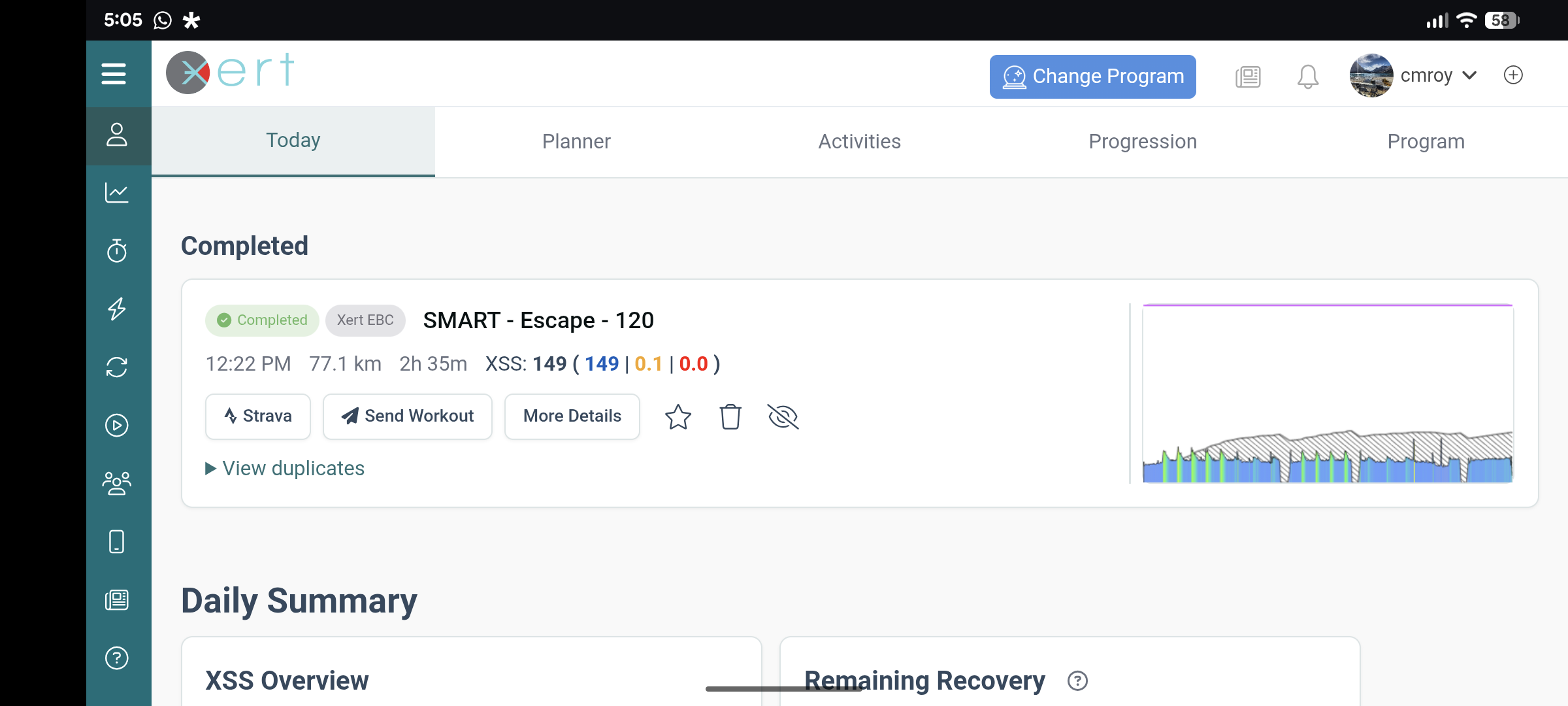
I get this even if I have started a workout in Xert EBC (doing the workout). However, if I select a workout in Xert Online and click «Send to Xert EBC» it shows up. And if the workout I am running in Xert EBC is different from the one I sent, the remote player shows the one I sent, and not the one who is actually running…
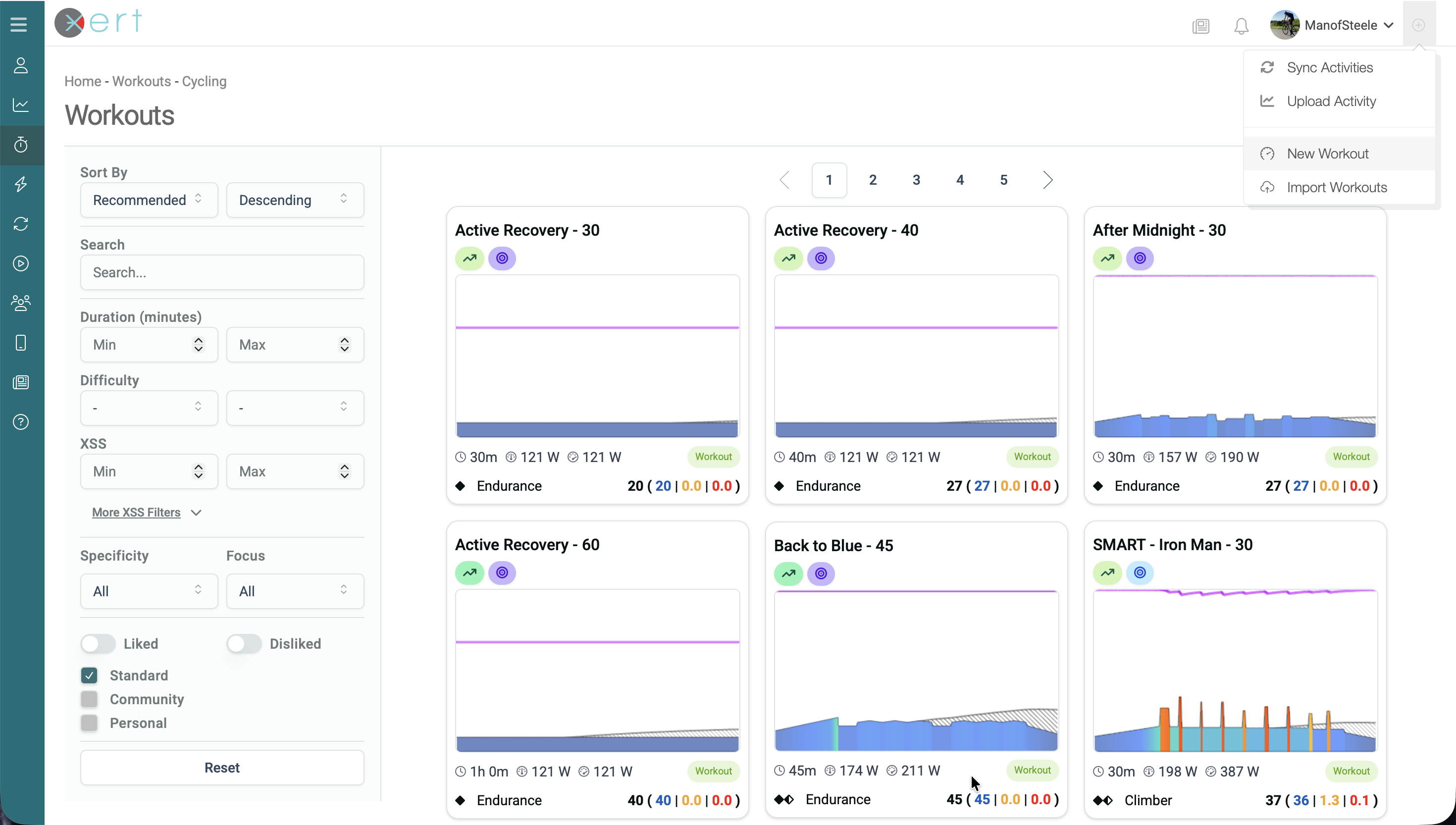
Yes, known issue. We include the workout data with the telemetry payload (Power, HE, etc). We just need to make sure the remote/session players update when they receive that data from the EBC app if/when it differs from what’s currently selected (or if nothing is selected).
For now, the best solution is to send the workout you intend to do to EBC from the Today page (or workouts page).
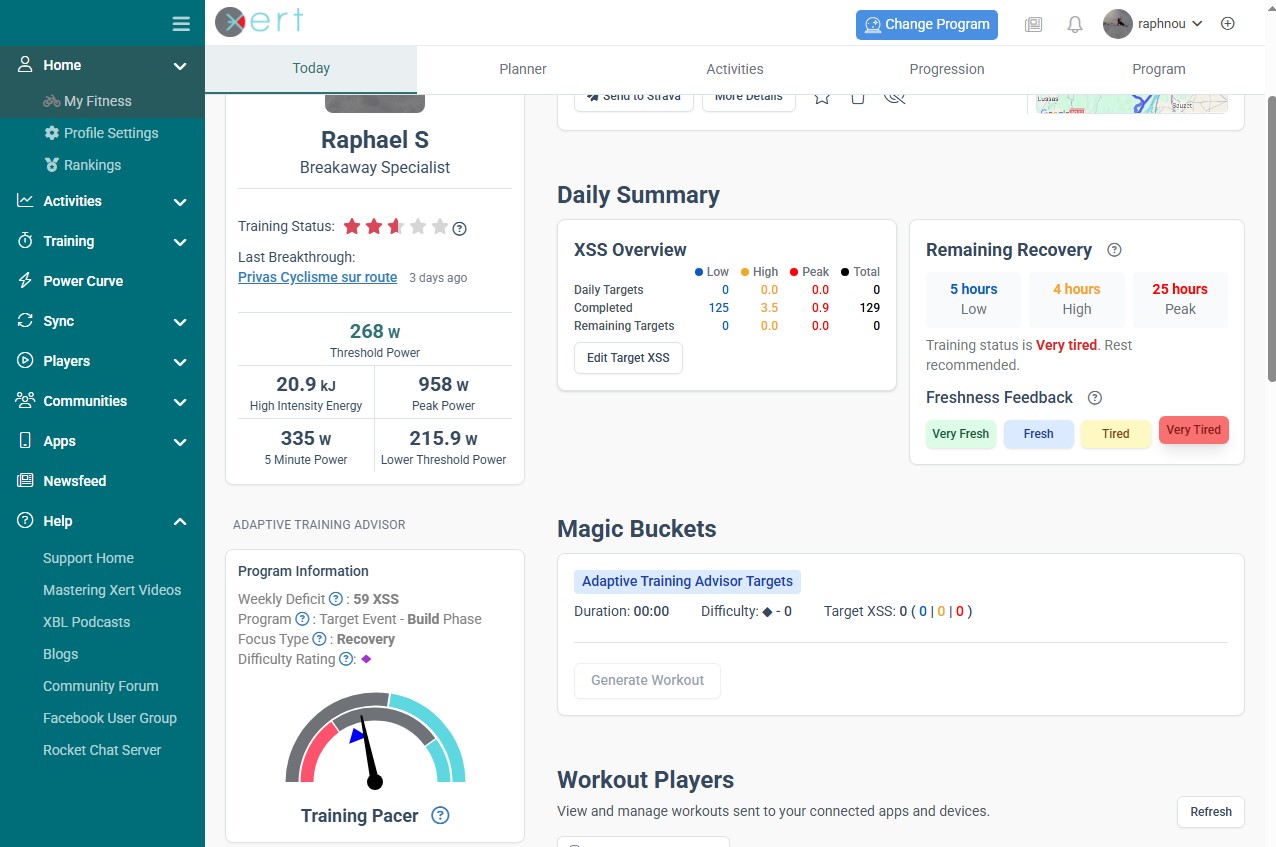
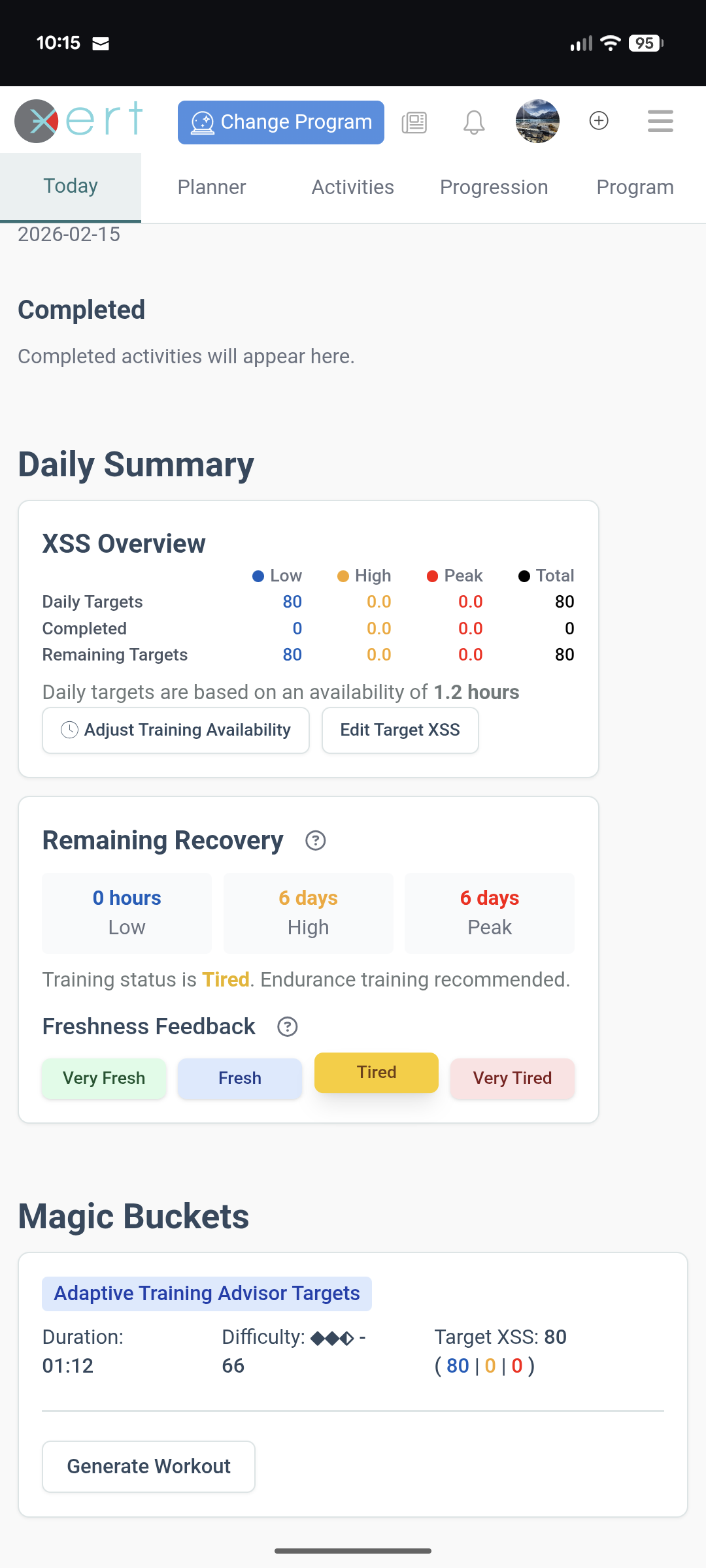
Je ne comprends pas pourquoi quand je suis sur la page “today”, l’objectif du jour est à 0, à chaque fois que je finis une sortie à l’extérieur ou à l’intérieur avec EBC, du coup je ne peux plus comparer ce qui reste à faire, est-ce un bug ou moi qui n’est pas compris quelque chose?
Voici ce que j’ai à l’écran pour aujourd’hui après ma sortie
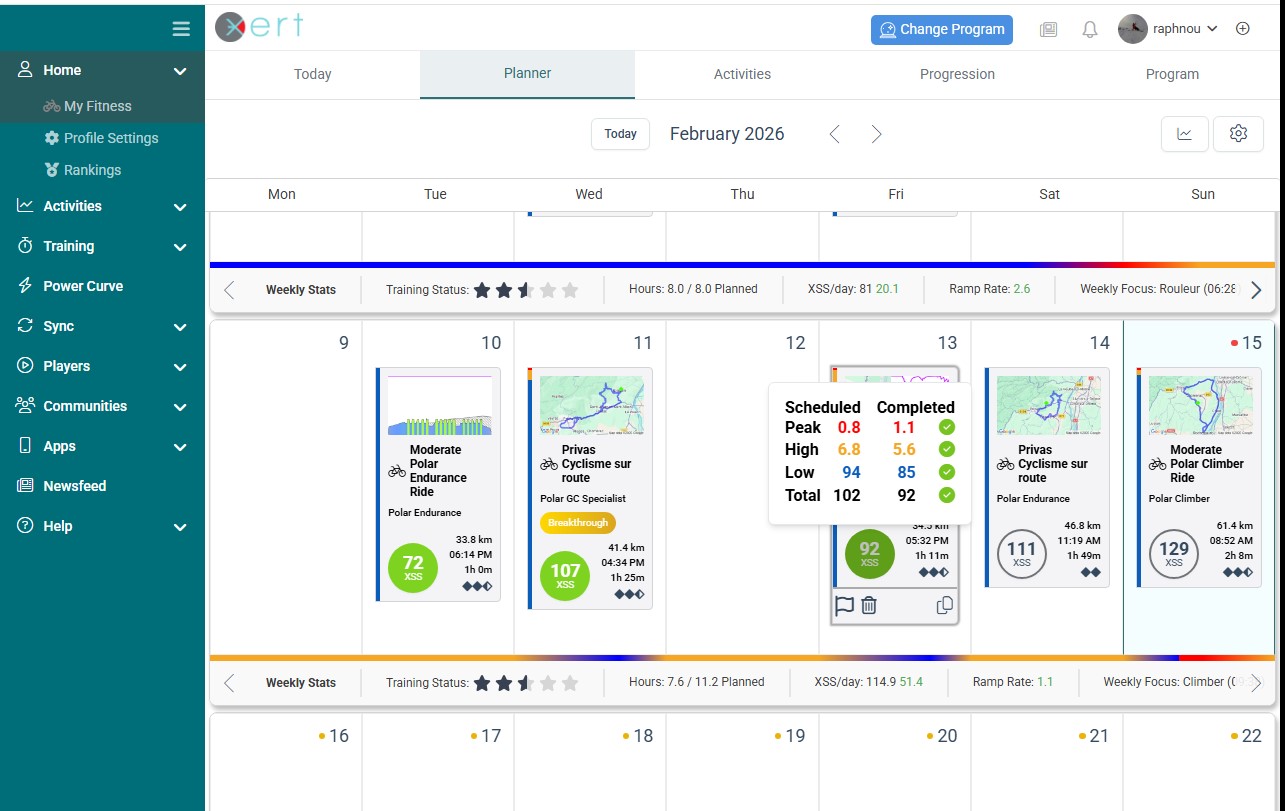
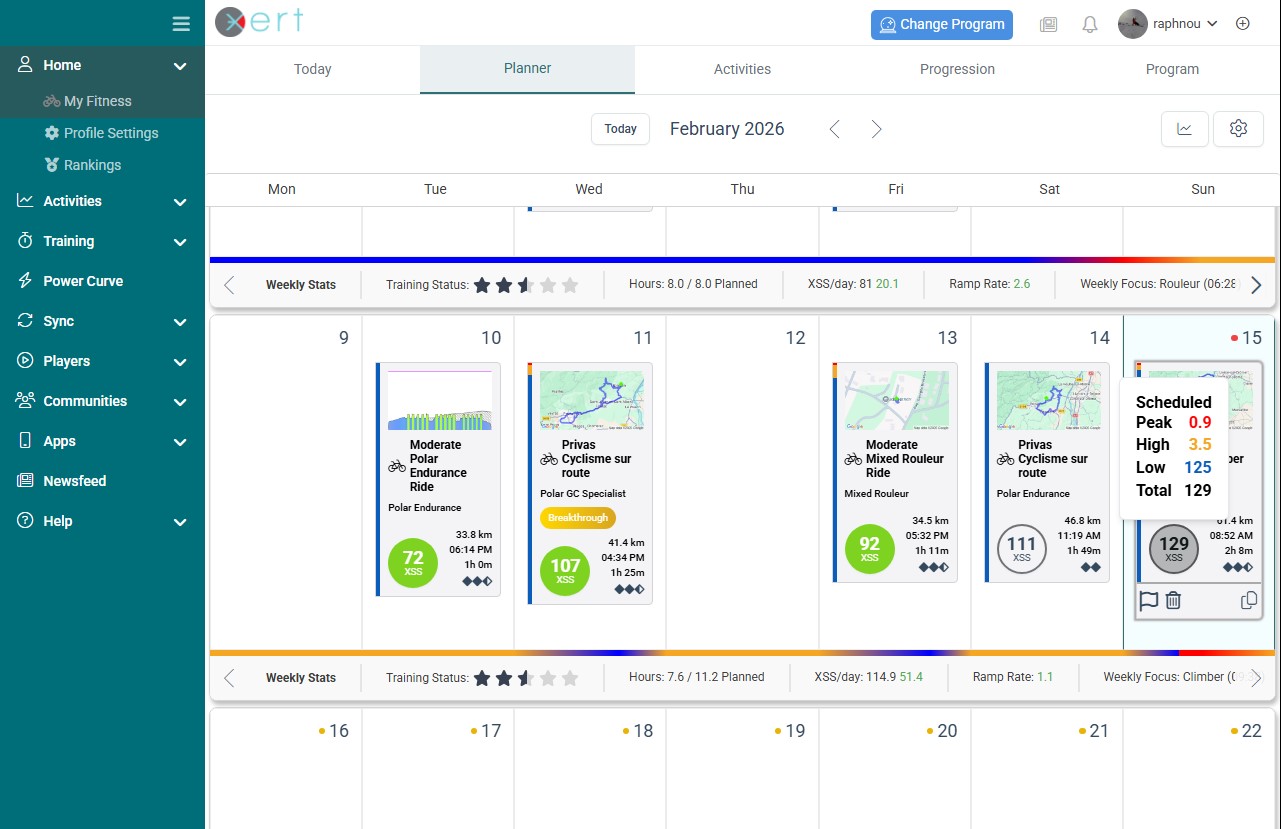
Aussi après la mise à jour j’avais des pastilles vertes sur le calendrier qui semblait correspondre à un objectif réussi, mais depuis 2 jours ça ne marche plus, je vois une pastille grise et seulement ce que j’ai complété.
Really love the new interface and information distribution and display. Not sure if this is a UI/X design or if it is even consistent for others. The ATA does not show on my phone, only when using tablet or computer web browser. All accessed through Chrome browser. Love the ATA and still use the gauge on a daily basis.
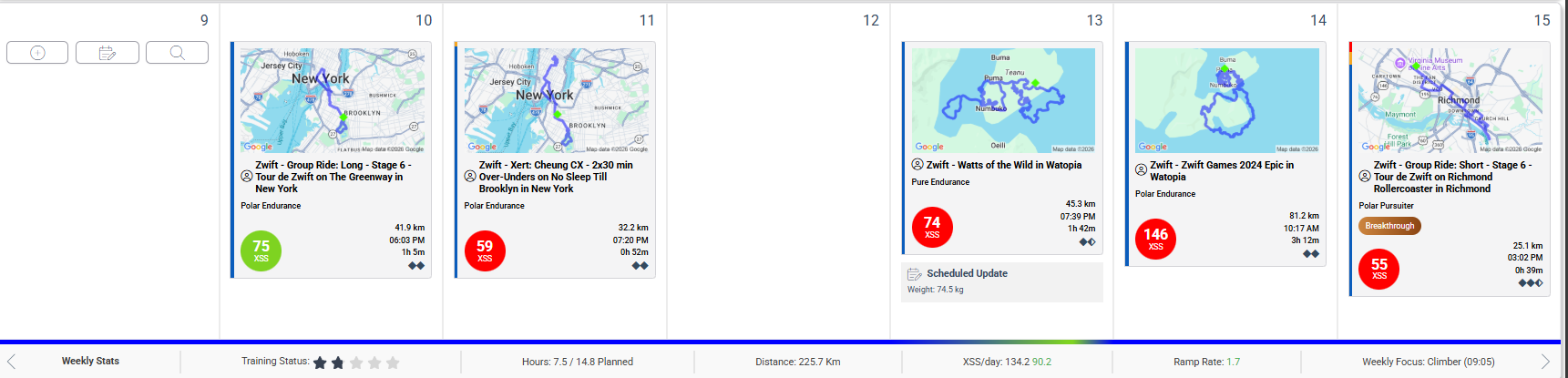
I am using the forecast AI and sometimes I want to move workous around the week and exchange for example a hard workout for an easier. Previously, I was able to remove workouts that i did not complete. Now they seem to sum together, but behind the scene. As seen below Xert says I have completed 7.5/14.8 hours planned and my XSS/day is 132.2 when it it is actually 58.4.
It would be amazing to be able to remove these workouts that were never completed to keep track of XSS/day/week without bringing out the old calculator.
Hi All - hope you had a good weekend. I see there’s been some activity here, so just thought I’d share a small update.
Known/Tracked Issues:
Display of Training Pacer on mobile
Weekly stats calculations
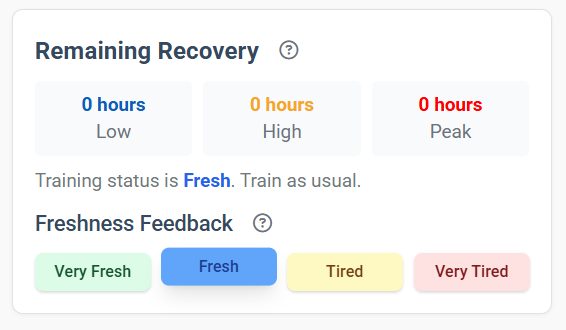
Freshness Feedback is/has always been a key feature of XATA programs. XFAI already allows you to adjust settings, adapt, or swap trainings, but perhaps this could be further refined moving forward.
Thanks MoS. For awareness, we can see Training Pacer Gauge when in Landscape on Mobiles, but only at 75% zoom and below, which comprises the rest of screen, etc. It would be great if this could be in portrait again at 100% zoom. Thanks
You gotta go into your browser settings and select „website zoom“ or something like that (depending on your browser). Set it to 70% there and the sidebar as well as the ATA/Pacer will show up