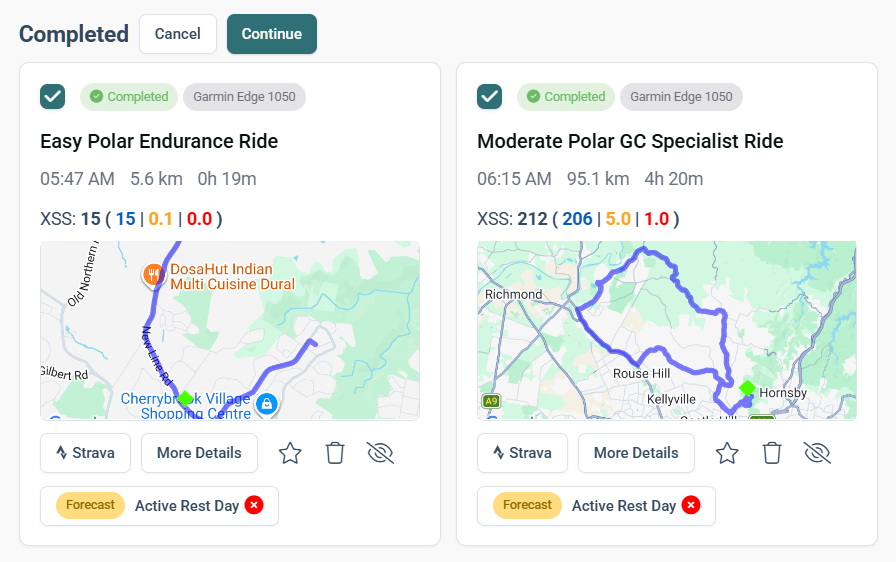
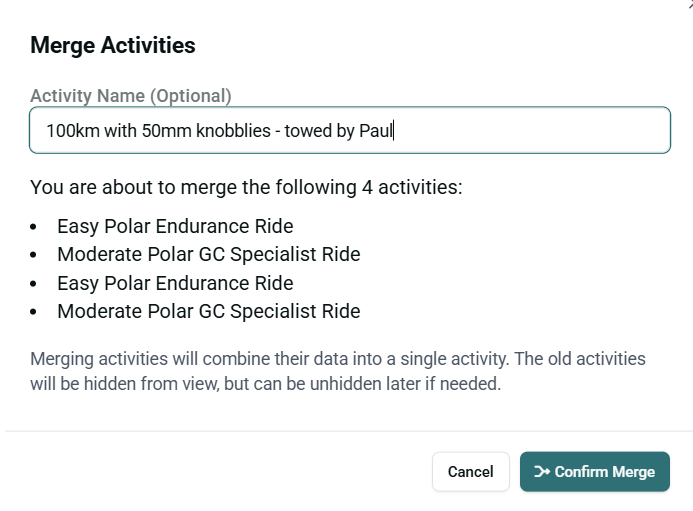
I love the idea of the new 'merge activities’ function, I just can’t get it to work.
After selecting activities and selecting to merge/continue, then the the dialogue for the merged activity name has a ‘confirm merge’ button, if I click this is says ‘processing’, but after a few seconds it returns to ‘confirm merge’, and so the cycle continues.
So, appears I have done everything correct, no errors or hints. I just keeps failing to process and returns to ‘confirm merge’ with no other options… I must be doing something wrong.
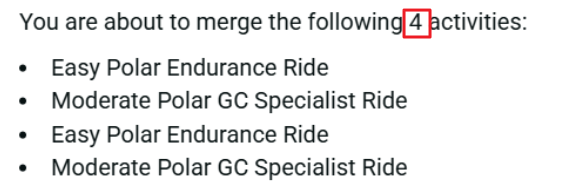
Exact same issue here. Love the idea of this as it means I can de-clutter my Strava feed for followers. 4 workouts this morning. Tried it on Win 11 laptop and also tried on the iphone. Tried to merge 2 activities in case it was struggling with 4. ‘Processing’ appears for a fraction of a second and then it goes back to ‘Confirm Merge’ screen.
If you’re having issues, please please include the original activity files that you’re trying to merge, where they’re coming from, and what happens when you try to merge them to our official support email so we can take a closer look.
Posting here without any of that information makes it very hard for us to help you out!
TLDR: Merging is only possible if Xert has received the original .fit files from a 3rd party platform. If you’re syncing activities from Strava, you won’t be able to merge them in Xert. It’s best to configure your devices/platforms to sync completed activities directly to Xert.
The activities also need to be the same type - e.g. cannot merge weight training with a cycling activity.
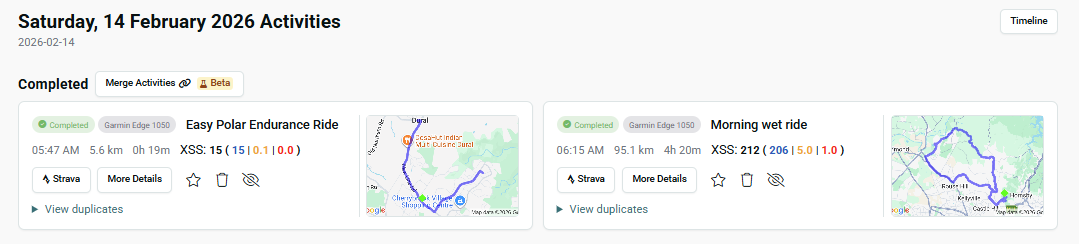
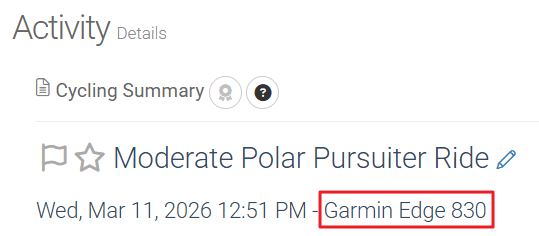
Just the two activites in the first image. One was my ride to a meetup for a ride, the seond was the ride itself. I had just stopped my Garmin activity and then restarted it.
This makes sense and is consistent with what I observed. I sync both Strava and Zwift to Xert. When I wanted to merge two rides together, I first tried to merge the two rides that were visible and I got that same issue. Then, when I looked at the two duplicates and merged the two duplicates, it worked. My guess it that the first set of rides came from Strava and the two duplicates were the ones from Zwift.
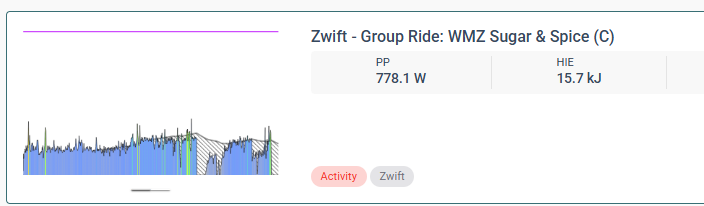
Confirming that merge works when synced from the Source. I just merged two Zwift activities, a TTT warmup and the TTT activity…. worked perfectly.
Interestingly though, after merging, the merge/combined XSS for the two merged rides now doesn’t appear on my planner for the day.
Today I did three rides XSS per ride as follows:
81 xss
9 xss
95 xss
I merge rides 2 & 3, so now my rides are:
81 xss
104 xss
However, on the planner, it now shows my total for the day as 81 xss. The merge ride XSS is not longer included in the days total in the planner
The ‘Today’ and ‘Activies’ views are correct but the total XSS for the day on the planner doesn’t include the merged activities…. not a biggie, but an observation.
Have you tried going to Home→My Fitness, Planner tab, then Settings icon on the far upper right area (looks like a cog), then Enable “Summarize days with multiple activities”?
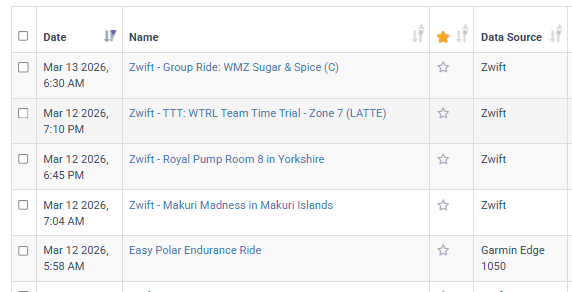
Useful info, I can see it in the My Fitness Activities view, and in the activities table if I add the Data Source column… I’m sure there are other places. Some here from ‘Zwift’ and my Garmin 1050