We’ve made significant improvements to your Today page and to the Planner to make things easier to work with, more intuitive, and with information better organized and laid out. We’ve also made working on your mobile web browser even better. Here is a list of the changes you’ll see:
Today Page Improvements:
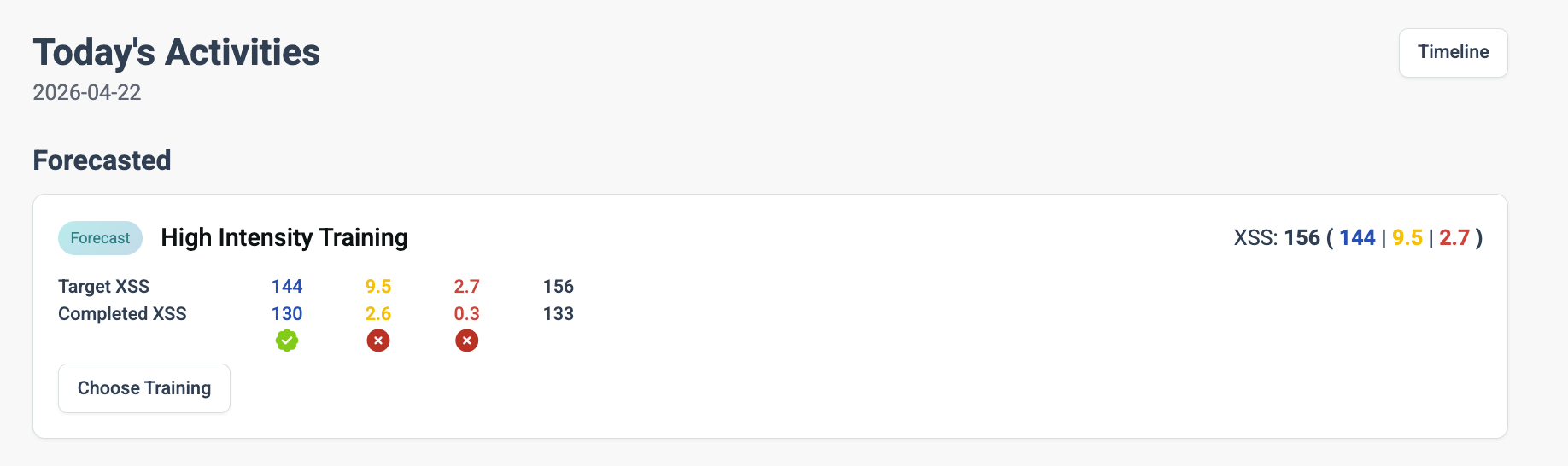
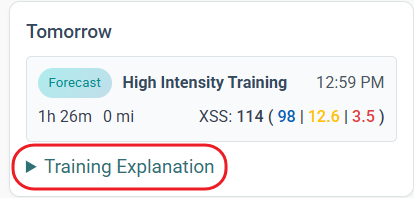
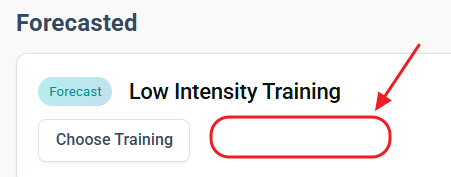
Choose Training now available in Today / Forecast section
Choose Training modal more logically divided into Workout, Activities and Workout Generator
Magic Buckets and Generate Workout are now more intuitive to use
Planner Improvements
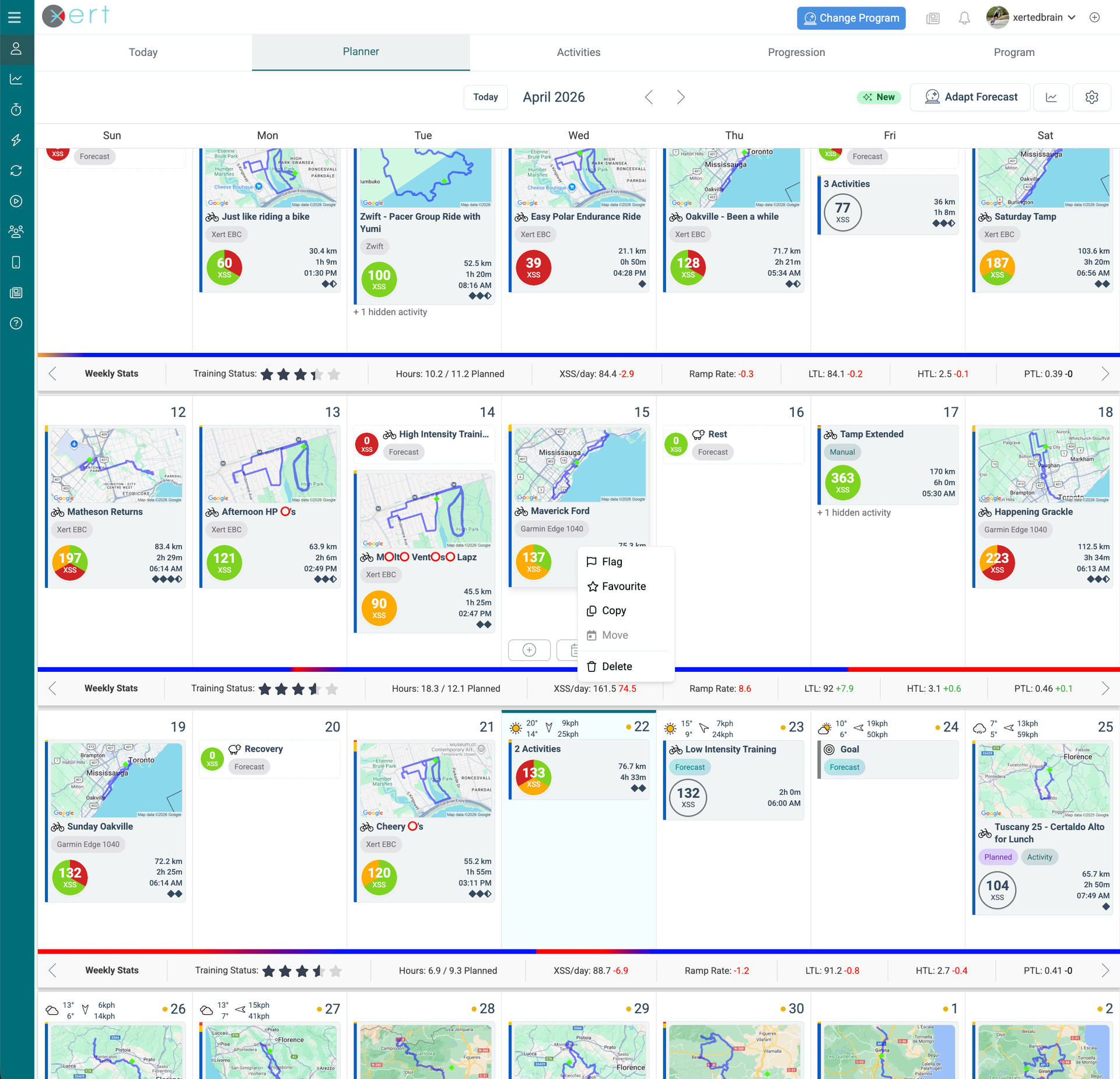
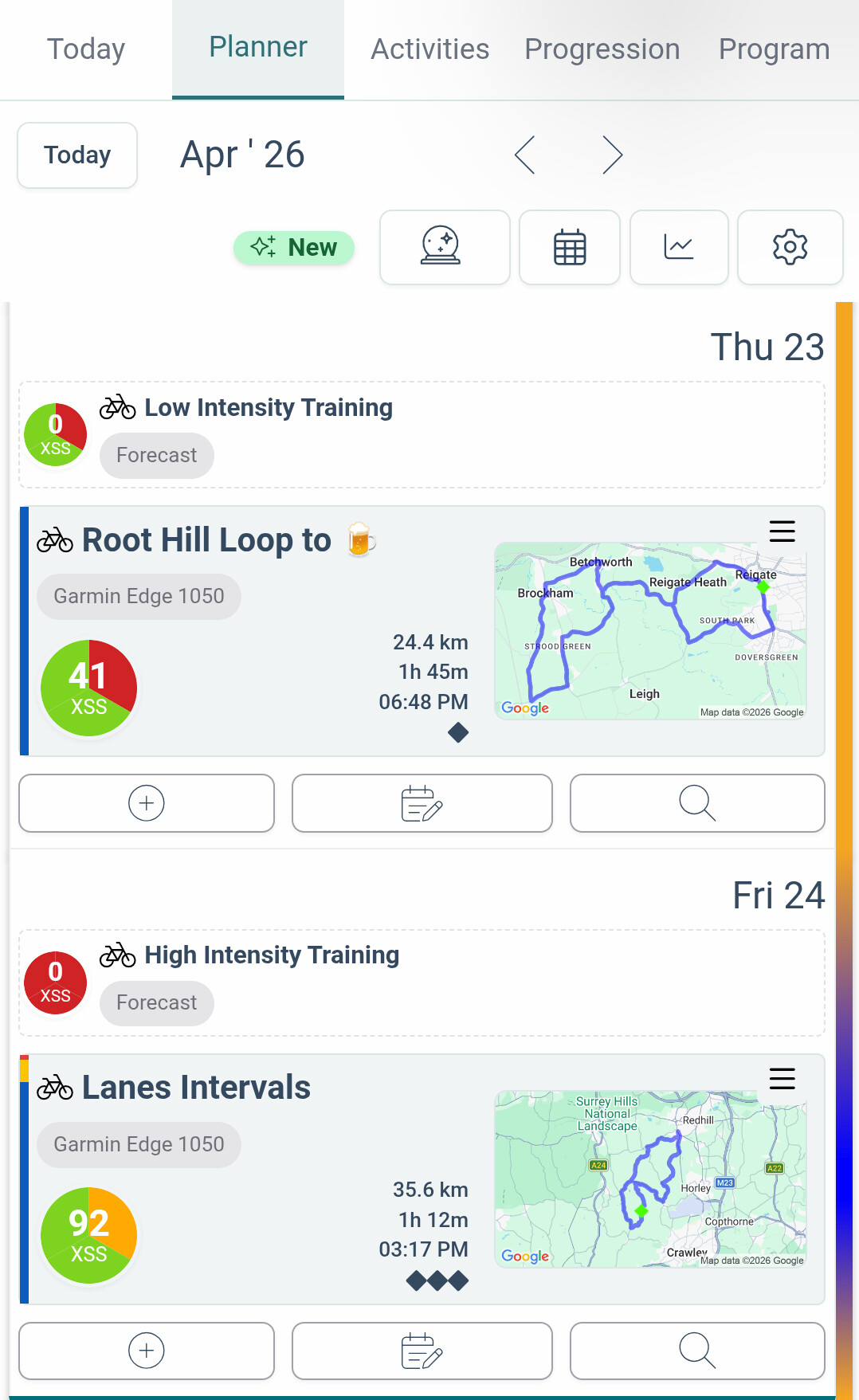
Forecast tag colour improved for better readability
XSS circle shows compliance colours as pie segments
Compliance on recovery and rest days are now indicated
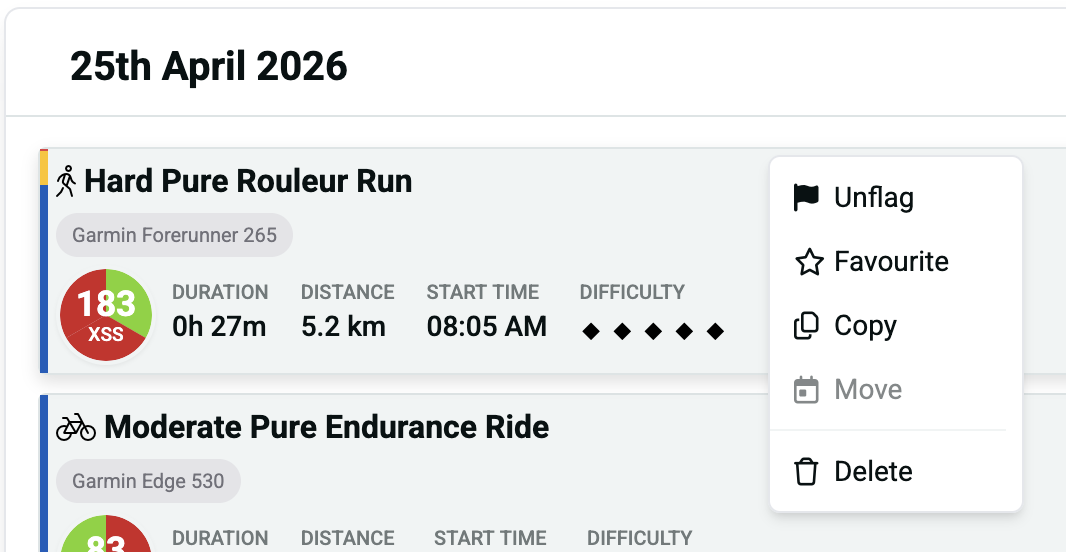
Hover actions and buttons reduced and simplified for easier use
Right-click menu actions added replacing hover actions on activities and workouts
Improved planner loading time and updates
Reduced occurrence of blank Planner requiring page reloading
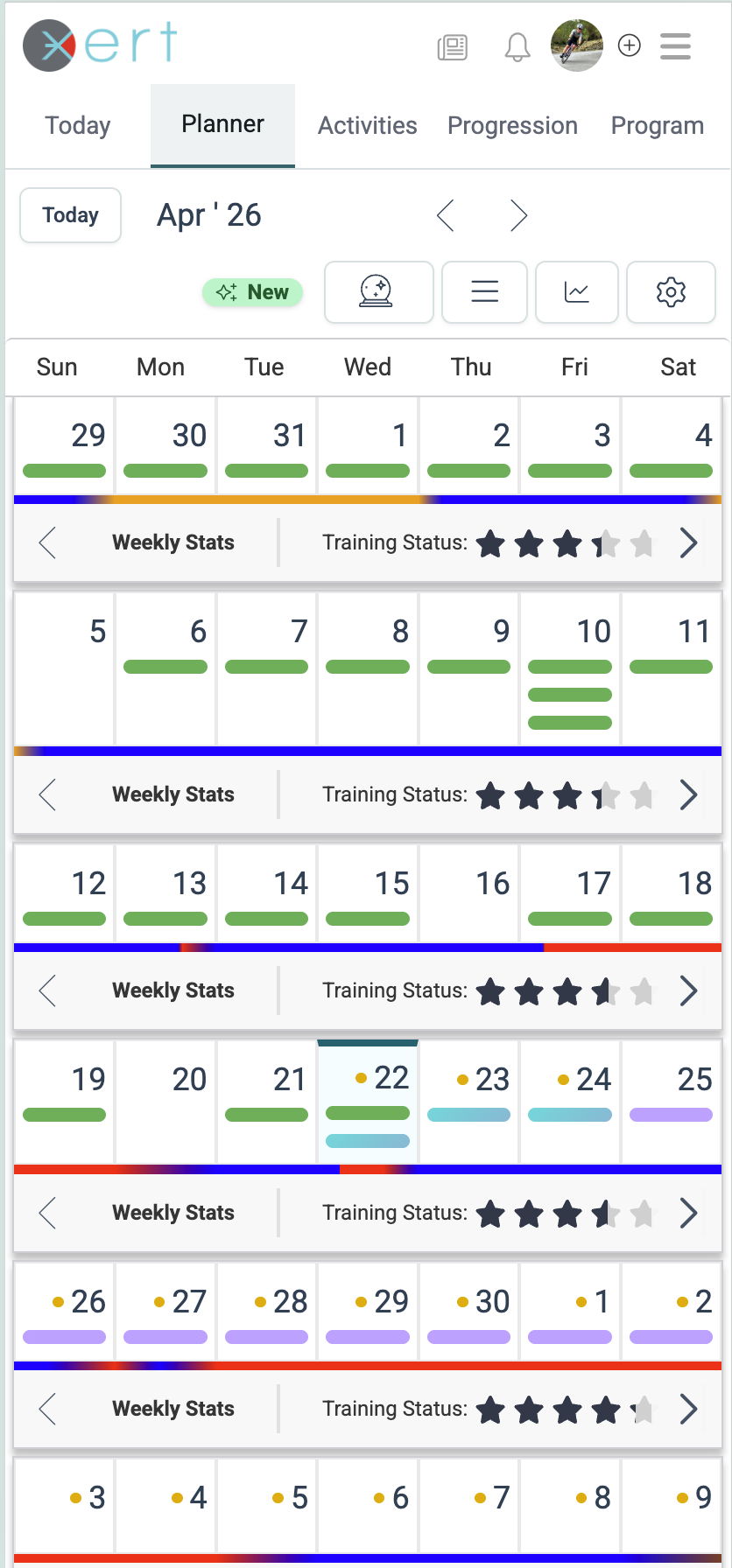
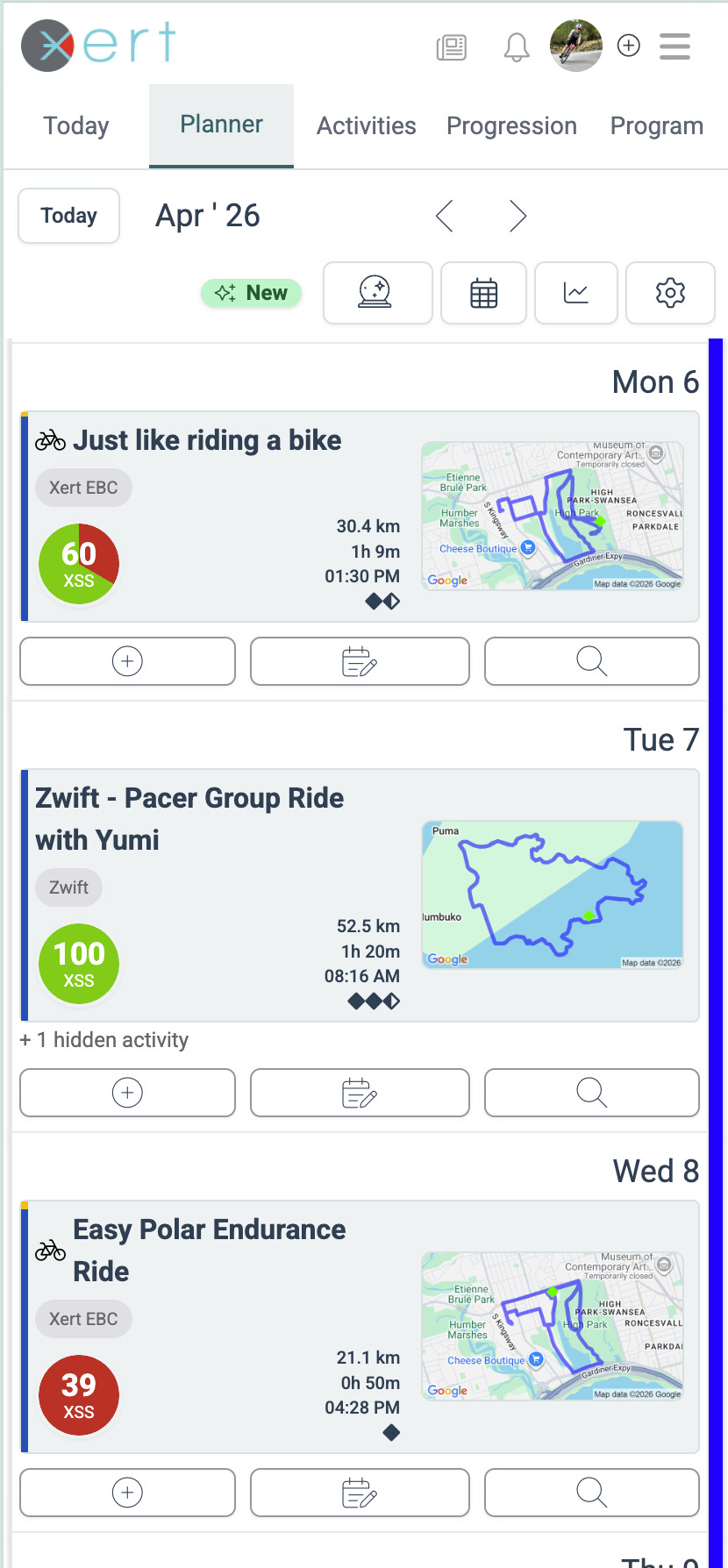
New mobile monthly view and monthly/daily view button
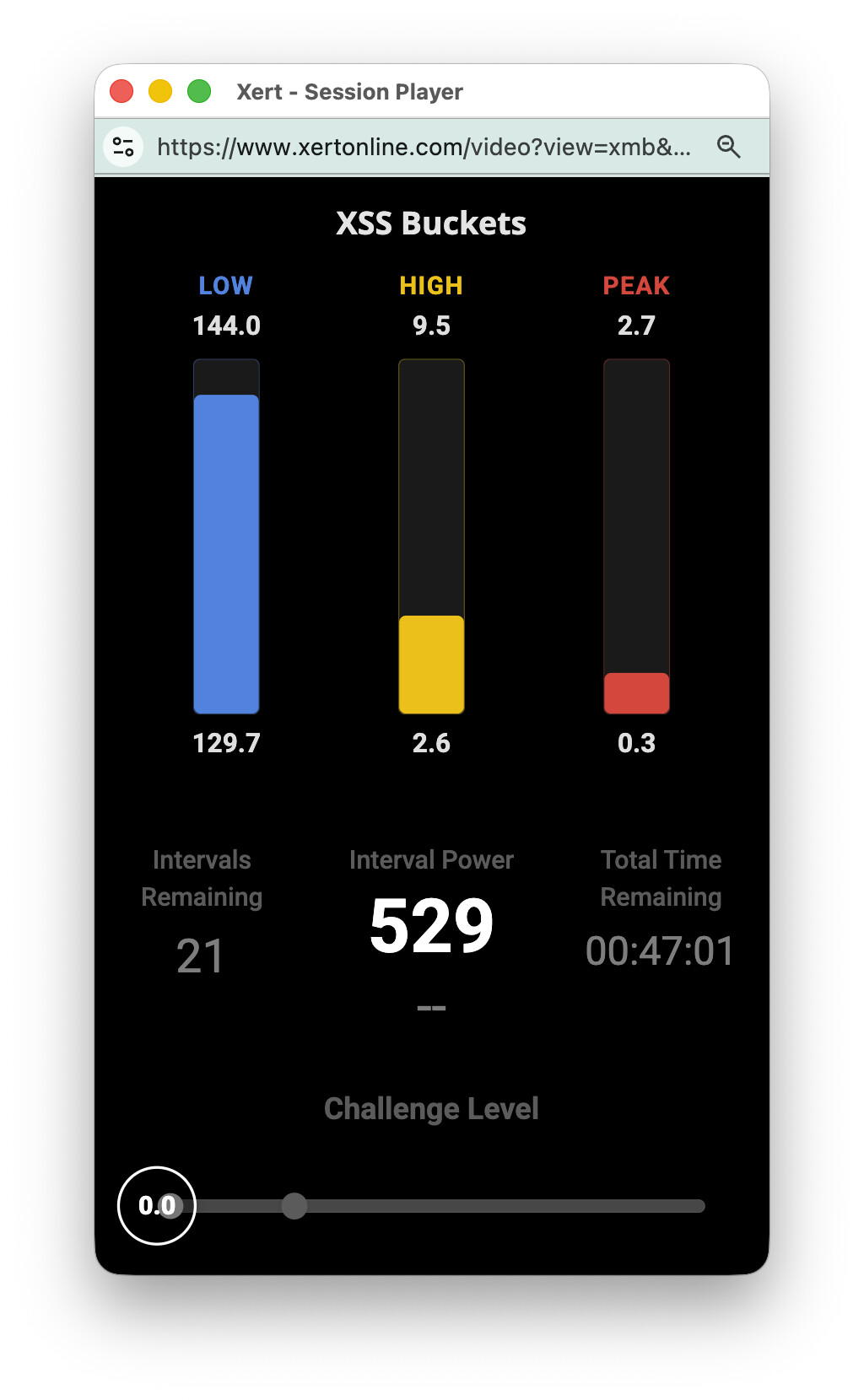
Buckets are now available as a web widget. Open the web-based XSS Buckets window together while you’re recording on your Xert EBC Android or iOS app and watch your buckets fill alongside whatever you watch during workouts - Zwift, Rouvy, Netflix, Youtube, etc. While the web-based buckets isn’t a full-fledged Magic Buckets system, it’s an excellent visual for those that would like to view their training in real-time alongside other applications.
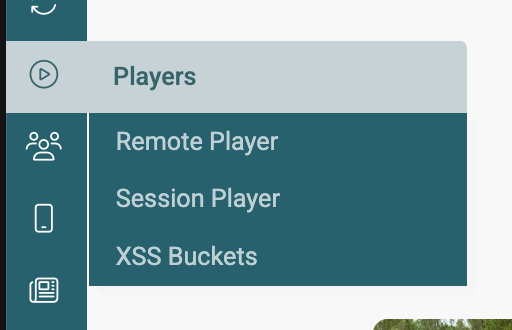
To use the new XSS Buckets viewer, start your recording on Xert EBC for Android or iOS. Then go to https://www.xertonline.com and use the menu to open XSS Buckets. If you prefer to use the Sessions Player, the new XSS Buckets viewer replaces the existing Chat viewer in the bottom left.
The viewer has the following information:
Low, high and peak buckets targets and current daily total
Target Interval Power or Target Endurance Power for low intensity only
Intervals Remaining - Like with Magic Buckets you can do multiple intervals at a time. Plan to do 3 intervals for example before taking a recovery interval.
Estimated Time Remaining - Rough estimate of time remaining to completely fill the buckets
Challenge Level Bar - this shows the current Challenge Level with indicator of when to restart your next interval. The default indicator is set to Challenge Level 2 but will adjust as you fill the buckets.
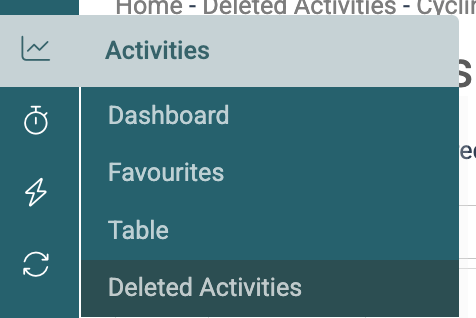
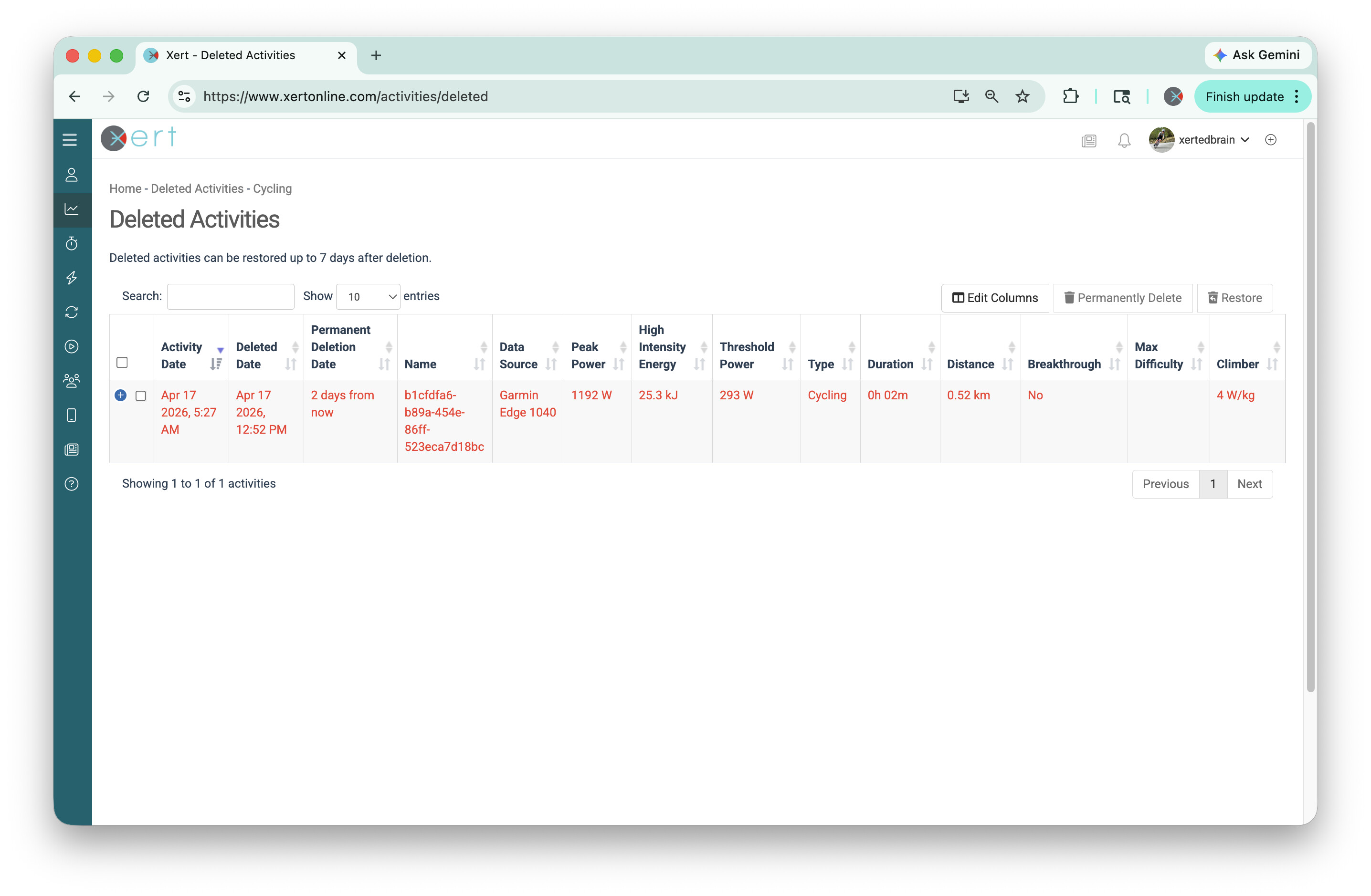
Accidentally deleted an activity? No problem. Deleted activities are now stored for 7 days, giving you a chance to recover them before they’re permanently removed.
Right clicking on web elements generates different experiences for different browsers, is not intuitive since people aren’t right clicking on web site elements regularly and haven’t been right clicking on web elements for 30 years, and Mac users are not right clickers in general.
I don’t agree with this change, at all.
The hover wasn’t good either. How about a stable, always there, visible at all times, interface element. Please
Since the UI update a couple of days ago, my planner is showing the training planned in addition to the activity which covered it, with the training showing as incomplete (re pie sections on wheel).
For previous days, once the activity was done it replaced the planned training item on the planner.
When I look at the today page, the planned training and the activity are shown as ‘linked’, this just isn’t reflected on the planner?
Since the last update my Training Surplus/Deficit doesn’t appear to update when I have completed an Activity until the next day. Is there something I need to change or is there now a lag in the process?
How can I use older UI? This new one with new way of copying/moving files is totally awful. Please do not make any changes to UI because UX is tanking down. Instead of making things easier to operate: like copying planned workouts you made it worse. Why should I input exact date when copying workout? it should copy to clipboard and I will paste it where I want or copy it via drag & drop like before sort of. in realite whereas what was one step drag and drop process is now two step process and not drag and drop. What a step back with this new update and totally anti user-friendly.
Also, for the past 3-4 months when I manually plan workout xss, I cant see it on my Garmin Edge in Xert dashboard or magic buckets. What I see is xss per xata. Again, why? If I plan certain XSS a system should show actual planned xss and not XATA xss.
The hover feature that was showing/hiding the copy/move icons was really not so great and frustrating to use. Now, you can copy an activity and then move it by just click-and-drag it to the day you would like. Not really that much additional effort really.
If you need help with manually planning xss / Xata, best to contact support@xertonline.com. We’d be happy to assist.
You must be kidding. Honestly. The new way of copying and moving activities (completed or planned) is so annoying. Before it was so much easier. Now you have to do 2-3 clicks more, it is not intiuitive. Previously it was easy, self-explanatory a modern. Now? It is like from linux version 1995. Come on. Be honest and accept that what you did is not best practice nor user friendly. Should Xert do not have garmin dashboards and automatic calculation of TP, LTP and power-curve I would seriously consider leaving Xert. It has been long time i saw a company to degrade it’s UI/UX in such a way, though it is becoming reality nowadays with more companies.
 Honestly. The new way of copying and moving activities (completed or planned) is so annoying. Before it was so much easier. Now you have to do 2-3 clicks more, it is not intiuitive. Previously it was easy, self-explanatory a modern. Now? It is like from linux version 1995. Come on. Be honest and accept that what you did is not best practice nor user friendly. Should Xert do not have garmin dashboards and automatic calculation of TP, LTP and power-curve I would seriously consider leaving Xert. It has been long time i saw a company to degrade it’s UI/UX in such a way, though it is becoming reality nowadays with more companies.