I currently use Xert on my karoo3 with the hammerhead extension. When I assign a workout to my calendar and click “send to xert EBC”, it doesn’t seem to change my interval workouts on my karoo. I feel like when I use Xert on Karoo, it defaults to magic buckets, and keeps adjusting my workout on the fly.
Is there a way to just follow a predefined interval in Xert?
Today, I generated a workout on my calendar with the magic bucket autogen feature.
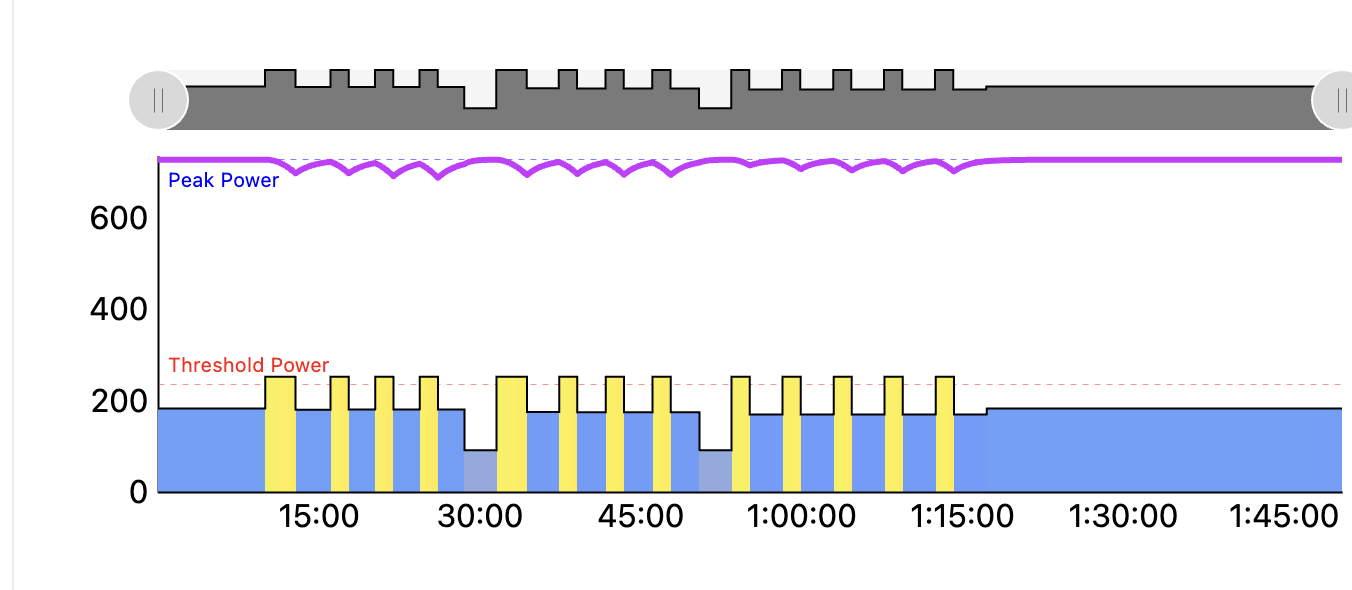
When I sent this workout to Xert EBC, and opened it up my karoo3, it just took me to magic buckets. I can start the first interval at the prescribed power, but as soon as my power drops (due to cornering, road etc), it resets my interval and starts counting the recovery interval. Then I lose track of how long I spent in this interval (since it reset to 0). This is really annoying…I ended up taking out my phone to read over the workouts, went back to my default lap screen on my karoo 3, and used the lap features there.
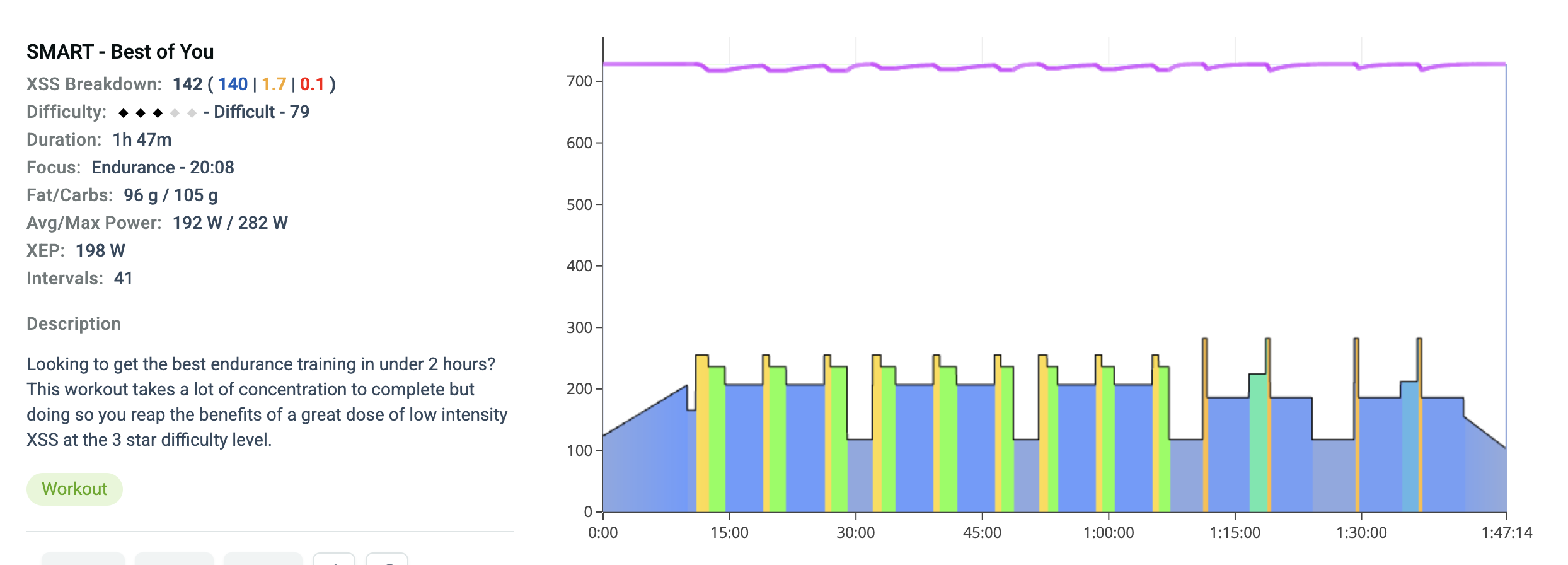
luckily this is fairly straight forward workout to memorize. For something with a bit more variety for example below, how would you go about doing it outdoors with Xert?
Outdoors it’s much easier to use Magic Buckets to achieve the goal for the day or do you have routes that support executing a rigidly structured workout?.
I have routes that allow me to complete more rigid intervals. Long gradual climbs that I can go up for a while and come back down during rest intervals.
More details might be needed.. Are you launching the Xert EBC app after starting a ride using your Karoo ride profile? Or are you directly opening Xert EBC from the extensions menu and starting your activity from there?
I’ll dig out my K2 and do some more testing to provide a better answer.
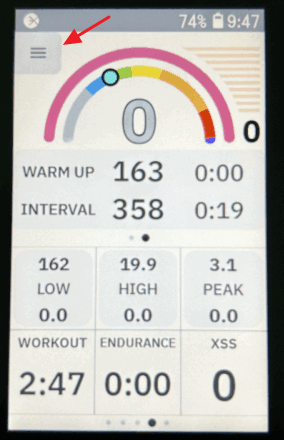
I’m starting a ride first, then tapping on the “MPA” field to bring up Xert EBC. Then I go to hamburger menu within Xert and then “workouts” from there.