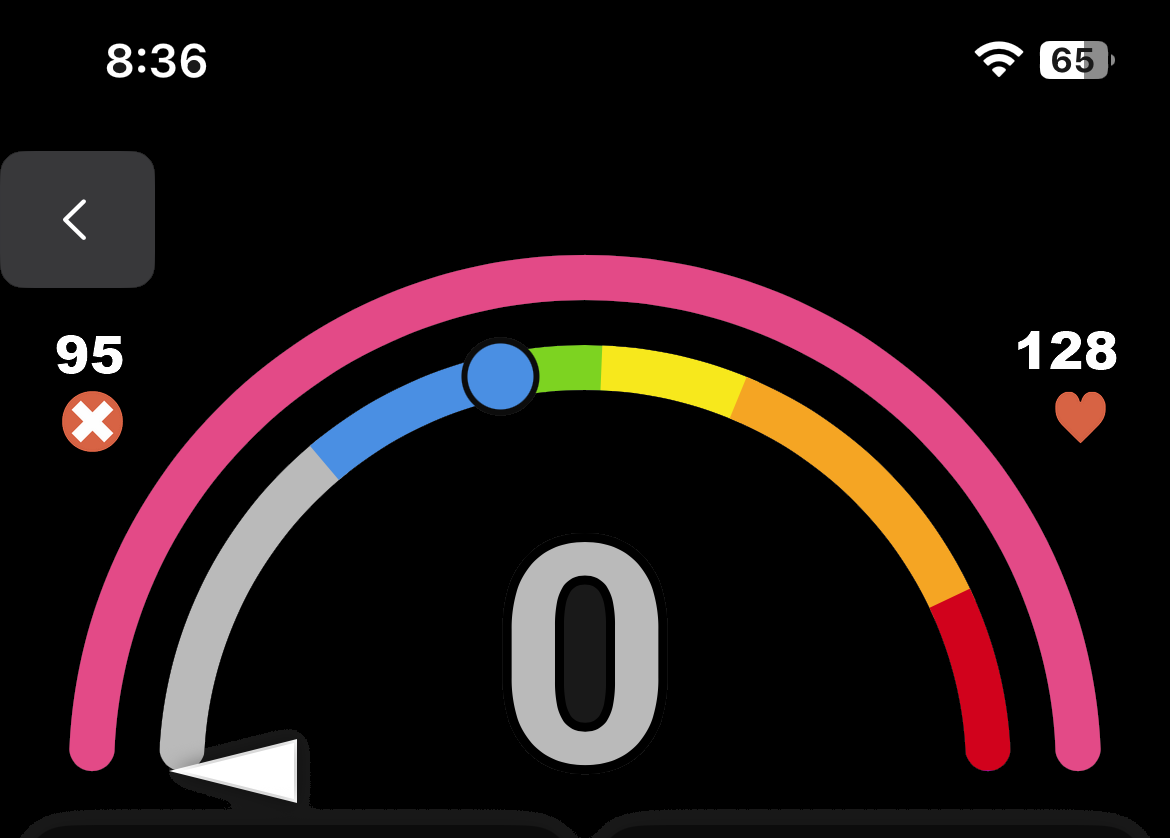
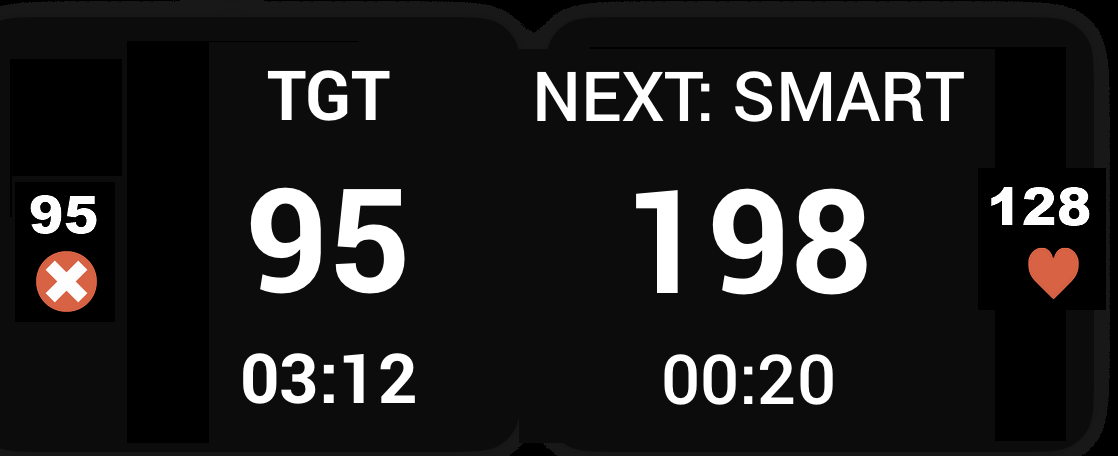
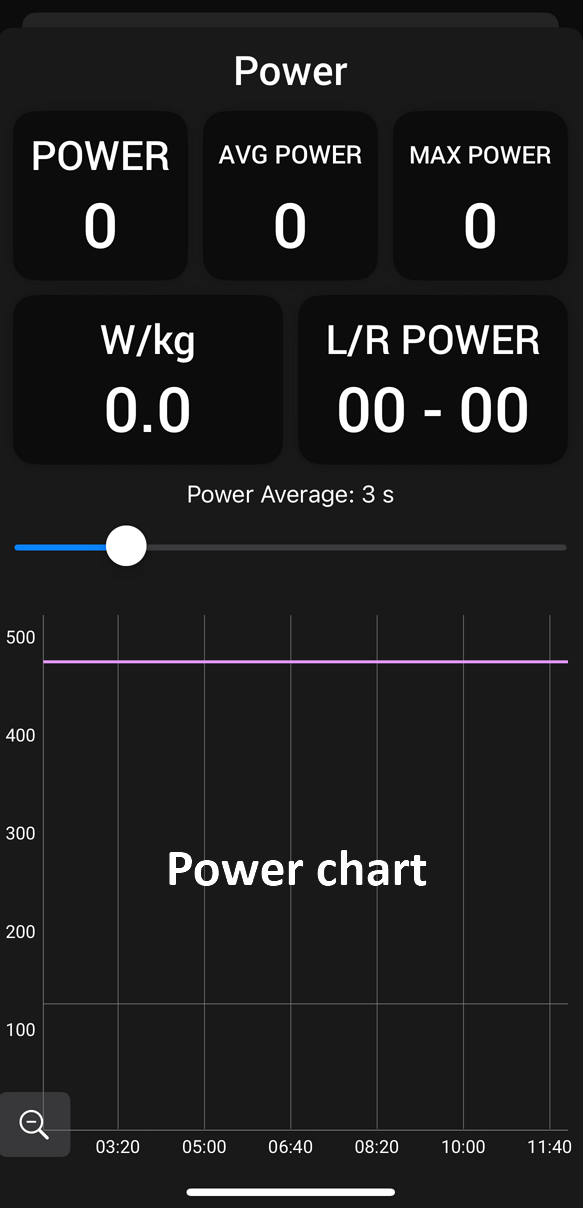
Hi everyone!  We’ve rewritten the Xert iOS app from the ground up using Apple’s native UI framework. The interface will feel familiar if you’ve used the app before: the visual changes are intentionally subtle, but everything underneath is new!
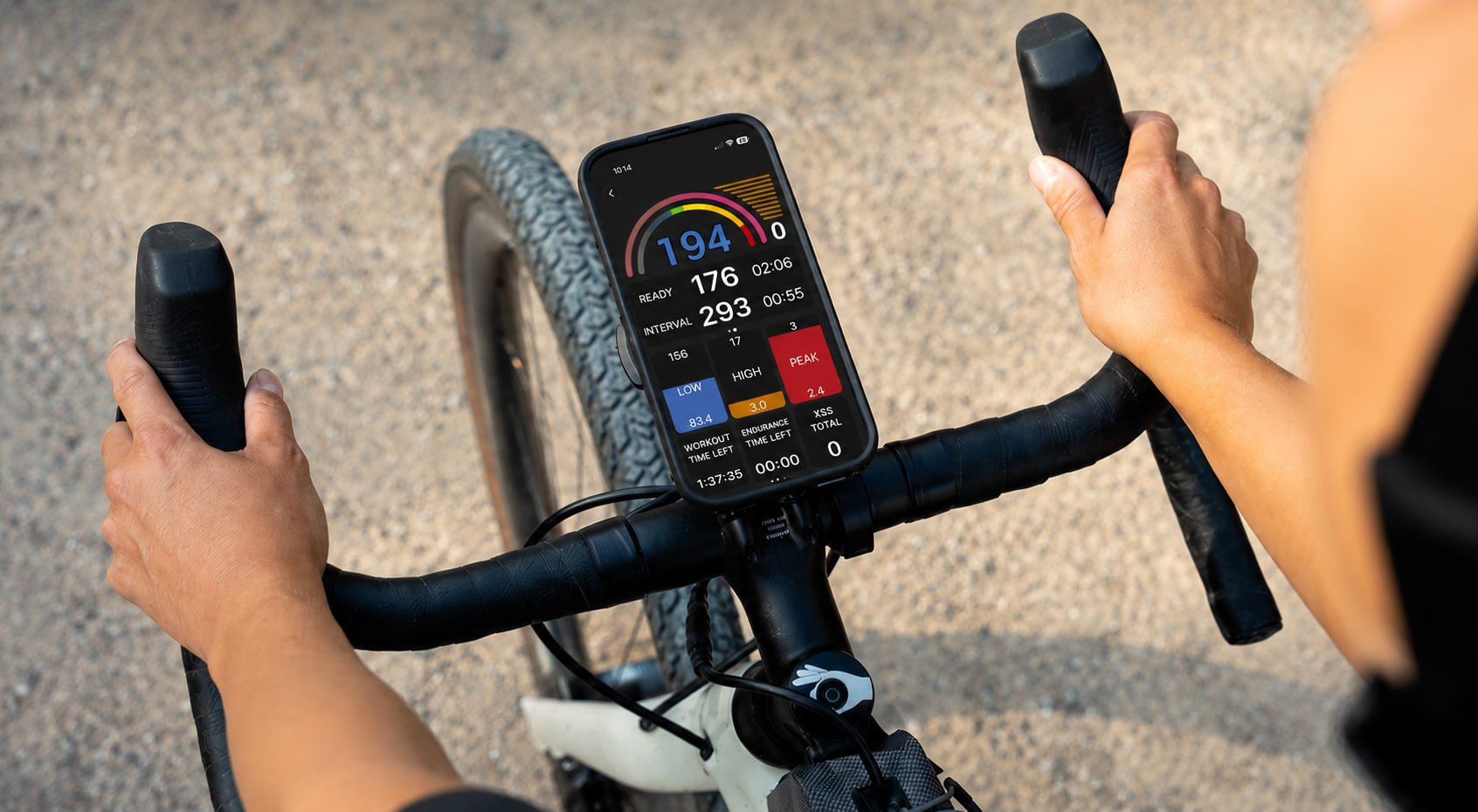
The core functionality is all here; a few smaller polish items (animations, spacing, that kind of thing) are still being refined ahead of the official release.
How to Join
- Tap this link on your iOS device: Join the Xert EBC beta - TestFlight - Apple
- If you don’t already have the TestFlight app, you’ll be prompted to install it from the App Store — do that, then return to the link.
- Once TestFlight is installed, the link will let you install the Xert EBC beta.
What’s New!
Magic Buckets - New to iOS
Magic Buckets are now available on the app for the first time! No need to select a workout, the app will use your Low/High/Peak targets for the day to create your workout on the fly. Can be used for indoor or outdoor rides!
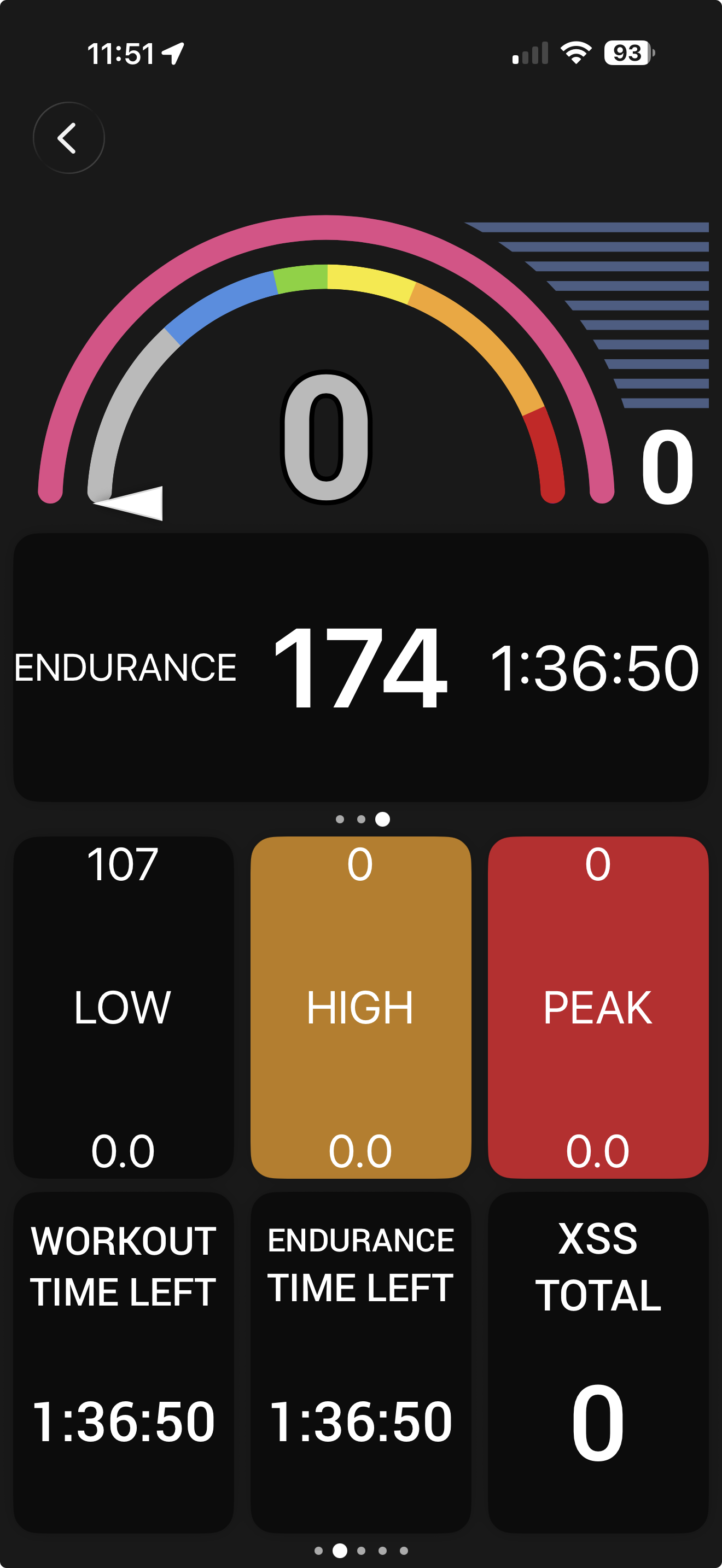
Free Ride or Follow a Workout - Indoors or Outdoors
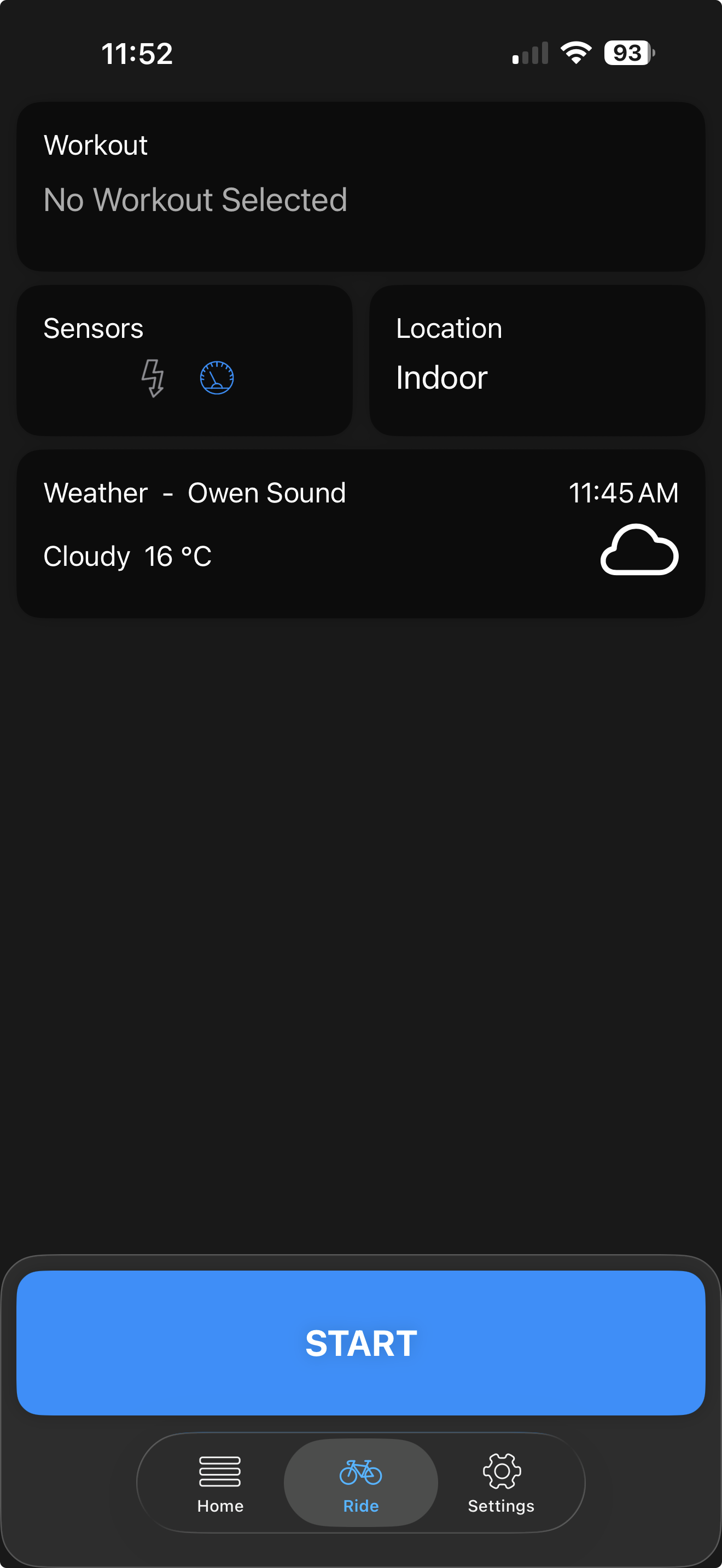
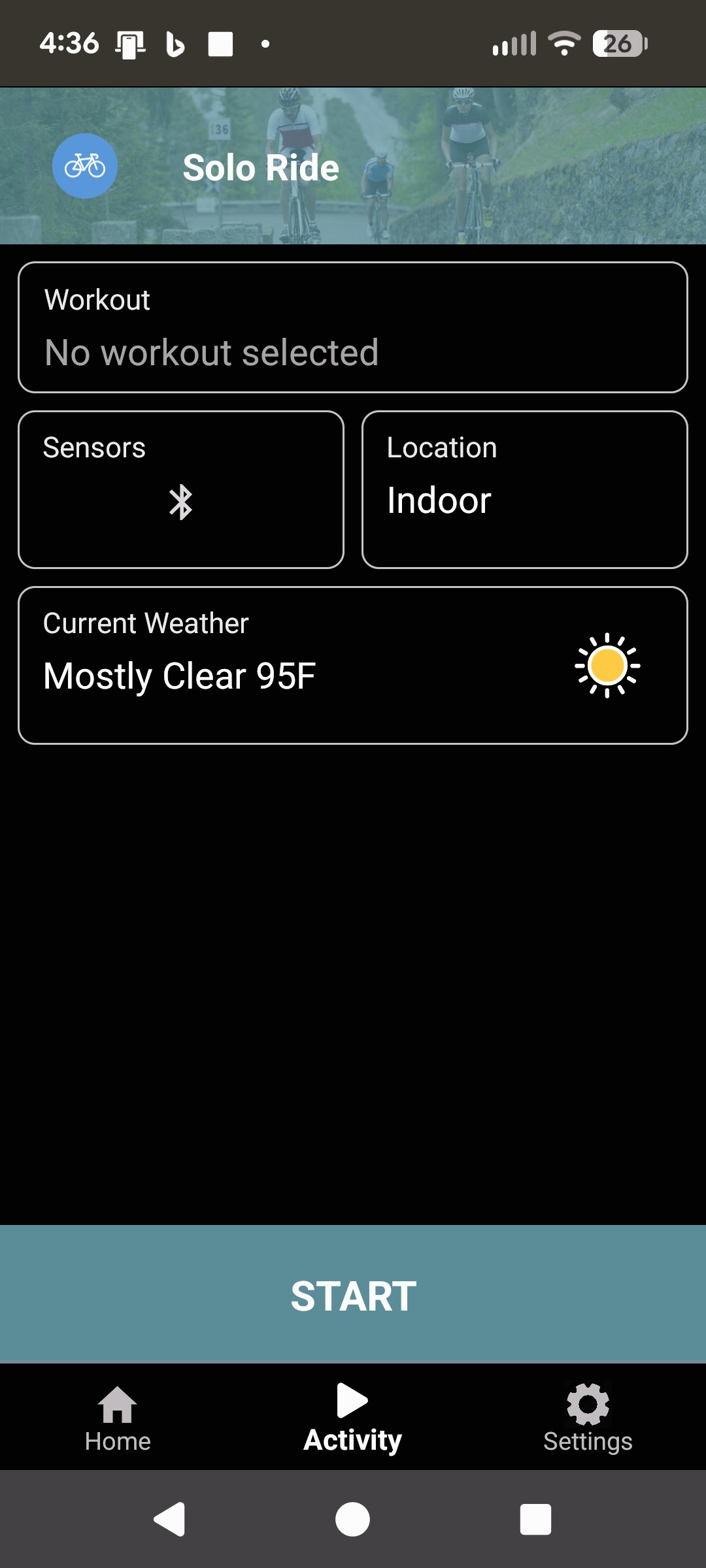
You can now start a free ride or follow along with a structured workout in either an indoor or outdoor mode.
Note: Sensors are remembered separately for indoor vs. outdoor - so the app will automatically connect to sensors based on where you’re planning to train.
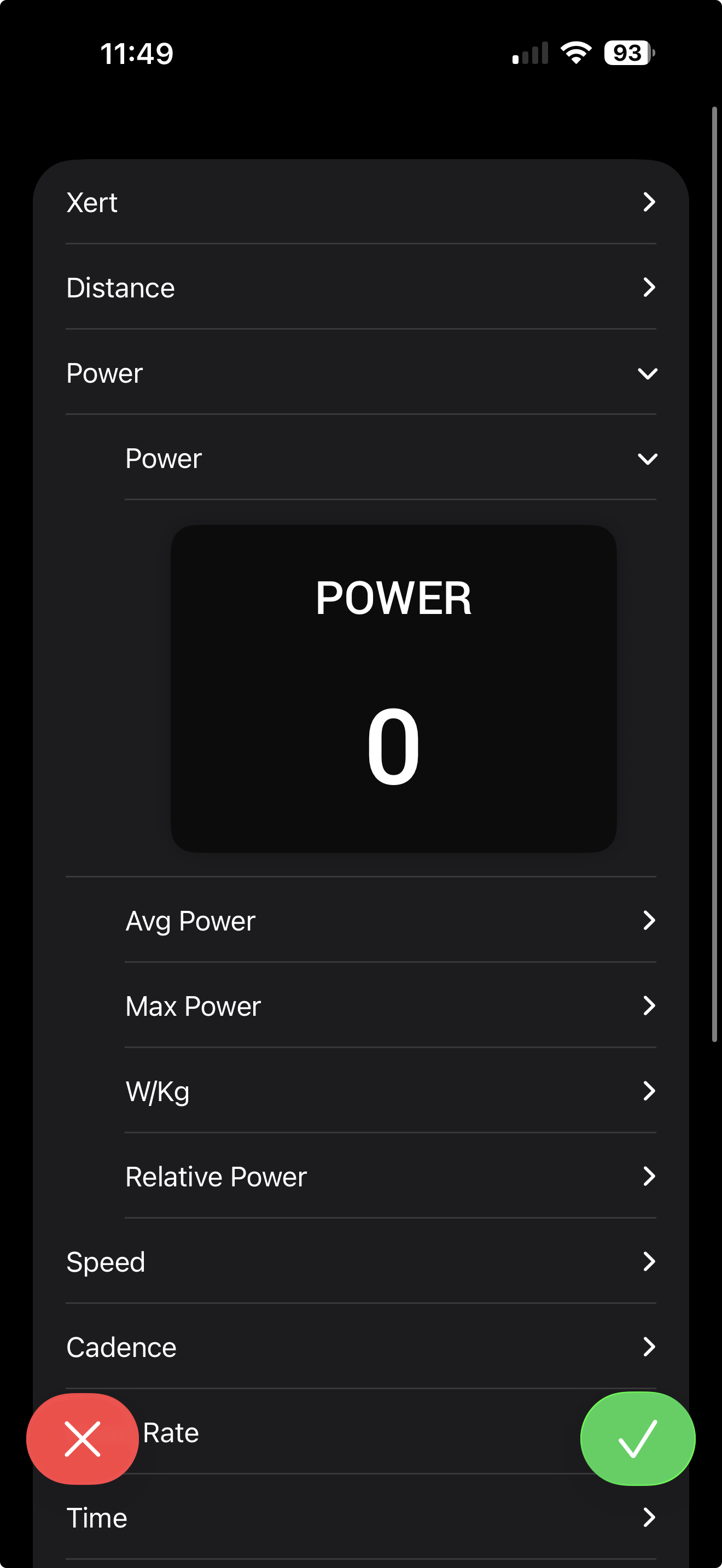
Customizable Data Fields
Data screens for both indoor and outdoor rides can now be customized to show the fields that matter to you. During an activity, tap on a data cell to bring up all metrics in that data “group”.
Light & Dark Mode
The app now supports both Light and Dark mode:
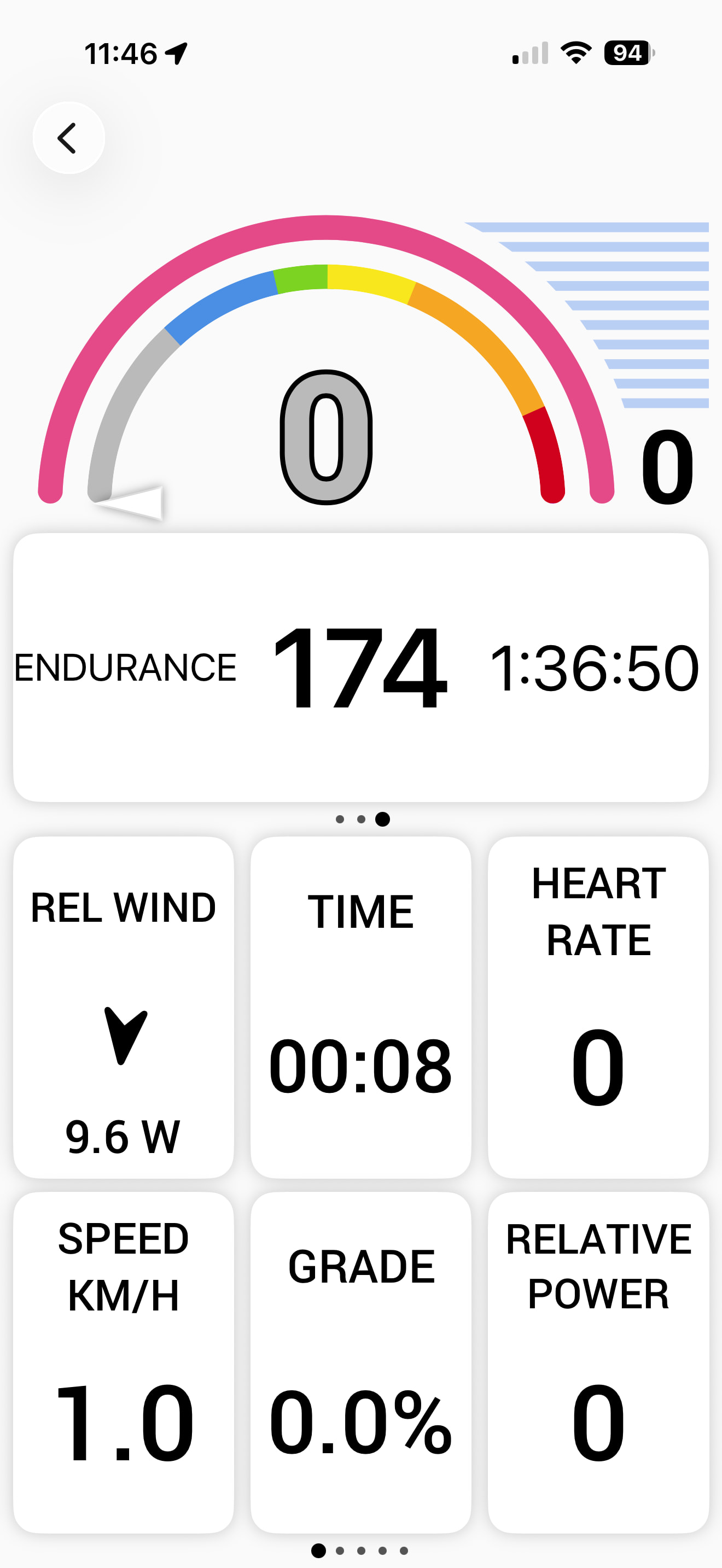
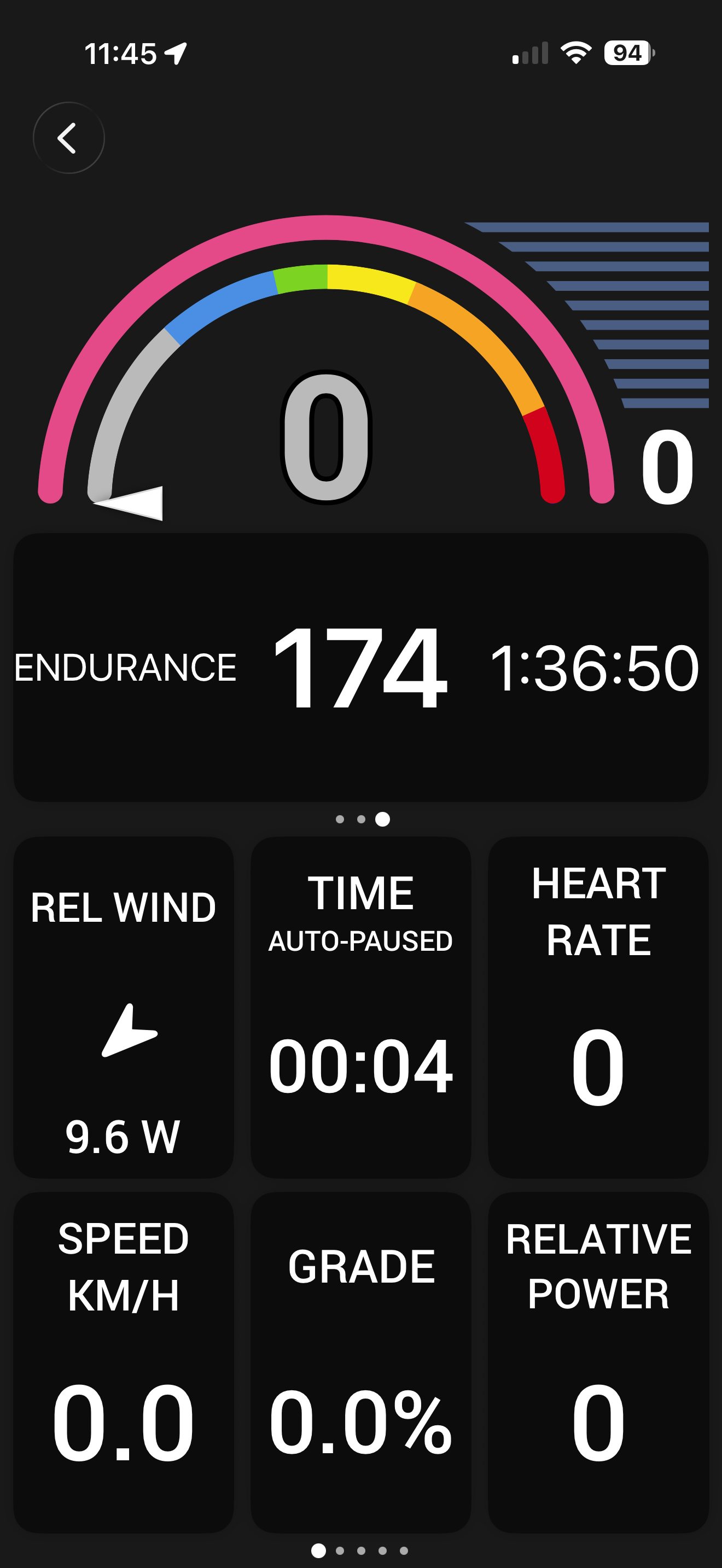
Note: By default, the app will use your devices preferred setting, but can be adjusted in Settings > Display menu.
Redesigned Trainer Control Panel
For indoor workouts and free rides, the trainer control panel has been redesigned. Tap to select your desired trainer mode, then use the +/- buttons to adjust, or tap the value itself to bring up a scroll wheel for faster adjustments.
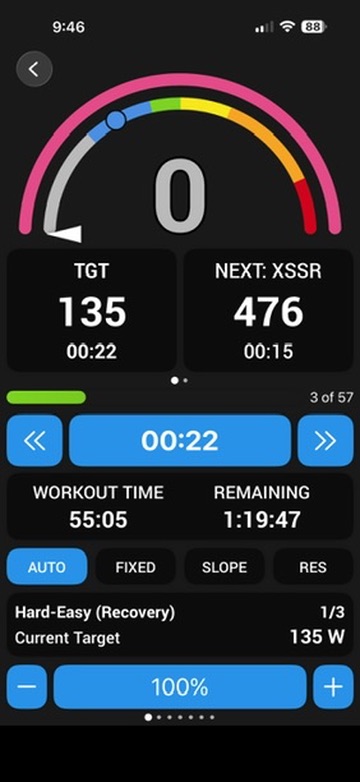
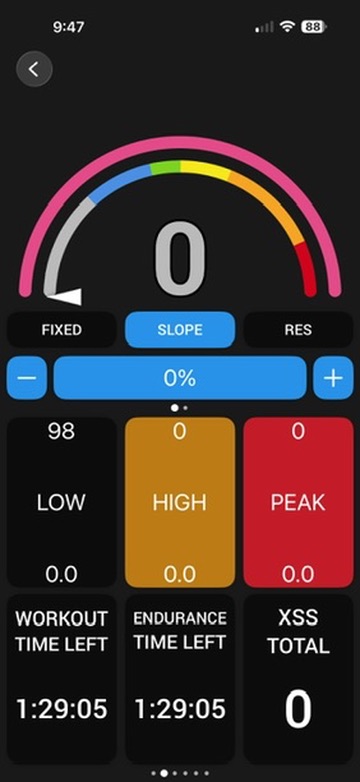
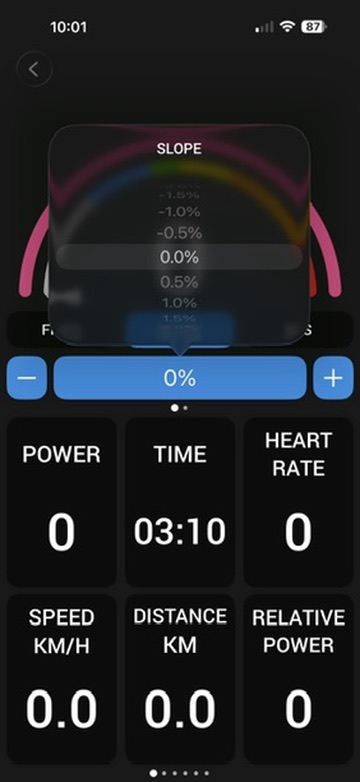
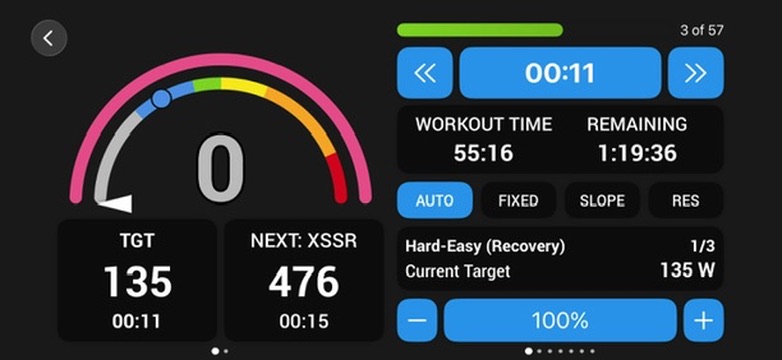
- AUTO — follows along with structured workouts, and automatically transitions the trainer to slope mode for Xert’s advanced Mixed Mode workouts
- FIXED — holds a fixed resistance level (e.g. 100 W, in 5W increments)
- SLOPE — holds a fixed gradient (e.g. 1.0%, in 0.5% increments)
- RES (Resistance) — holds a fixed trainer resistance level (varies by manufacturer; 1% increments)
Landscape Mode for Activity Recording
Landscape orientation is now supported!  If you have the hardware for it, we’d especially love to hear from iPad users, and anyone able to test mirroring to AppleTV for an easier viewing experience.
What We Need You to Test
Since this is a complete rewrite from the ground up, everything in the app is new! So please don’t limit yourself to the list below; if you find yourself in a part of the app we haven’t called out, poke around and let us know how it goes.
That said, here’s where we’d suggest starting, since these are the areas we most want confirmed working:
- Sensor connectivity — pairing and staying connected, both indoors and outdoors
- Workout flow — selecting, starting, and ending workouts
- Magic Buckets — indoors and outdoors
- Landscape orientation — iPad, and AppleTV mirroring if you have it available
How to Report What You Find
Reply in this thread with:
- What you were testing
- What happened — including whether it’s a bug, something confusing, or just a rough visual edge
- Screenshot or screen recording (if you’ve got one) demonstrating the issue
- Device + iOS version
App crashes or something that’s really broken? Please don’t post those here. Email them directly to support@xertonline.com so we can track and follow up on them properly. Include your device, iOS version, and a screenshot or recording if possible.
Thanks for helping put the app through its paces. 


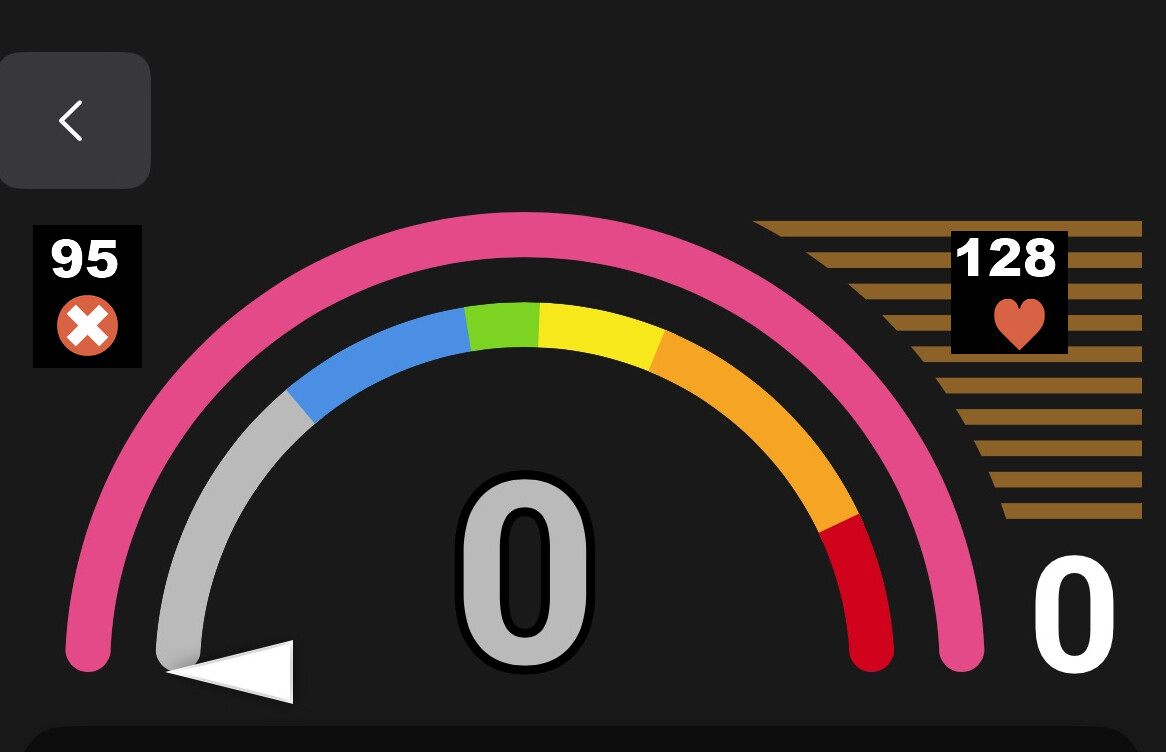
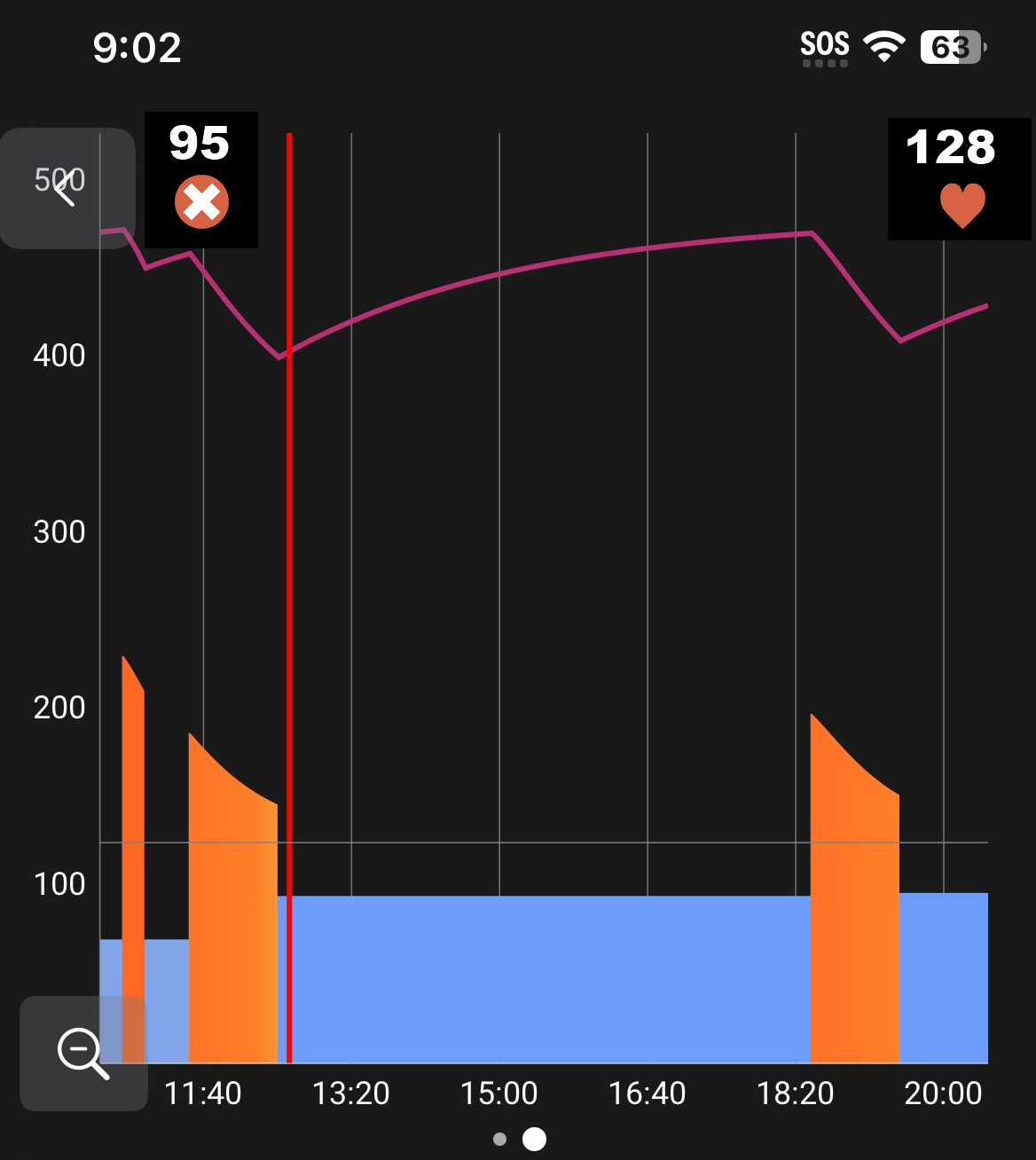
 like this mockup with chainring (x) and heart icons –