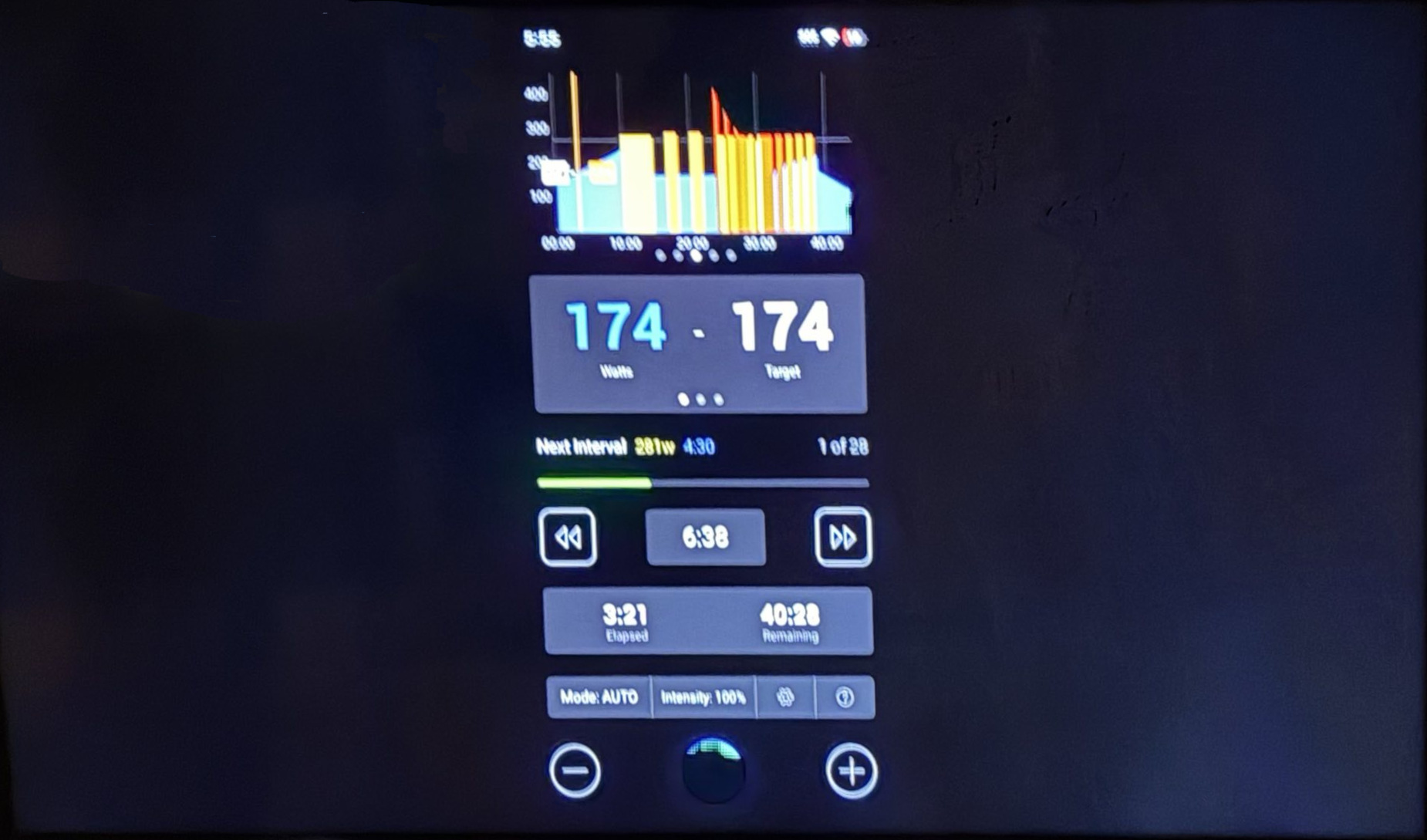
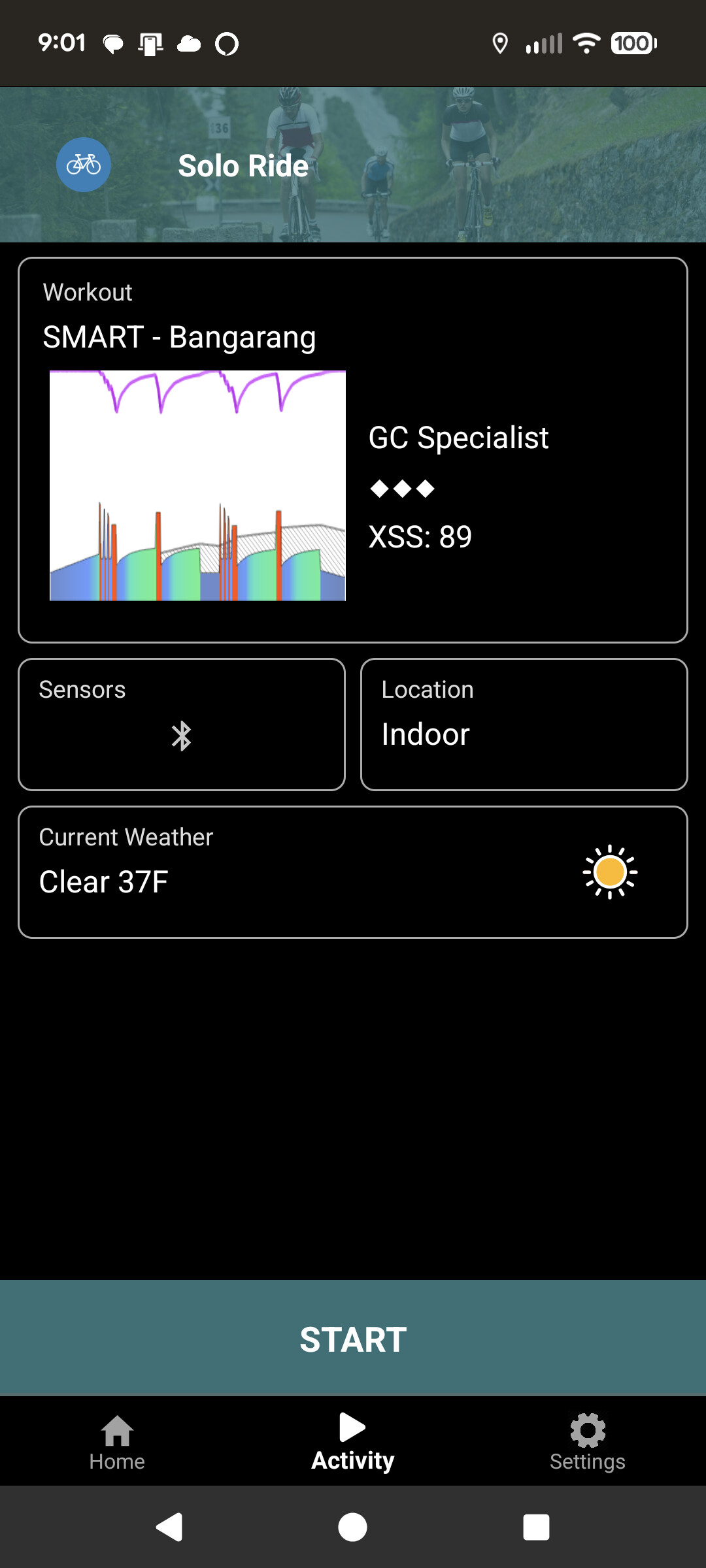
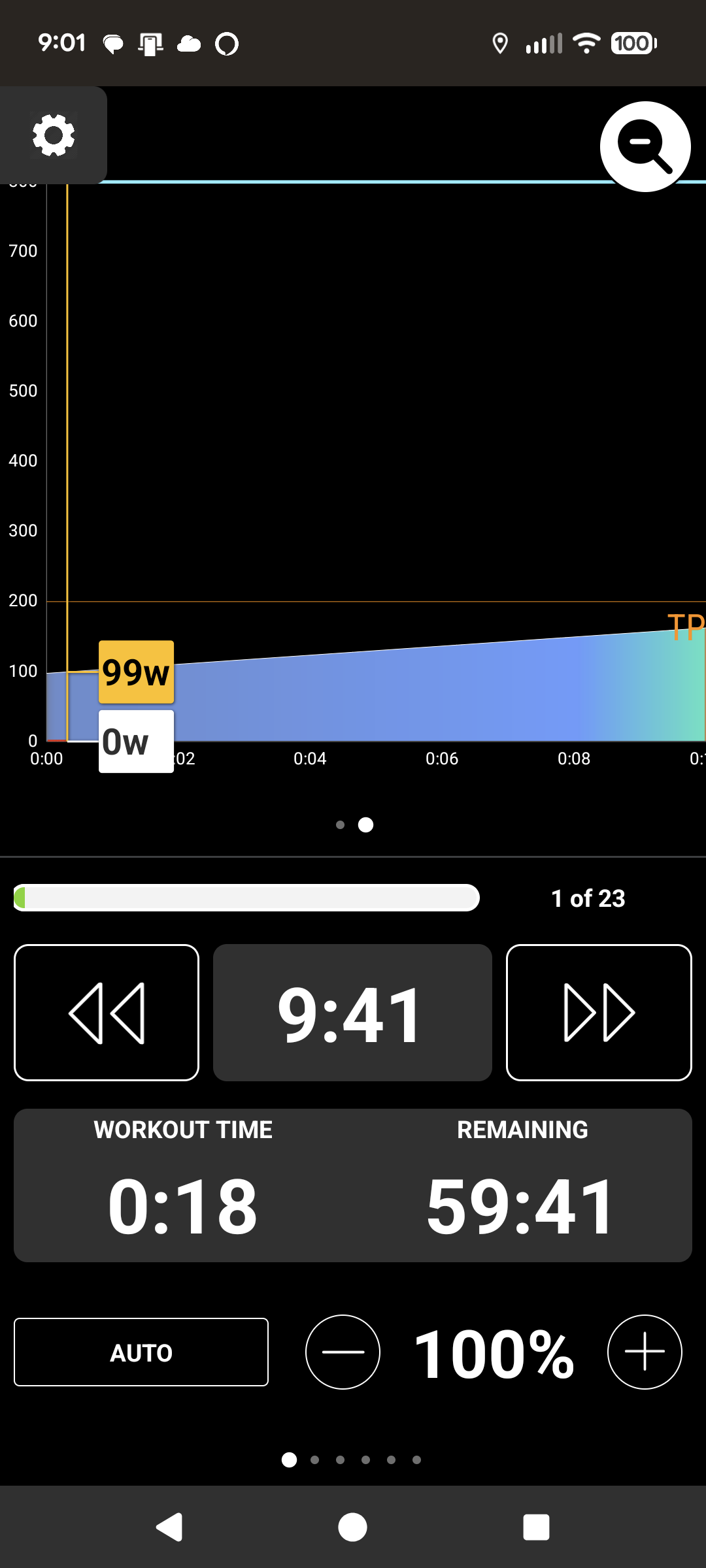
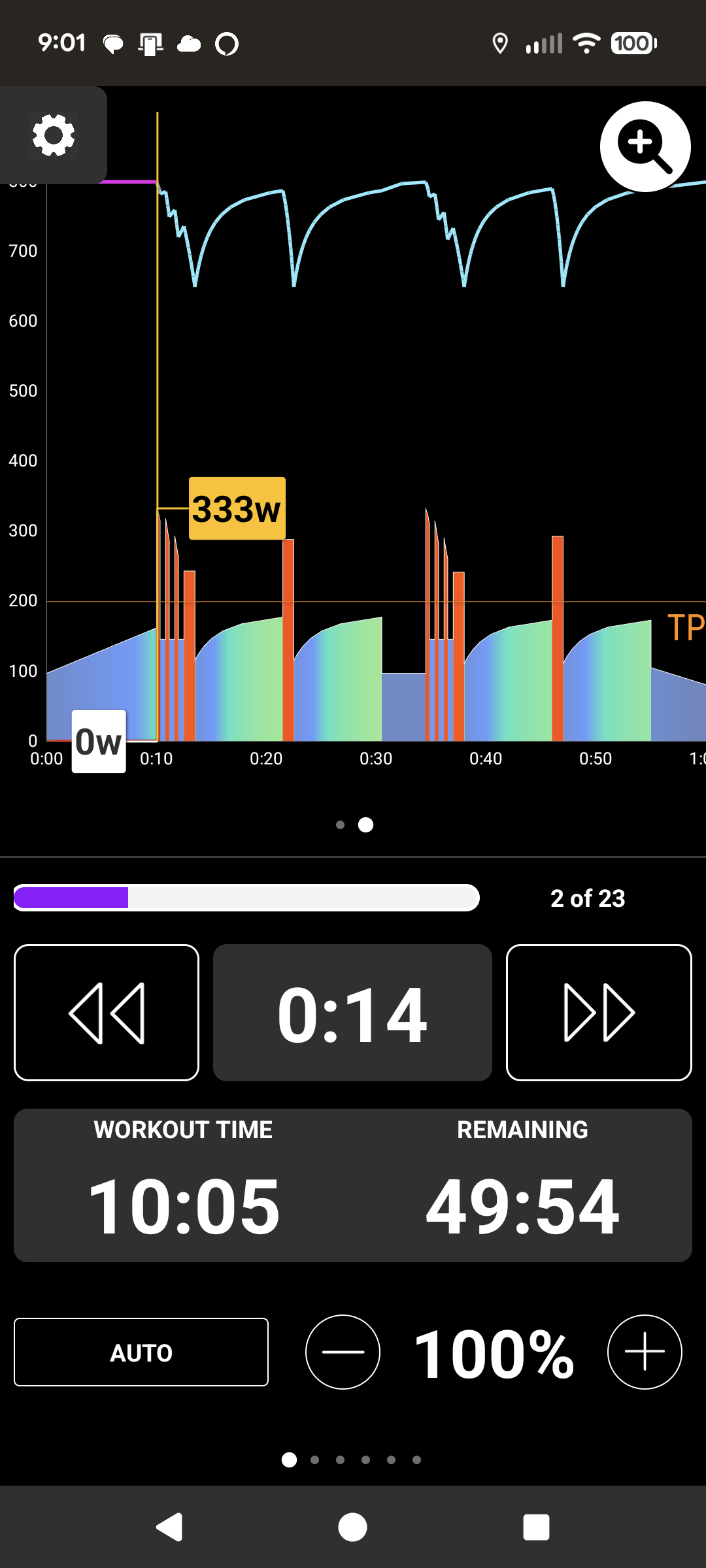
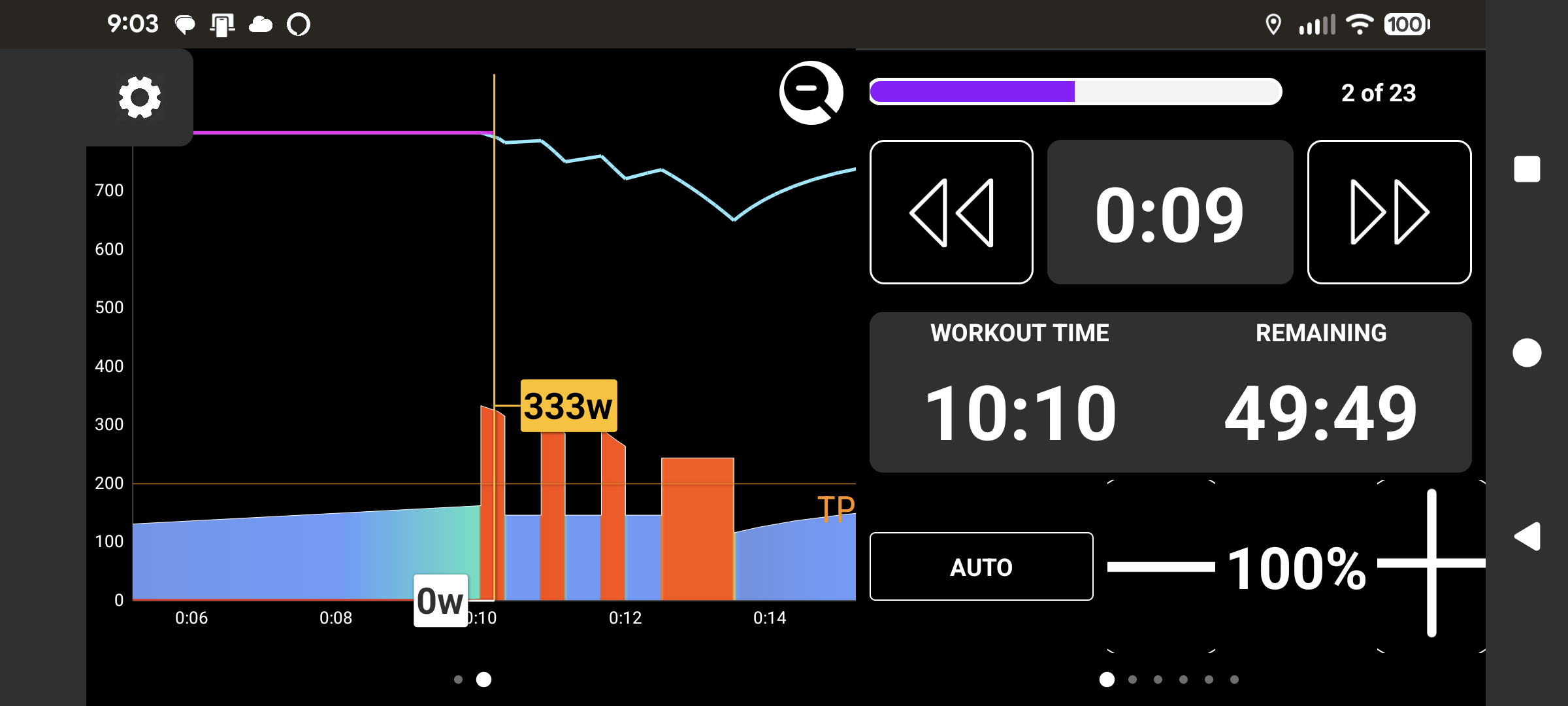
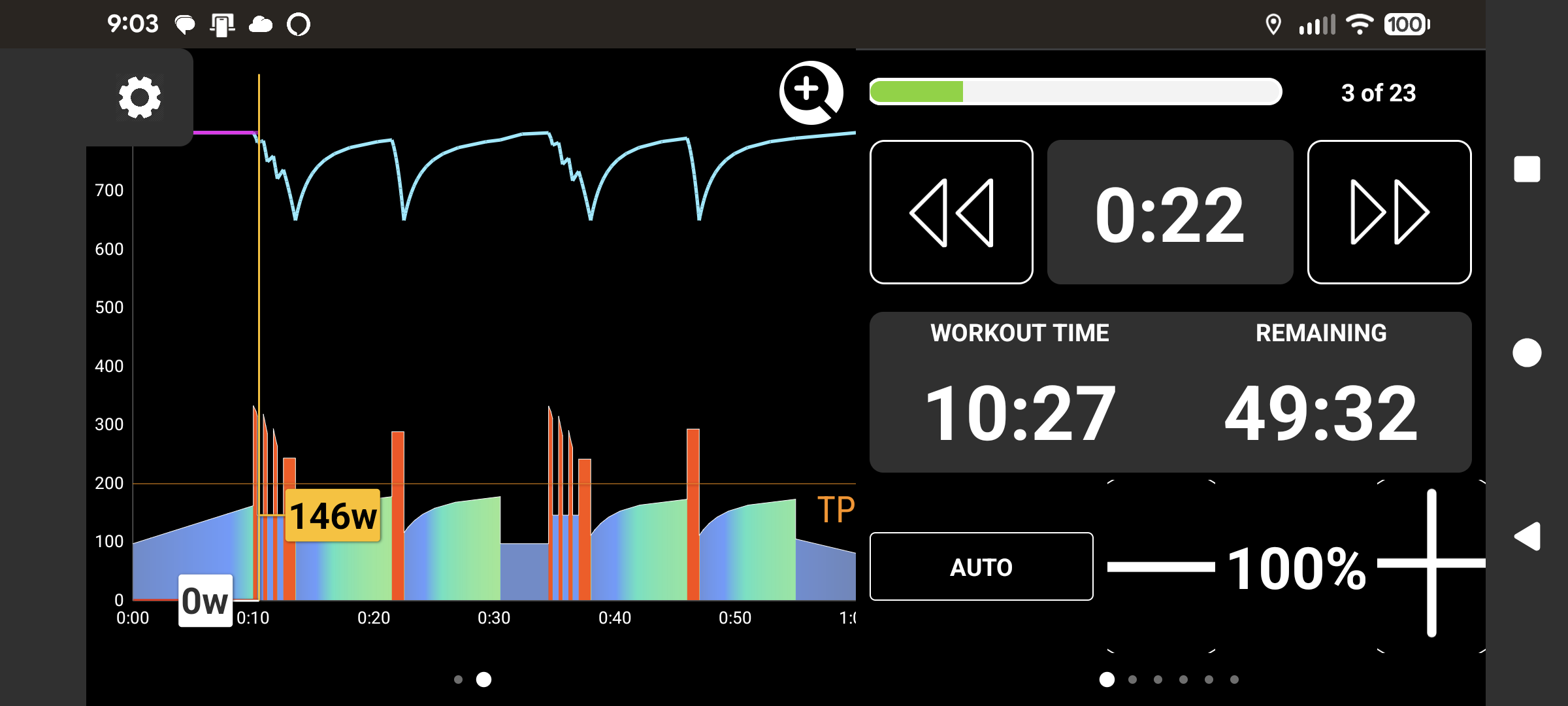
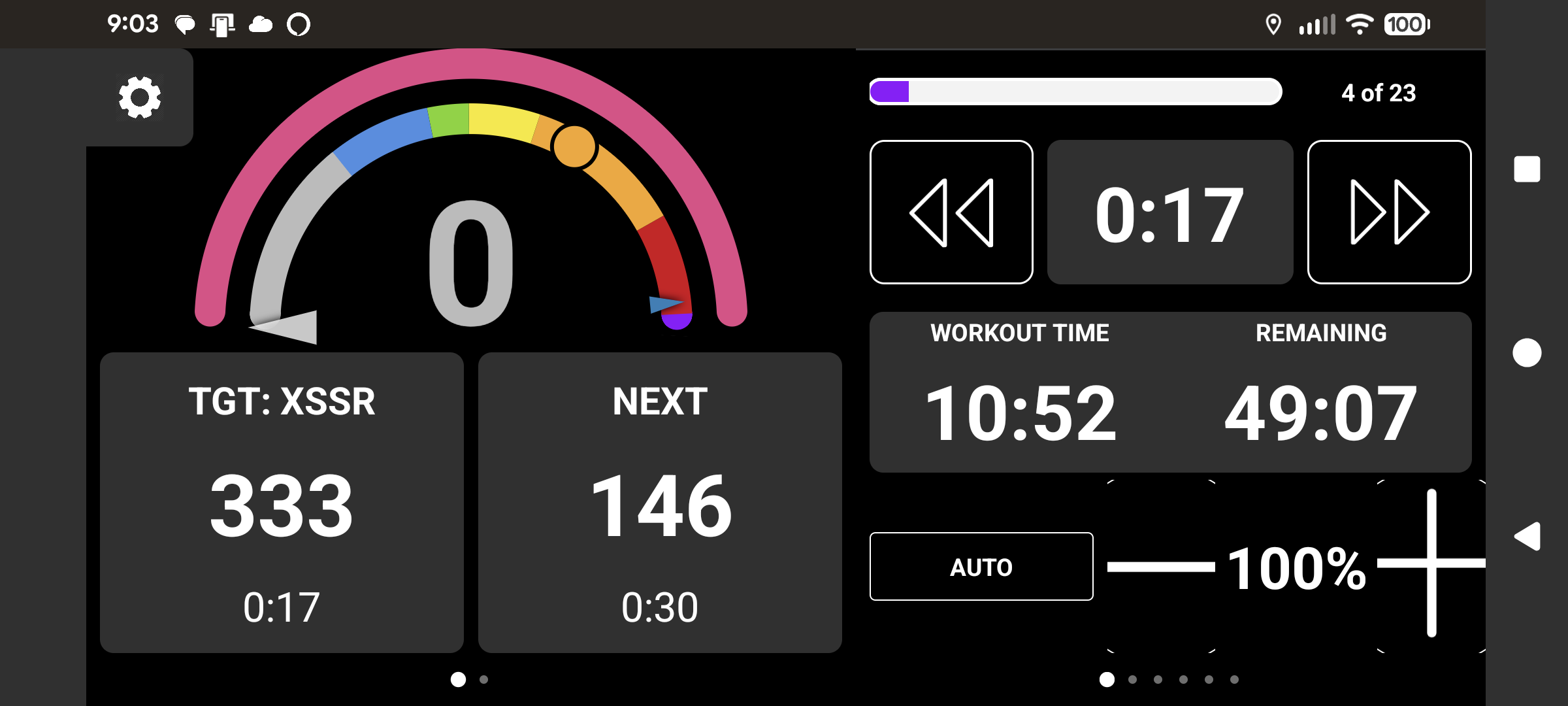
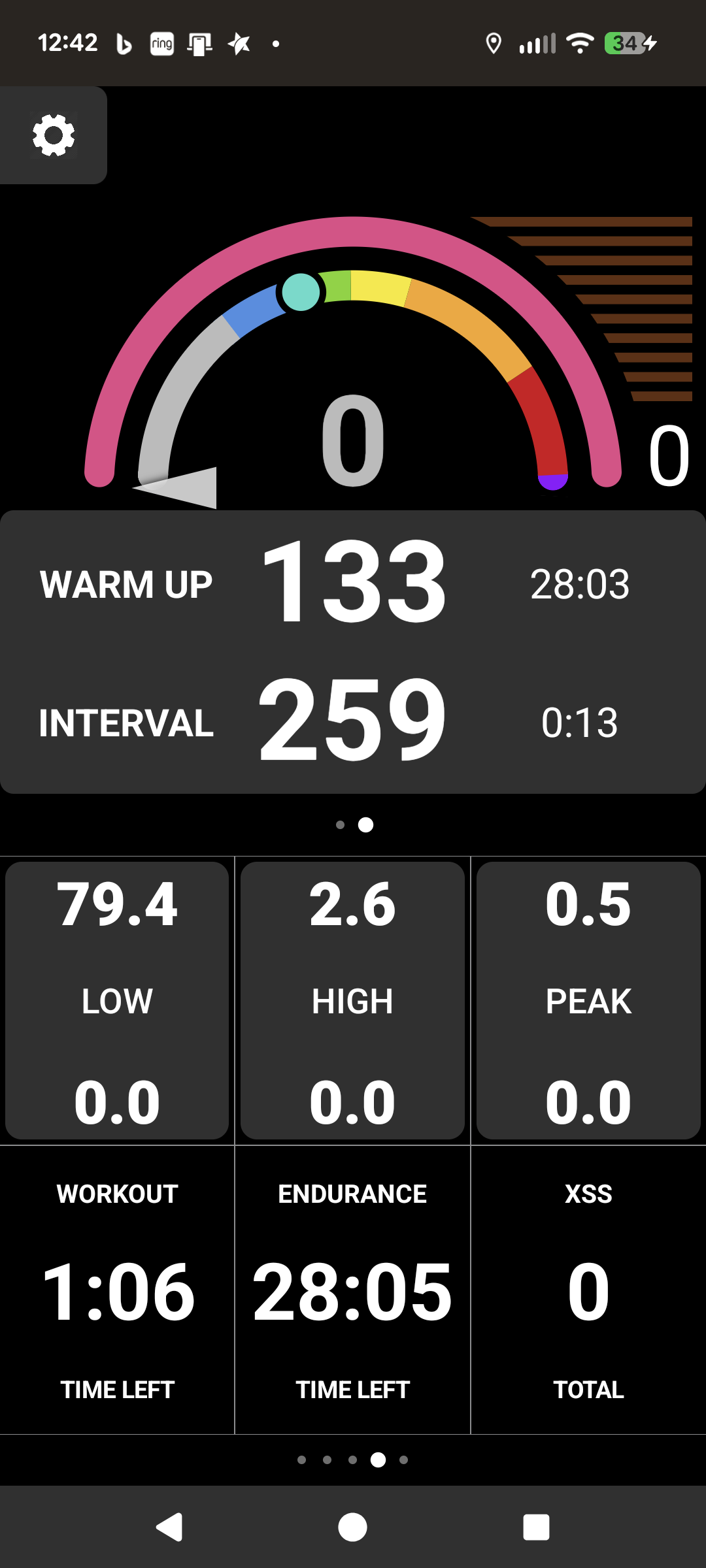
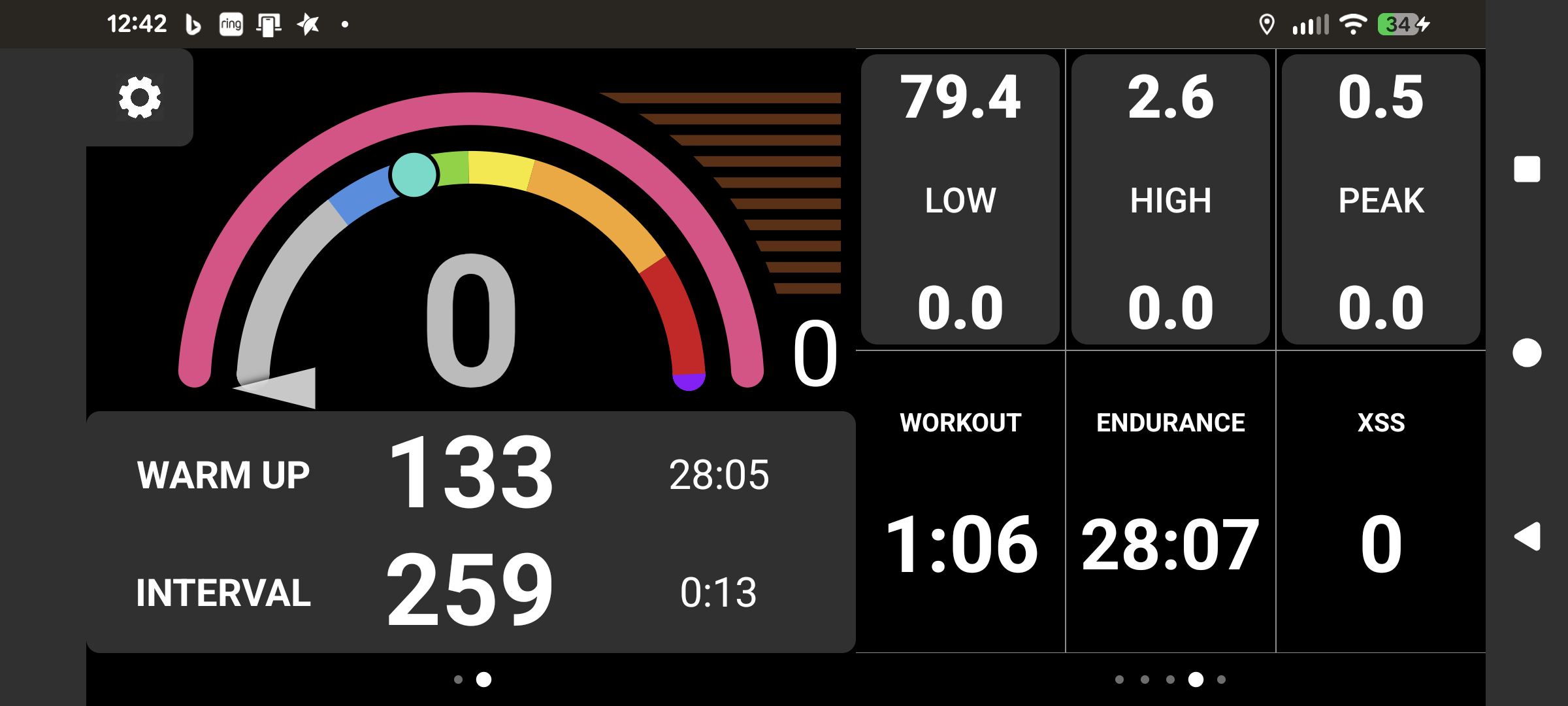
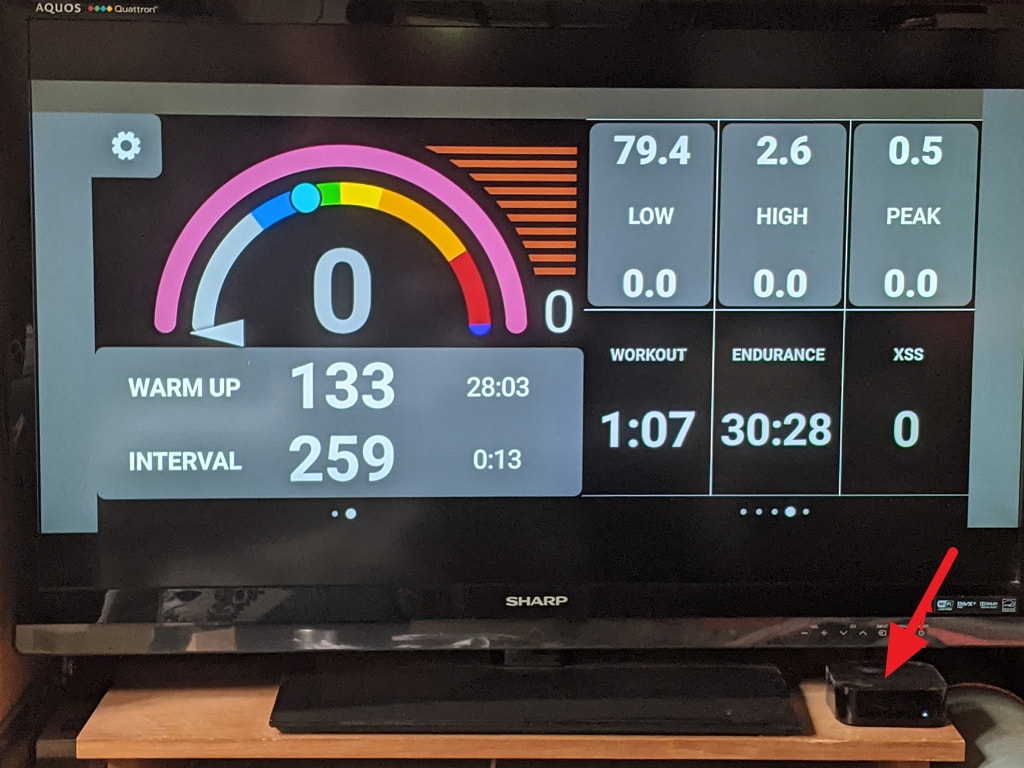
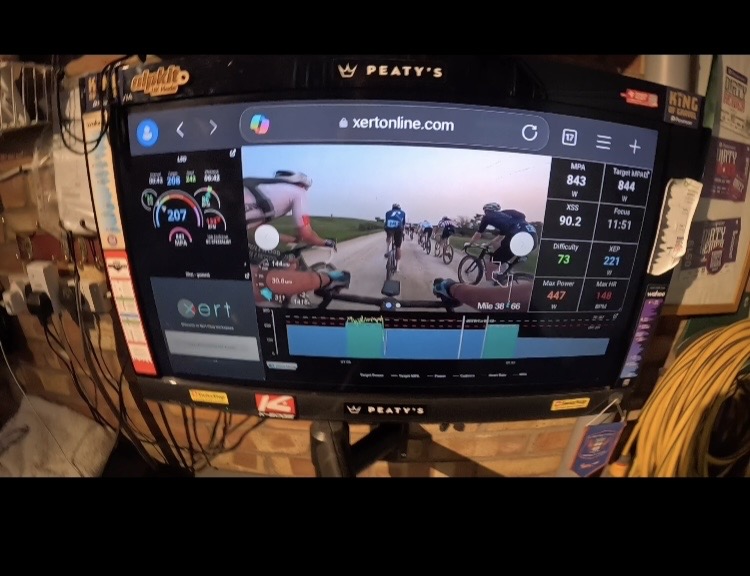
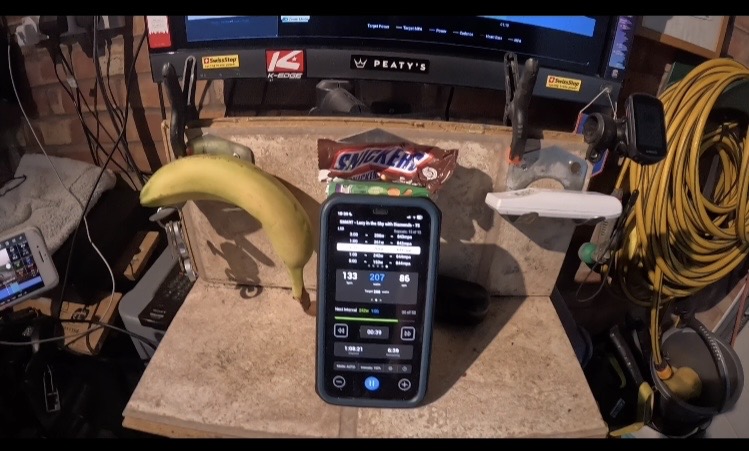
I probably would use the Xert EBC app on iOS (my iPhone) IF it supported landscape orientation. I don’t think I’ve ever actually done anything more than play with the current Xert EBC workout player because I just can’t do workouts only using a phone display - it’s just too small. My Apple TV 4K (1st gen of the 4K models, model #MQD22) uses an old 47” TV on the wall - fantastic for Zwift workouts which use the entire display. Most likely I would use the Xert EBC workout player for non-endurance days, especially for SMART workouts where I think the “smart” part matters most and the Zwift (or MyWhoosh) equivalent just doesn’t measure up. I mirror my phone to ATV for this use case so portrait orientation only is really annoying.
I haven’t tried using my Garmin 540 to train indoors, only outdoors using the Magic Buckets app. The display is small but the app makes very good use of it with a clean legible layout and good use of colors as well. That guy needs to do the display for the iOS Xert EBC workout player! Anyway, I mostly only do endurance workouts outdoors since I’m almost always on my MTB so any workout with more structured intervals just aren’t possible. I’ll just do simple hill repeats sometimes if I want to do intervals outdoors.
Indoors, with Zwift on ATV, I do use the Zwift companion app app but only for the navigation control, social stuff (chats, thumbs), etc., NOT the BT bridge feature. In fact, I have that (Device Connection) entirely disabled in the Zwift companion app. I use the Remote app on my phone in place of the ATV remote device. The ATV turns on the TV via HDMI ARC. I also have a few BT power outlets with fans set up and those have their own phone app remote so I can start 1 or both fans after I’m warmed up without pausing or getting off the bike.
Regarding the Bluetooth connections, I just connect everything directly to the ATV (no bridges). Everything in my case is trainer (old Tacx Vortex Smart that will likely get replaced very soon), Wahoo TICKR HRM, and old Apple AirPods (to stream podcasts which automatically mix with in-game sound perfectly). The only time I’ve had any trouble at all with these 3 simultaneous BT connections is after ATV software updates a few times a few years ago. I use the trainer Control and Power but I think I’ve also used my Stages PM power with Zwift and it worked fine as well with no bridge necessary. I do have my ATV on a wired ethernet connection but my phone is obviously on wifi. Last time I messed with the Apple remote device while Zwifting, it worked just fine with all the other BT connections active (that remote uses BT as well). A few years ago I recall some trouble with Zwift and ATV BT connections but it was all fixed with subsequent updates (Zwift and/or tvOS updates). I also remember seeing the Zwift ATV app having trouble losing BT data capture (HRM only maybe?) when backgrounded, but it was restored properly once in the foreground again. I haven’t done a Zwift workout for a while but will soon and will try to remember to check this again. Otherwise it’s just a rock solid setup, no drops at all with any of the BT connections.
I tried the MyWhoosh companion app but didn’t see the need for it because the MyWhoosh ATV app has everything I need. I also had trouble with the MyWhoosh companion app making it’s “Live” connection to the MyWhoosh ATV app session anyway (likely a network configuration issue with my network setup). Since all my BT connections are directly to the ATV and the MyWhoosh ATV app has useable navigation and chat menu in the app, I really have no need for the MyWhoosh companion app. I didn’t have to mess with any network settings to get the MyWhoosh ATV app to work in the foreground, but maybe there’s something I could change that would help with the backgrounding problem and companion app connection. Since I don’t really care about those things I haven’t messed around more yet.
Maybe try not using any of the companion app bridge stuff, and even disable it completely to see if that solves your BT troubles. All my BT devices automatically connect directly to the ATV as soon as I turn it on (using the phone Remote app) and either app, Zwift or MyWhoosh, automatically connect all the BT devices each time I open the app (don’t have to click on anything at all). The only time I sometimes have to manually choose a BT device at all is if someone else used the trainer or ATV with their HRM or AirPods right before I jump on the trainer. The multi-user “problem” could easily be solved if all the app developers used the User space ATV already provides for instead of having user profiles within each app.