Hi all-quick question that I can’t find the answer hot.
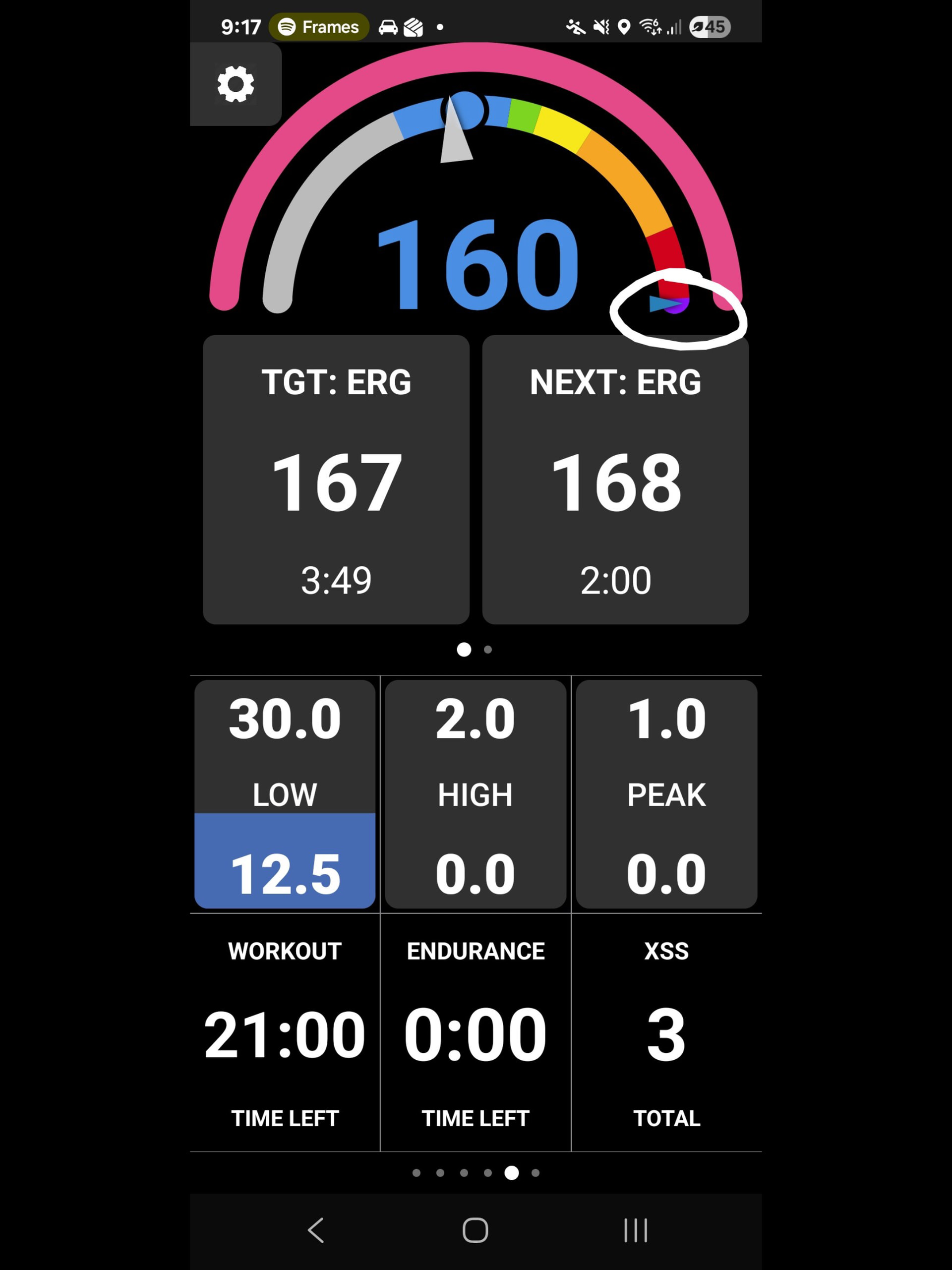
What is the arrow that I’ve circled indicating? It hasn’t moved since I started using Xert
Thanks in advance
Hi all-quick question that I can’t find the answer hot.
What is the arrow that I’ve circled indicating? It hasn’t moved since I started using Xert
Thanks in advance
Hi Brett, good question!
That is the Target MPA at the end of the current interval. You’ll see this move down when you have high-intensity intervals in your workout, especially for intervals that pull MPA down significantly.
Thanks for the reply Scott. Going down the MPA rabbit hole now
Cheers
Also, to be clear - this isn’t a feature of Magic Buckets… This indicator will only show when you’re following any structured workout using the Xert EBC app.
Got it. Just did a Magic Buckets ride and the arrow wasnt there.
Thanks again Scott
Only if you have 20-10 vision!  Mine was 20-40 last check and I still have a heck of a time seeing the small arrows and dots on my Garmin 540 during an outdoor workout.
The Xert EBC workout player has the same issues and I find it completely unusable on my phone so I mirror it to an Apple TV connected to a 46” TV. That makes it legible while actually doing workouts indoors BUT it would be SO MUCH BETTER if Xert EBC supported Landscape Mode so the entire TV were used instead of just the middle third!
PS. When are you guys going to build the Xert EBC app for tvOS? You got spare time…
To clarify the OP screenshot shows the standard EBC rainbow gauge on Android when performing a structured workout.
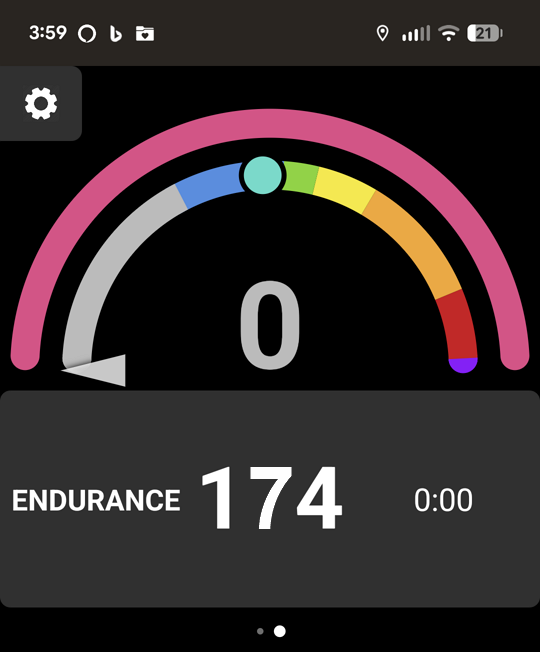
The Magic Buckets gauge only displays when you don’t select a workout in which case a similar gauge is shown on Endurance days (but no indicator) –
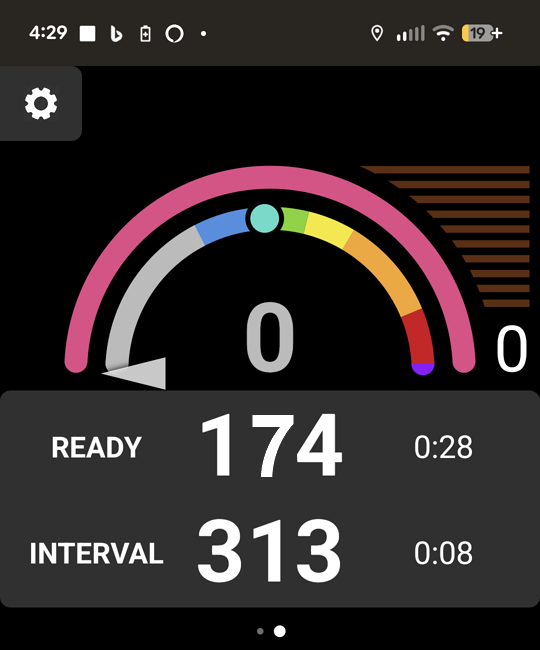
Or an enhanced gauge with a Challenge Level ladder is displayed on HIT days –
If you really want to see the MPA drawdown in action, try going for a BT on a HIT day.
You’ll understand what it means to go “DEEP PURPLE”. 
Here are the steps –