Magic Buckets Data Field crash Garmin 1040

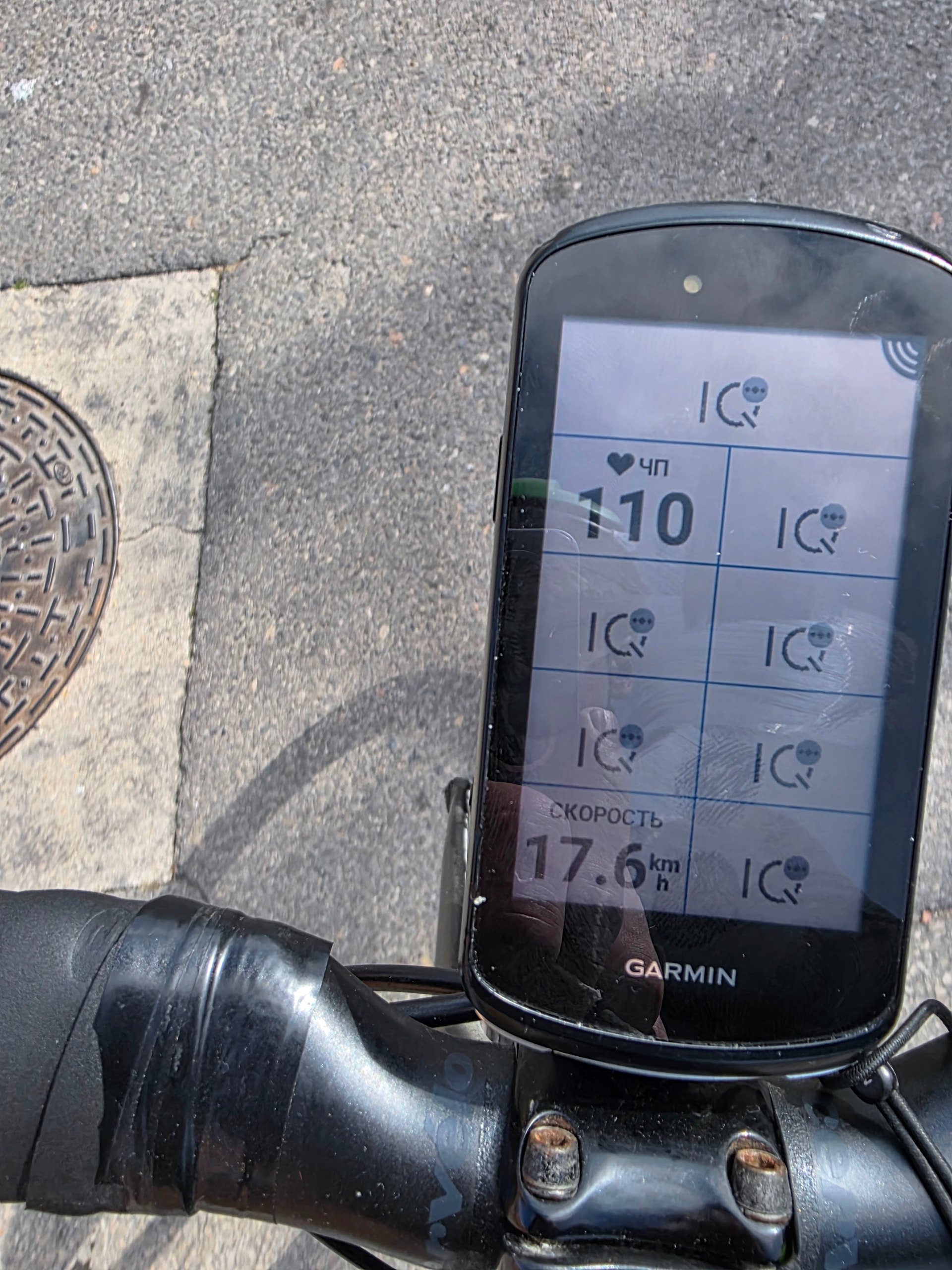
I just had a crash of the Magic Buckets Data Field. Luckily my high bucket was already full so my training wasn’t compromised, but the screen only showed the ConnectIQ logo. I saved the activity and had to reboot my Garmin 1040 for it to start working again. Simply starting a new activity didn’t help, it was permanently broken.

Can I fetch some log files from the device to send to you so you can investigate this?

Do you have any 3rd party data fields that are in contention with Magic Buckets?
To confirm you can create a separate profile with only Xert data fields and test that.
Or go into Magic Buckets settings on Garmin Connect and disable FIT Graphs.
If neither condition applies I can provide instructions on creating a log file to send to support.

FYI - You do not have to reboot the Garmin when the datafield crashes. It is enough to change to a different activity profile (and then back again).

2 Likes

No I don’t. Also it only crashed once. I’ve been using it a lot of times without issues. Today it worked fine (but it wasn’t in intervals mode, it was in “rest day” mode, lol).

Hi, I’m seeing very similar behaviour on my Edge 1040.

Edge 1040 on latest beta firmware (Garmin beta program).

Long‑time premium Xert subscriber (many years), using almost all Xert CIQ data fields on my main cycling profile (including Magic Buckets).

Apart from Xert, I only have a couple of other CIQ things installed (Strava, Kahoot), so it’s not a “CIQ zoo”.

What happens:

Before I start the ride, if I open the data screen, all Xert fields (Magic Buckets, etc.) look fine.

As soon as I start the activity, there is a high chance that all CIQ fields crash to the IQ! icon (exactly like on the photos).

Almost every time I have to pause the activity and fully power off/on the Edge 1040 (will try to switch the activity type to get it work again, thanks for the tip).

After a full reboot and resume, the fields usually start working again and stay stable for the rest of the ride (but yesterday one of them didn’t start - XSS and overage Power).

This has been happening regularly for the last few weeks and it’s getting quite frustrating.

I’d really prefer not to delete all Xert fields and rebuild all my data pages from scratch.

Is there anything I can do on my side to help debug this (logs from the device, specific steps)?

Is this a known issue with Edge 1040 beta firmware + Xert CIQ fields?

Thanks a lot – I love Xert and have been a happy premium subscriber for years, but these last weeks have been a bit rage‑inducing with

the IQ! crashes.
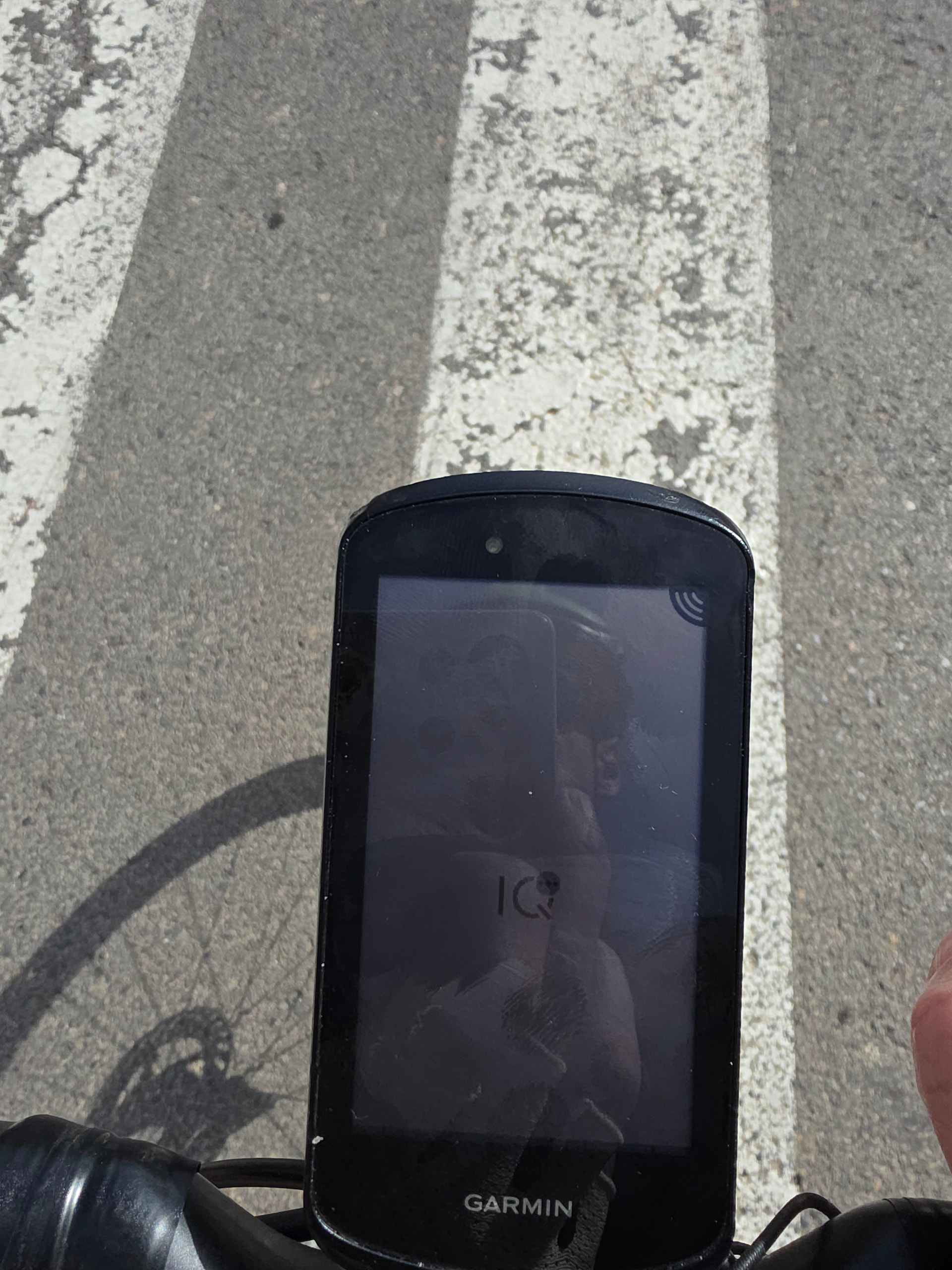
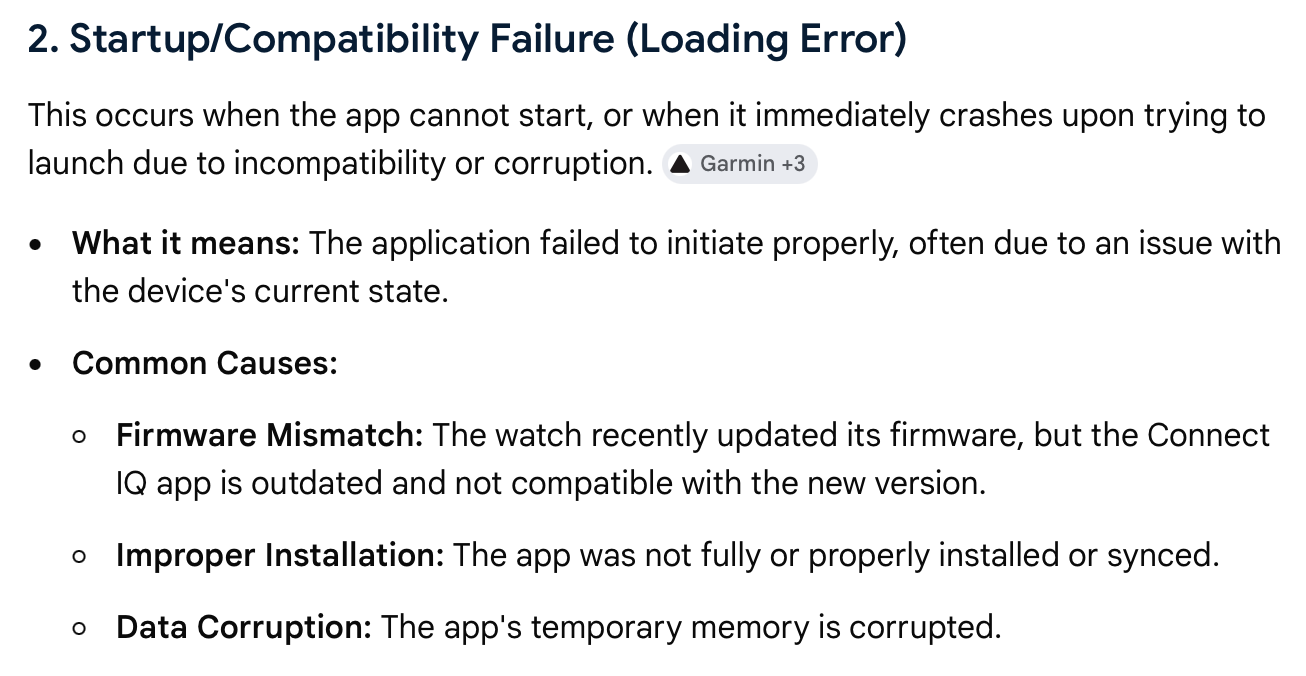
The CIQ… (with periods) indicates an initialization issue, not a runtime error in our data field. You would see a CIQ! (with the exclamation) if there was a bug in our code.

My guess is that it’s the beta firmware not playing nicely with existing CIQ fields. With Garmin’s track record of beta firmware, I personally prefer to let it break other people’s devices and I only update mine once they have a bug-free update :slight_smile:

1 Like

Same issue here on my 1040 Not possible to have Xert Magic Bukets AND Xert dashboard on Garmin Edge?

It’s working again for me now that I’ve uninstalled Magic Bucket and am only using the Xert Dashboard

I don’t understand. This isn’t expected or common. XDB and XMB work together for me and most users. This will help me know what might be happening for your unusual situation…

On your phone, do not run Garmin Connect. We don’t want the server fetching to occur yet.

Create a new profile from scratch (not a copy). Use the new Test Profile and start an activity. Add a new screen and add XDB to it. Now create a new screen and load XMB to it. Did either crash? Now go to XMB or XDB. Then start Garmin Connect on your phone. That should initiate a fetch. Did either or both crash during the fetch?

if you get a chance, let me know.

Thanks, that explanation about CIQ… vs CIQ! and the tip with switching activity profiles instead of full reboot is very helpful – that part works for me.

Regarding the beta firmware: I totally understand your point, but from my side it’s a bit frustrating. I deliberately run beta on non‑critical devices (including Edge 1040 and even my second home PC) to help vendors catch issues earlier. With Edge 1040 + Xert it now feels like I’m being punished for that: for the last month the data fields are crashing almost every ride, while a month ago everything was stable.

I’ve been a premium Xert subscriber for many years, and I really love using your data fields and Magic Buckets as the core of my training. On top of cycling I also run and play ball sports, so I rely on Xert to keep my training load (Low/High/Peak) realistic. Right now I’m fighting both the running‑load side (with faked-power) and these CIQ initialization crashes, which is a bit rage‑inducing on daily rides.

I will probably try leaving the Garmin beta program, but that means waiting until the public firmware catches up, and there’s no guarantee it will fully solve the issue.

Is there any chance you (or Armando) could take a look at the current Edge 1040 beta CIQ SDK and see if there’s something you can do on your side to make the fields more robust with the latest framework? Even a “best effort” fix for the beta would already help a lot.

Unfortuantly, Connect IQ is not very stable. Furthermore, the data fields are not properly isolated so in some cases a data field can take down other data fields without giving a proper error message.

I hope Garmin can improve this, but it looks like it is not a priority.

1 Like

Small update - I managed to solve the crash problem!

The most probable idea - clear cash/spare files with special menu items in System-Reset.