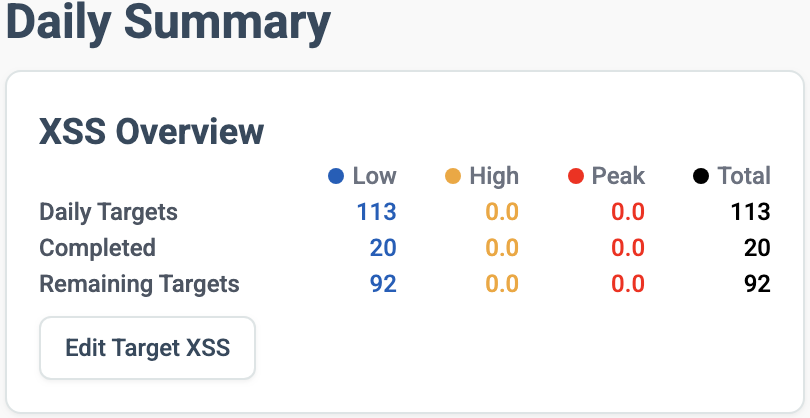
My Magic Buckets display, or rather the app on my Garmin Edge 540, is no longer working correctly. The Endurance view is no longer displayed. I have the Endurance Focus today and have ridden 20 XSS Endurance routes so far. However, only the Low/High/Peak displays are shown, and not the Endurance view as before. I have updated to the new version.
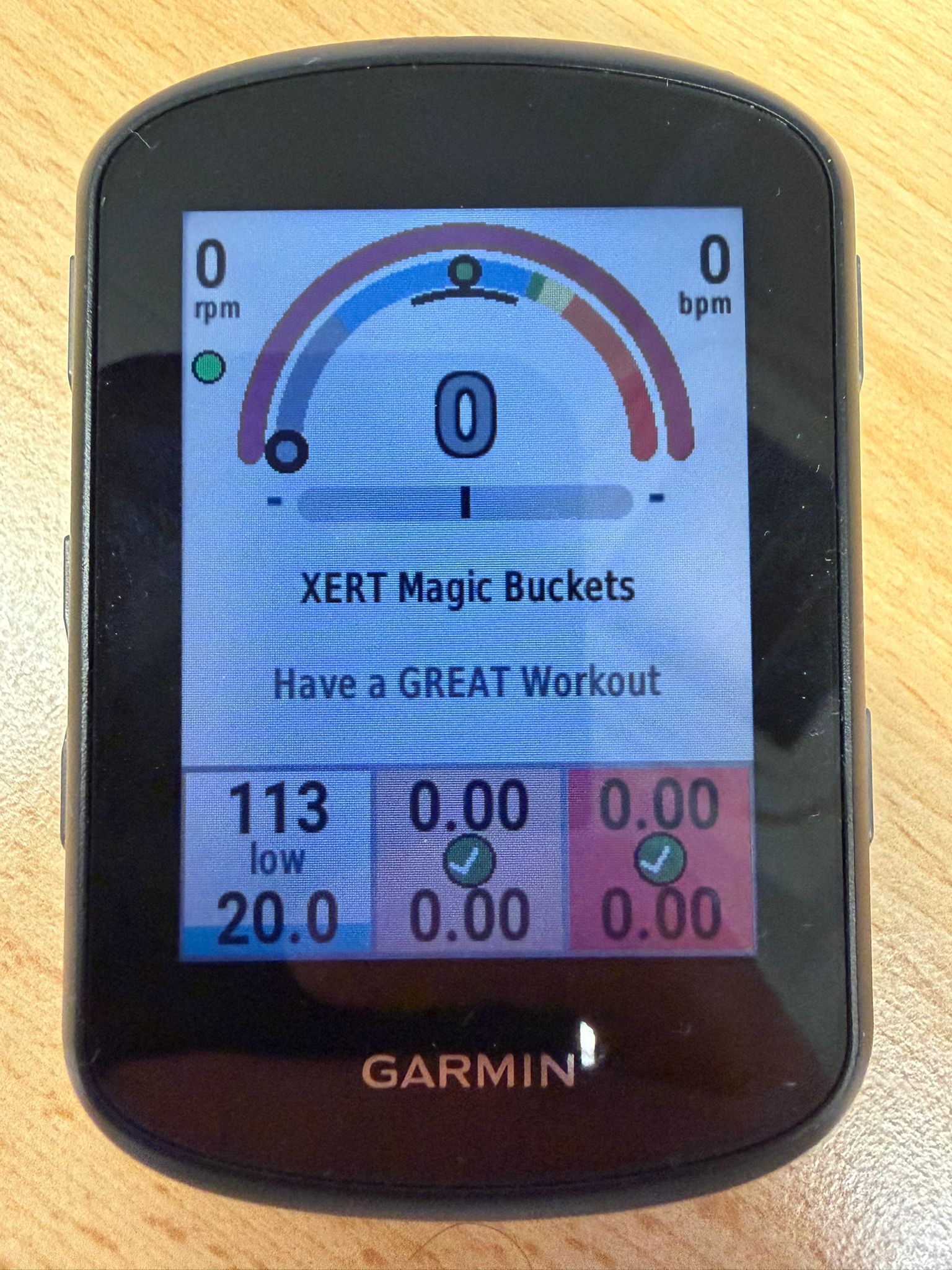
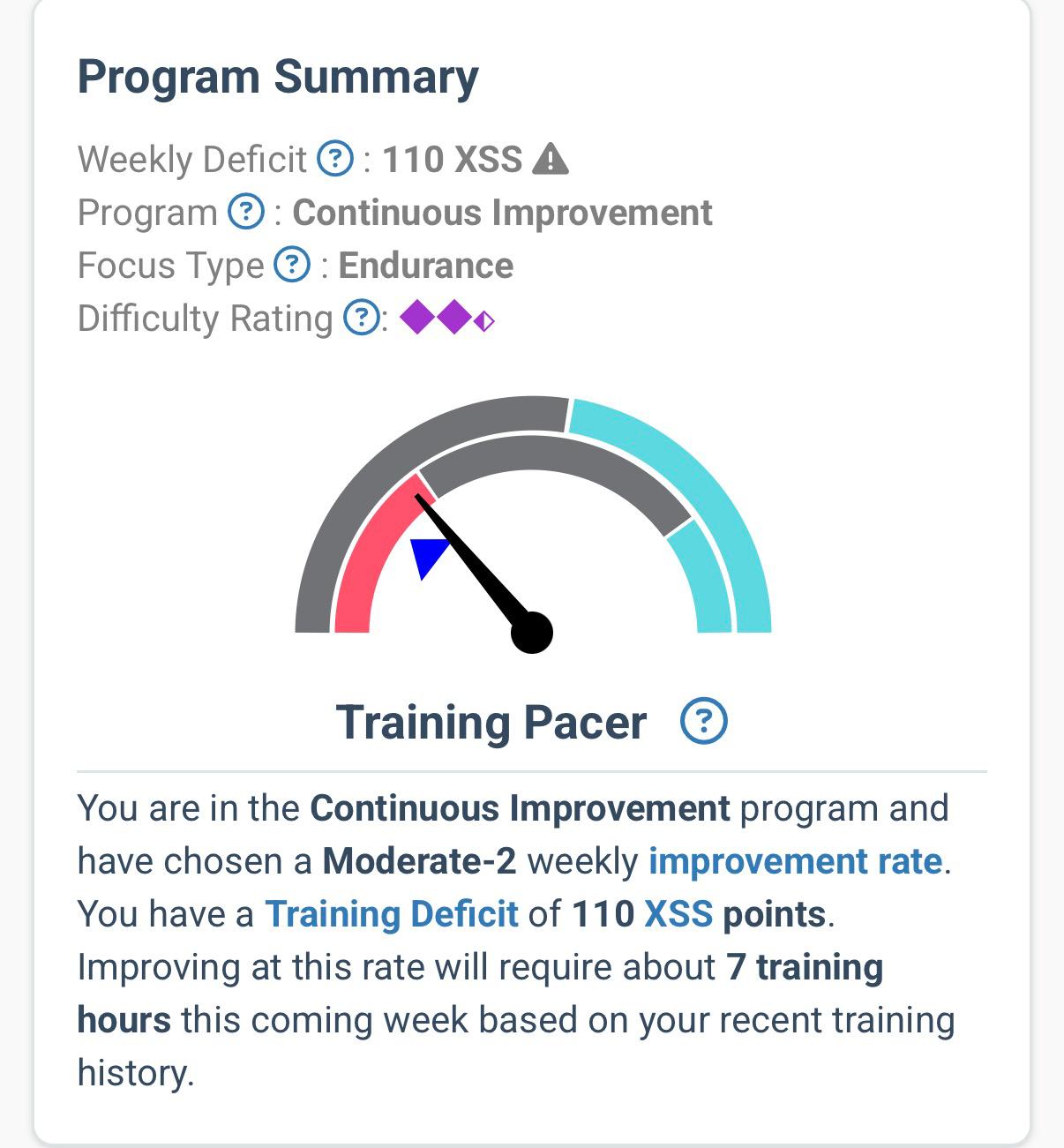

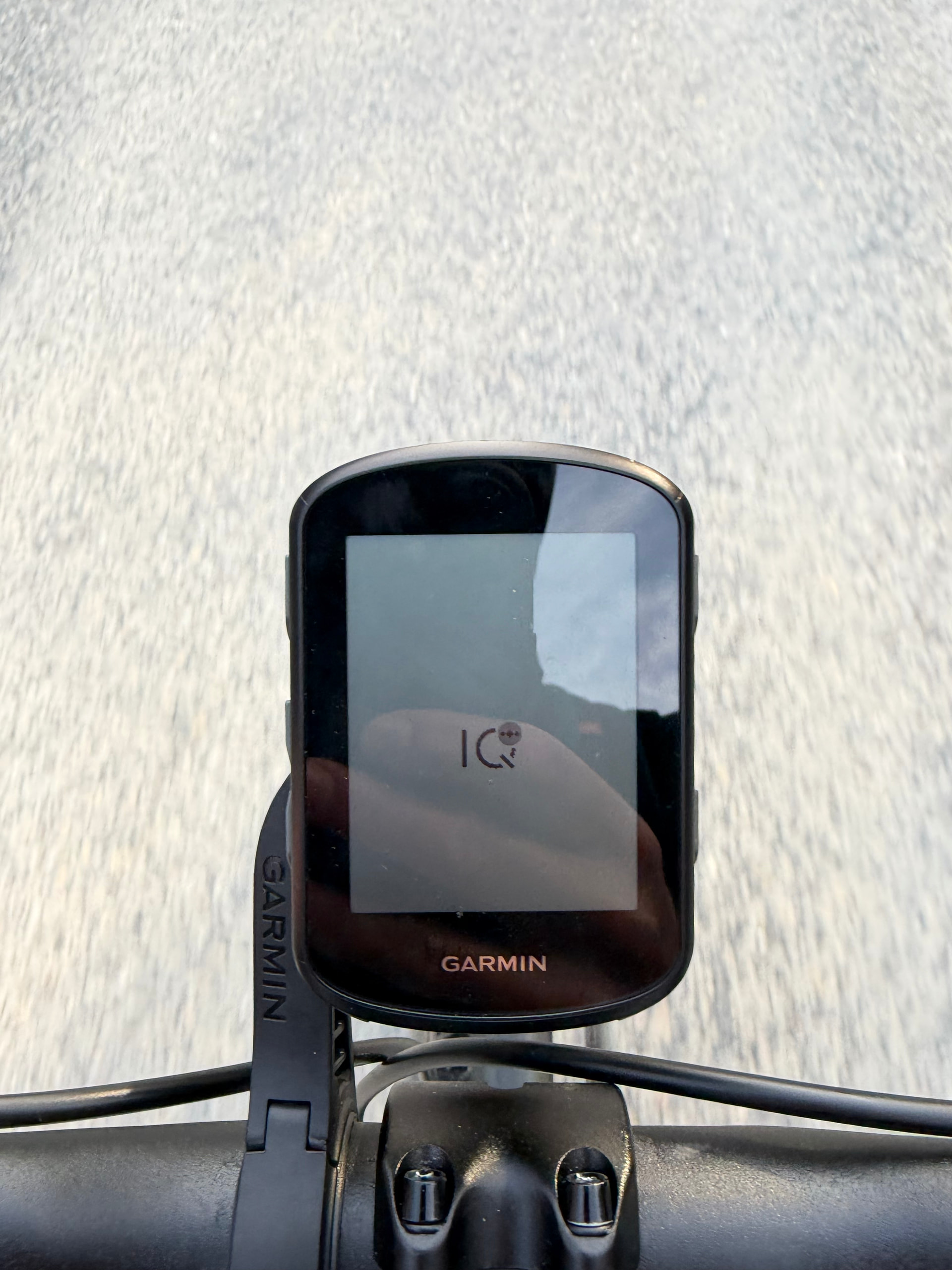
Now it doesn’t work at all. Wanted to do a nice tour after work. First as always Xert Magic buckets on my garmin has connected. Wanted to drive off, then no power values were displayed. I still have the Xert Dashboard on it and it worked there. When I switched back to the Magic bucket dashboard, nothing was displayed except the garmin IQ logo. I then just drove with the normal dashboard. That was possible, because I only drove endurance anyway. When I saved the ride at home and restarted my garmin, a connection was displayed again but not the current values. The whole thing only happens after I installed the new update this morning.
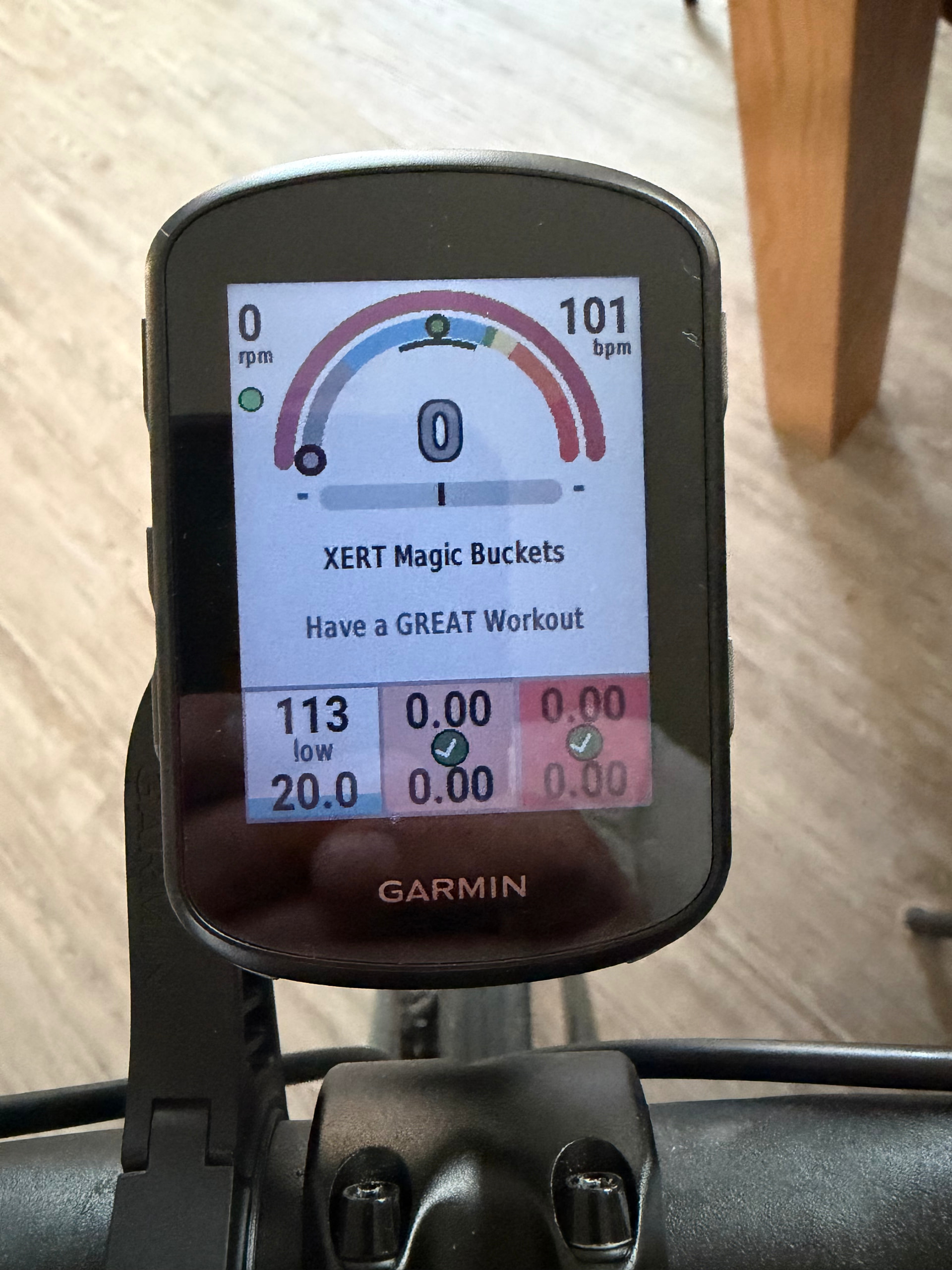
Try v8.0. 
EDIT: Make that 8.2.
Ok installed. Will test it tomorrow. 
Same thing happened to me, and eventually the rest of my IQ datafields suffered the same fate, so I wasn’t sure which to blame. If you have more than a couple IQ datafields going you’re used to the IQ logo. But since magic buckets was the first to go I thought something was up. Will try v8 tomorrow.
1 Like
Magic Buckets on my Garmin are working again, thank you so much! However, I don’t know if it also works with the Endurance datafield, as my focus today isn’t on endurance.
Slightly off-topic. But related to ConnectIQ data fields.
Google AI overview can be helpful. This was shared to me from our Garmin dev. There are two different types of IQ errors. Only 1 is related to an actual uncaught exception (crash), which we can often see on our end & will also be logged in the Garmin > Apps > Logs folder of your device.
same yep thanks
IQ is pretty shaky in my experience. Every single time I boot up my 1050 (and 1040 before, and 1030 before that) my combo of IQ datafields all crashed. Every single time.
I found two solutions. One is turn off the device and turn back on and you’re good to go.
Quicker one now is boot the garmin, start a ride to make the fields crash faster so you can get going. When they crash, stop and discard the file. Switch activity profiles to a dummy one with no IQ fields. Enter that profile. Immediately switch back to the activity profile you want to use and you’re ready to ride, the fields won’t crash again.
I have the same issue on my Garmin Edge 530. All the fields crash randomly. Sometimes they work, sometimes they don’t.
I have magic buckets version. 8.5
It is also pretty intermittent at updating the new targets. What can I try to fix it?
This is what I have in the log file: CIQ_LOG.YML
Error: Invalid Value
Details: ‘Failed invoking ’
Time: 2026-03-14T16:38:54Z
Part-Number: 006-B3121-00
Firmware-Version: ‘9.75’
Language-Code: eng
ConnectIQ-Version: 5.0.1
Store-Id: 6d6269da-c0a8-49bf-9cd2-26f3b71c9488
Store-Version: 11
Filename: E8QF1101
Appname: XSS Buckets
Stack:
- pc: 0x100032c9
- pc: 0x1000bffe
Error: Invalid Value
Details: ‘Failed invoking ’
Time: 2026-03-14T16:54:50Z
Part-Number: 006-B3121-00
Firmware-Version: ‘9.75’
Language-Code: eng
ConnectIQ-Version: 5.0.1
Store-Id: 6d6269da-c0a8-49bf-9cd2-26f3b71c9488
Store-Version: 11
Filename: E8QF1101
Appname: XSS Buckets
Stack:
- pc: 0x100032c9
- pc: 0x1000bffe
Yeah - same, all my Magic Buckets fields started crashing days back. Uninstalled/re-installed, sometimes they start when the activity starts and then then crash out, sometimes they crash immediately. Clearly, not my G540.
If you want to confirm it is a Connect IQ issue (and not Magic Buckets) create a profile on your Garmin device that ONLY has Magic Buckets installed.
If that works fine without any Connect IQ errors, you can add other data fields to determine which additional field has a conflict.
If that doesn’t work fine with only XMB installed, your device likely needs a firmware update to support the current Connect IQ SDK (software development kit). Use Garmin Express to confirm.
All Xert apps and data fields have recently been updated to the Connect IQ SDK (9.1.0).
Bug reports are best posted to support@xertonline.com.
2 Likes
This is a good troubleshooting practice.
I’ve found sometimes it is too many IQ datafields, too many IQ datafields writing to the fit file, or a combination of IQ data fields that when installed together, will always take the whole IQ ship down.
Switching to a dummy activity profile free of anything IQ, then switching back, will almost always get things right again. With every new firmware I hope that the IQ architecture has been made more robust.
1 Like