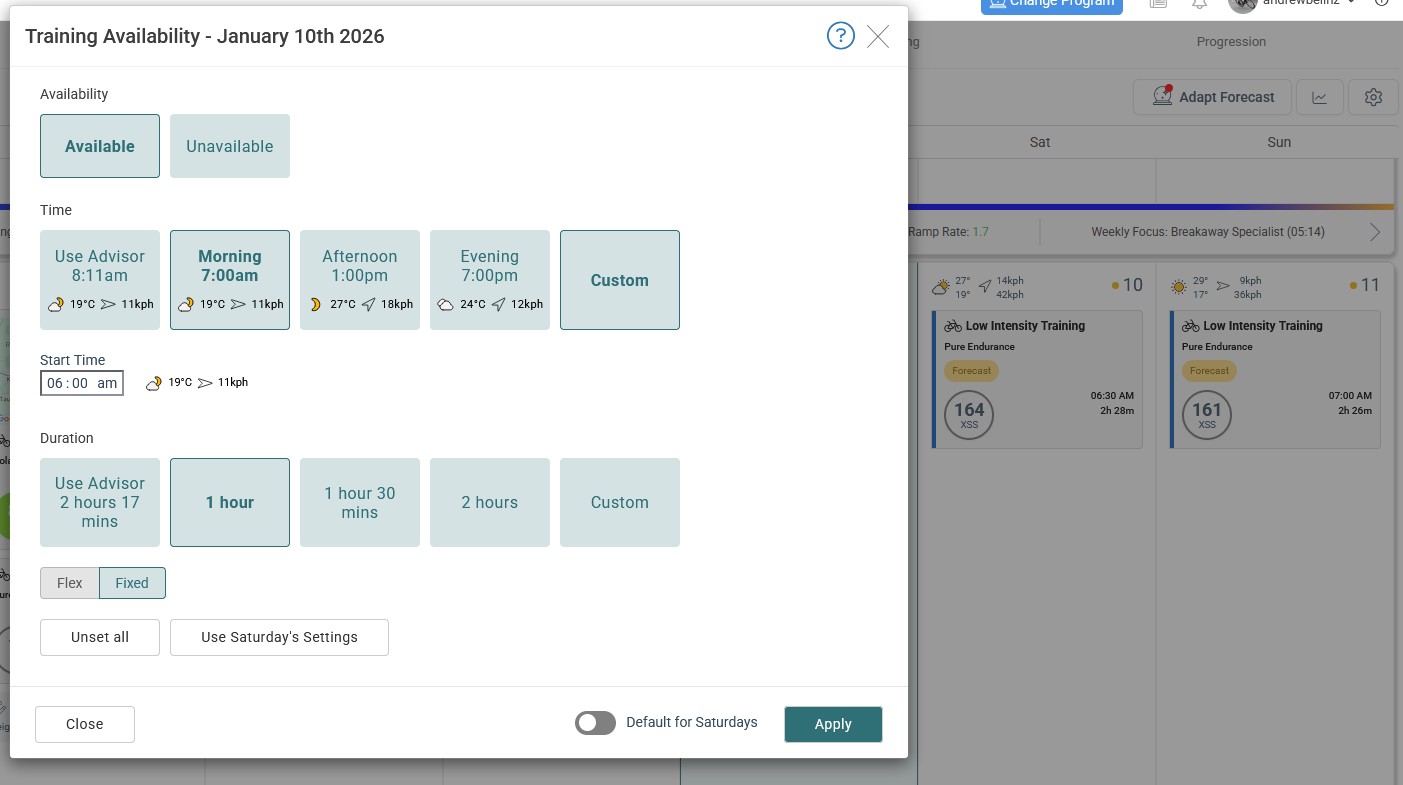
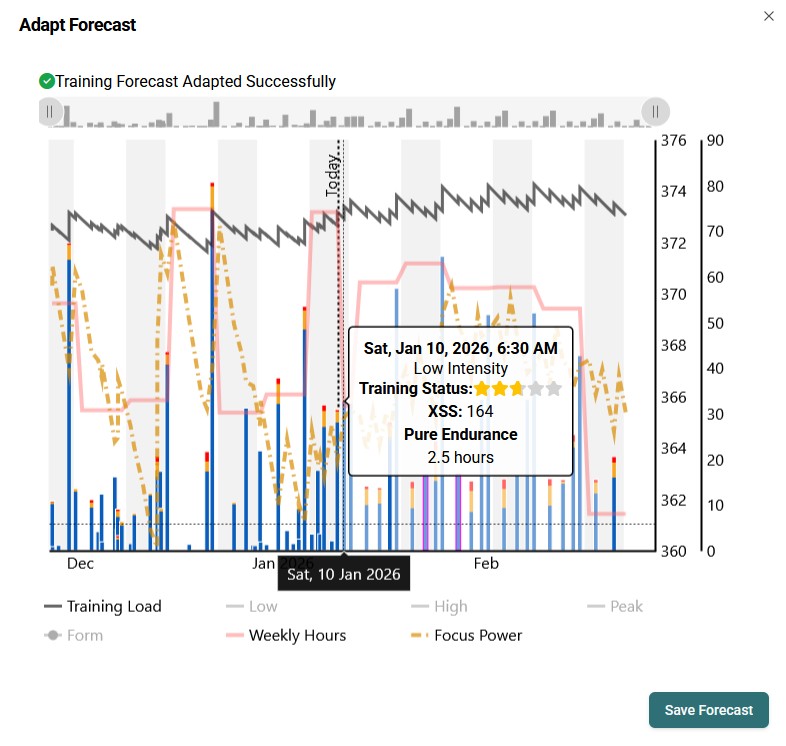
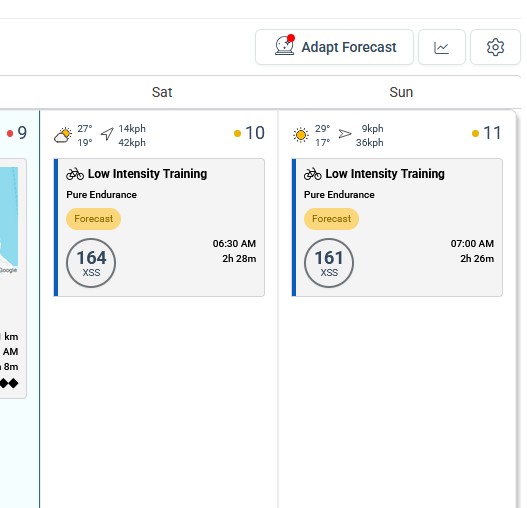
Not sure if this has been raised before - my default for Saturdays is 2.5 hours but tomorrow I need to reduce to 1 hour. I have manually changed my availability on 10th January to 1 hour and saved, and then updated the forecast and saved. The recommended workout doesn’t change - 2.5 hours endurance. Also the ‘red dot’ doesn’t clear from the ‘Adapt Forecast’ button.
Something strange on your Training Availabilities. Shows both 7am and Custom selected.
Try refreshing the page. Double check your Saturday availability and re-run Adapt Forecast. Perhaps clear your cache first (but frankly that’s rarely an issue but in your case it might be).
You could simply reduce your scheduled duration on any day and if that is sufficient to unbalance the forecast the red dot would appear.
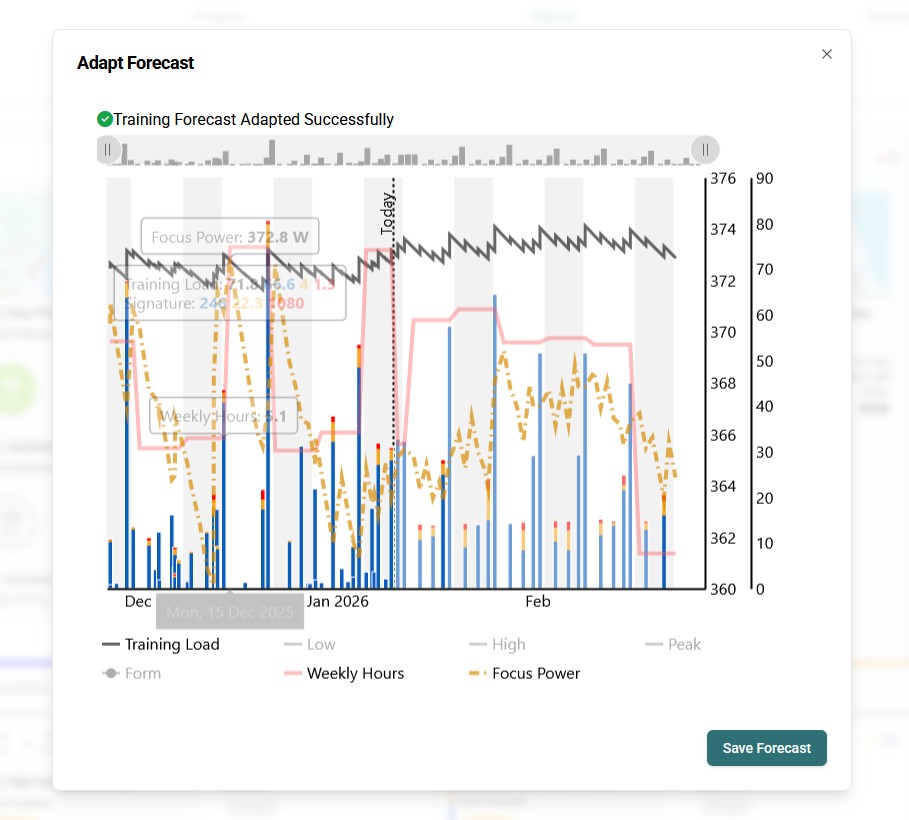
When that happens, you can investigate the reason why by hovering over any magenta matchsticks on the forecast chart.
When you do that for the two magenta entries shown on your screenshot what does the warning text indicate?
When the red dot doesn’t clear it typically means current constraints cannot be resolved without altering some settings and recasting.