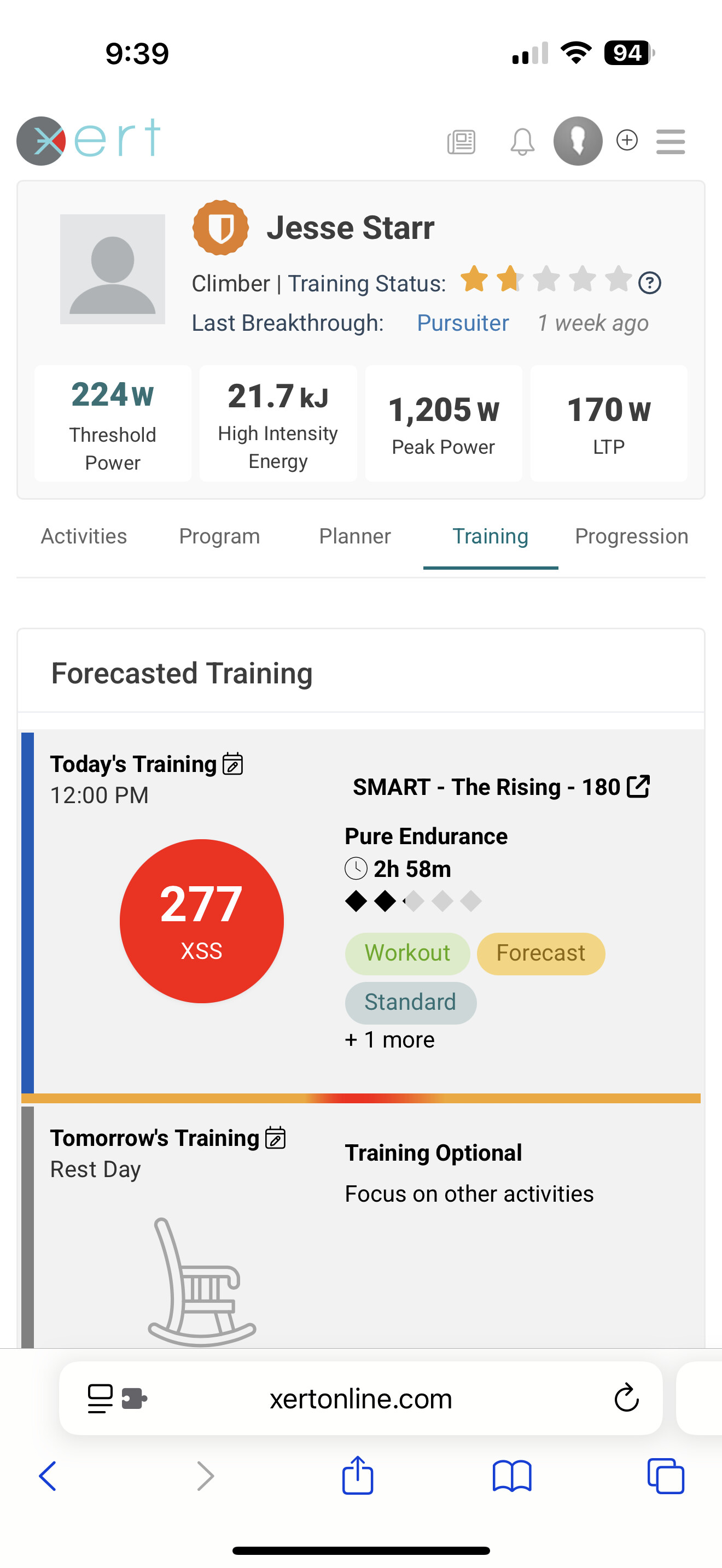
When I want to do a different workout than the one that FAI selected for me for today, what’s the process for that?
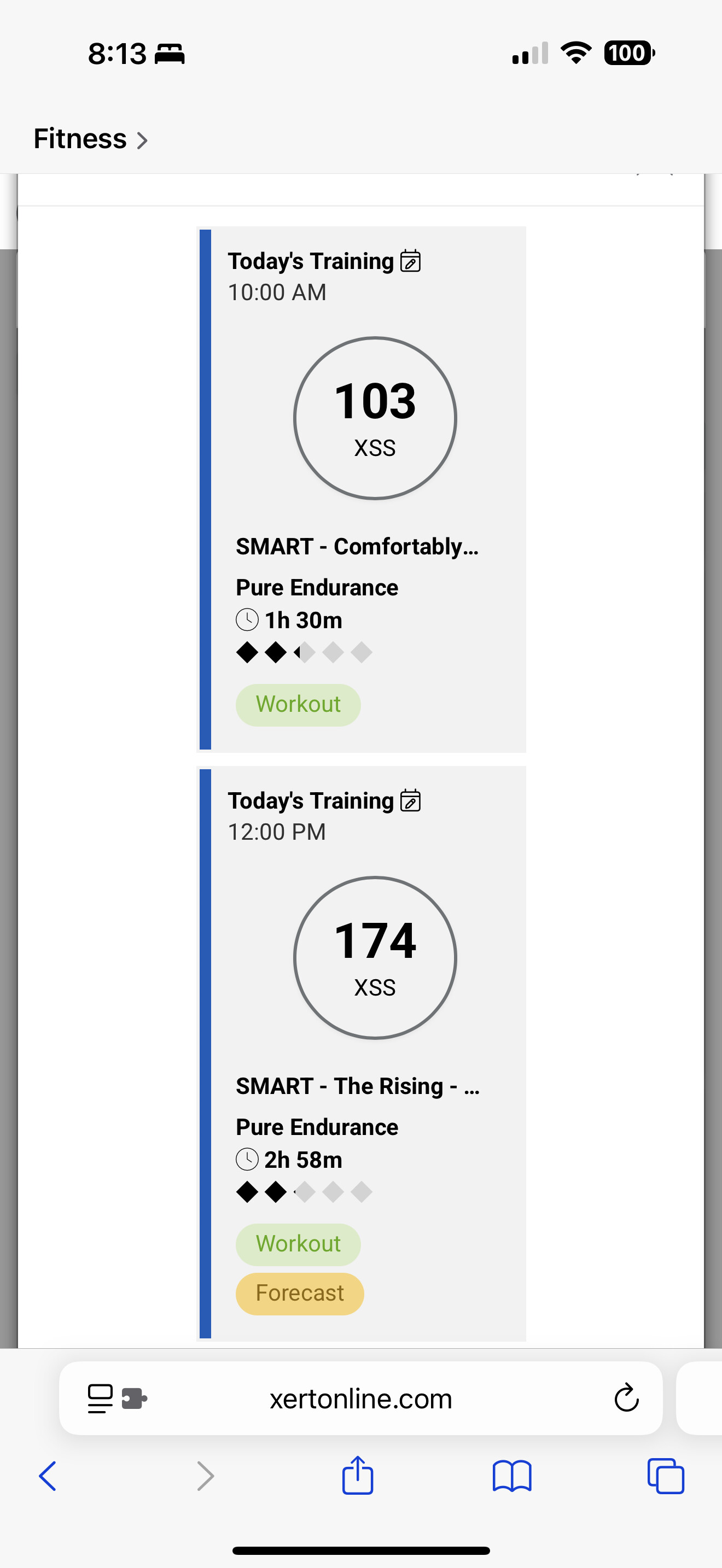
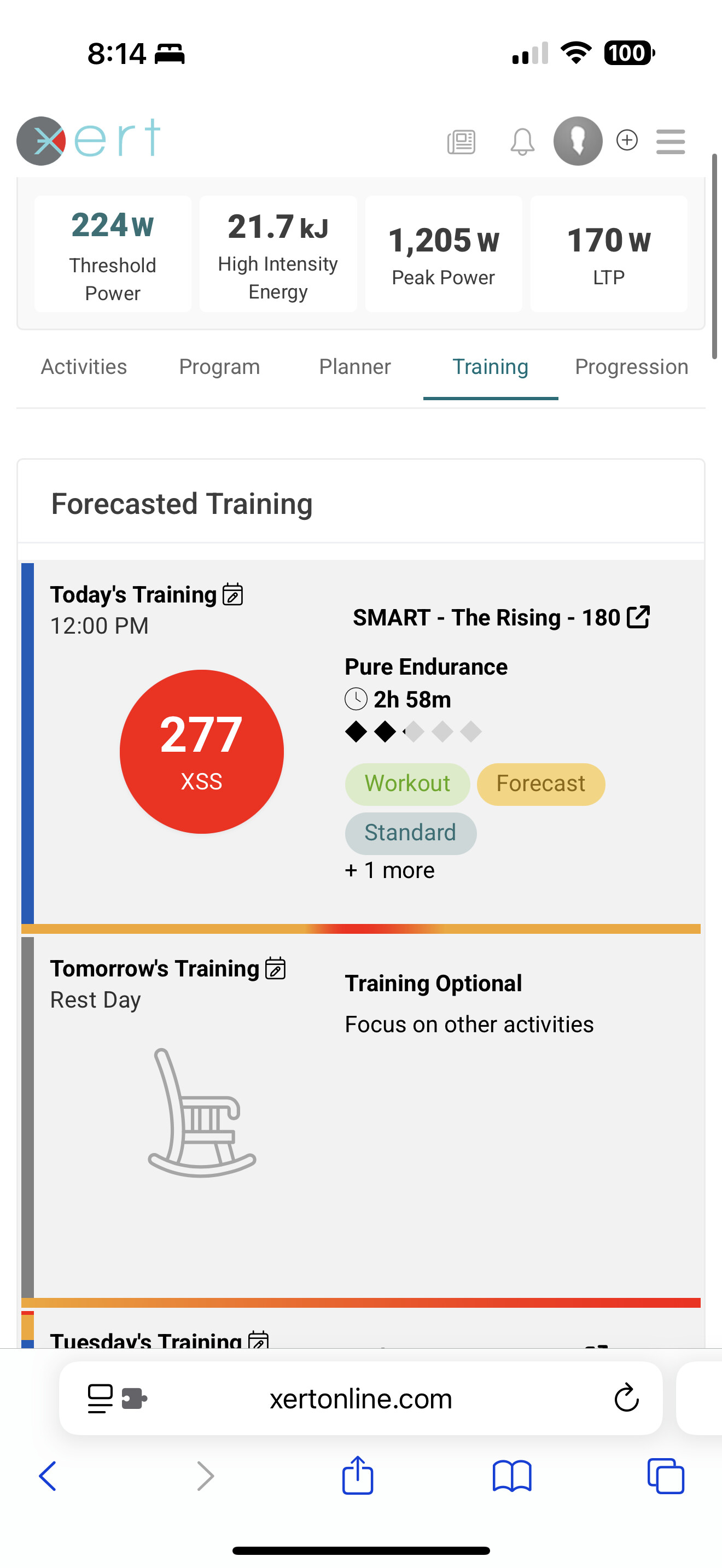
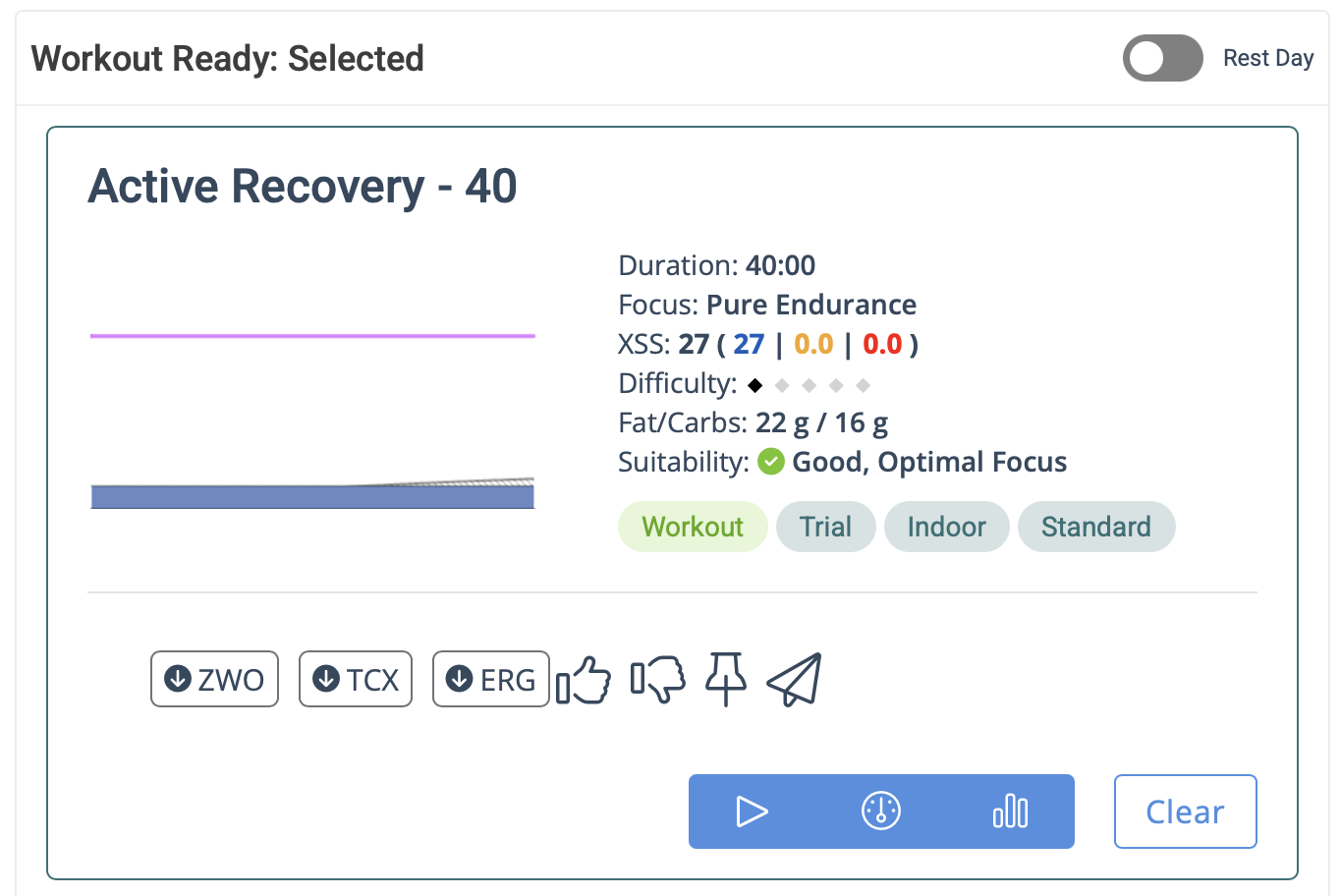
I clicked on Today in the Training tab then filtered the workout list by the limited time I had available and found one that looked good enough. I didn’t see anything like “swap with today’s planned training” or anything intuitive like that. So I clicked the Schedule button and scheduled it for today.
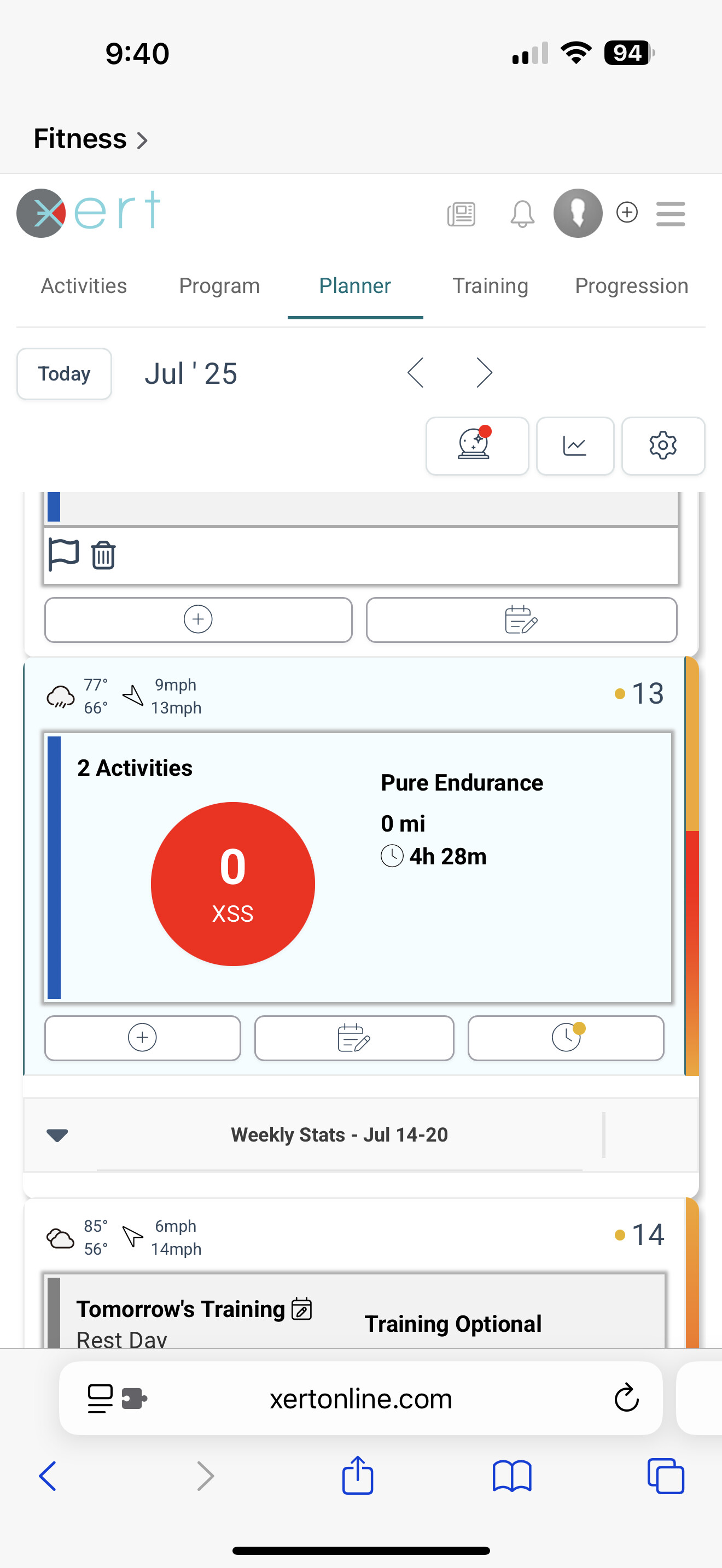
Then I had both the workout I want to do and the original forecasted one on my calendar. I don’t see a way to delete the originally scheduled one either.
Xert automatically picks one of the top recommended workouts based on your assigned XSS targets for the day as the Workout of the Day (WOTD) and can auto sync it to your preferred training platforms (Wahoo, Zwift, MyWhoosh, etc.)
If you’d rather review and/or pick your own workouts, you can disable the setting from the Fitness Planner. I’ve done this myself, since I usually complete most of my high intensity trainings using Magic Buckets, rather than following structured workouts.
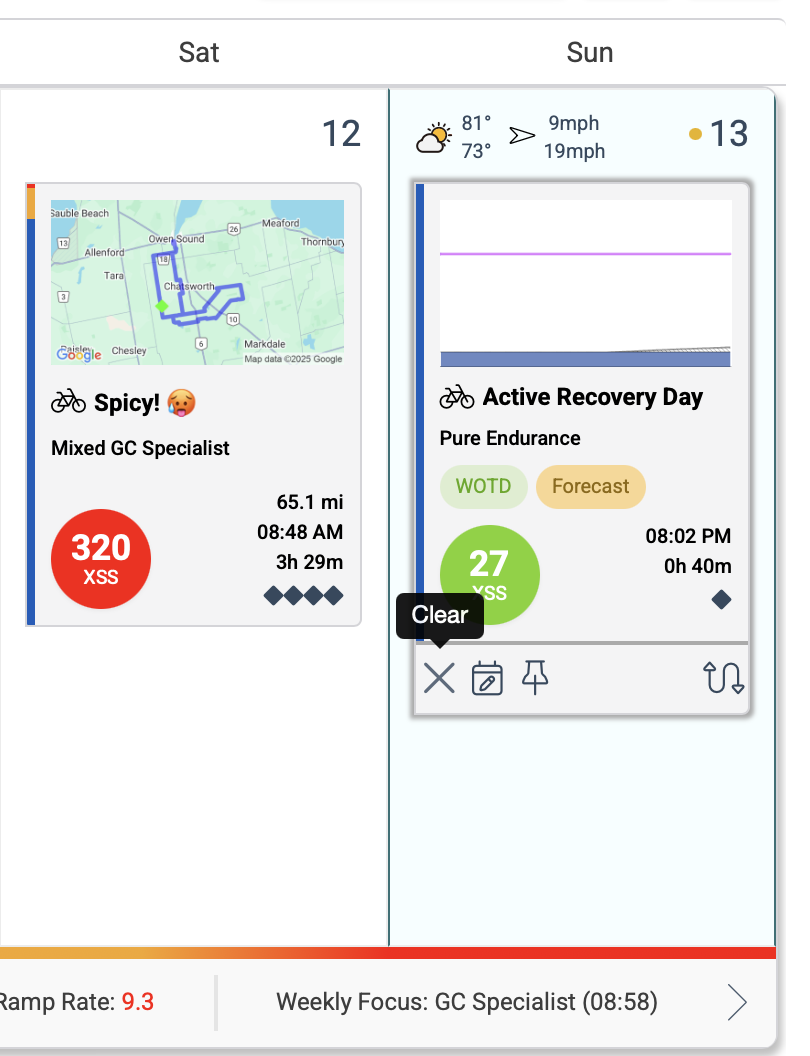
Once the WOTD is cleared, you’ll be able to see the assigned XSS for the day (and you can click on it to see the breakdown of Low, High, & Peak). You could also just open the EBC app on your mobile phone directly and review, select, & play a recommended workout (there’s some filters in the app as well).
I think we can make some improvements to how the data for today’s training is handled… better accounting for what’s been completed for the day and how it aligns with what’s recommended, forecasted, scheduled, etc. It’s something that’s on our development radar
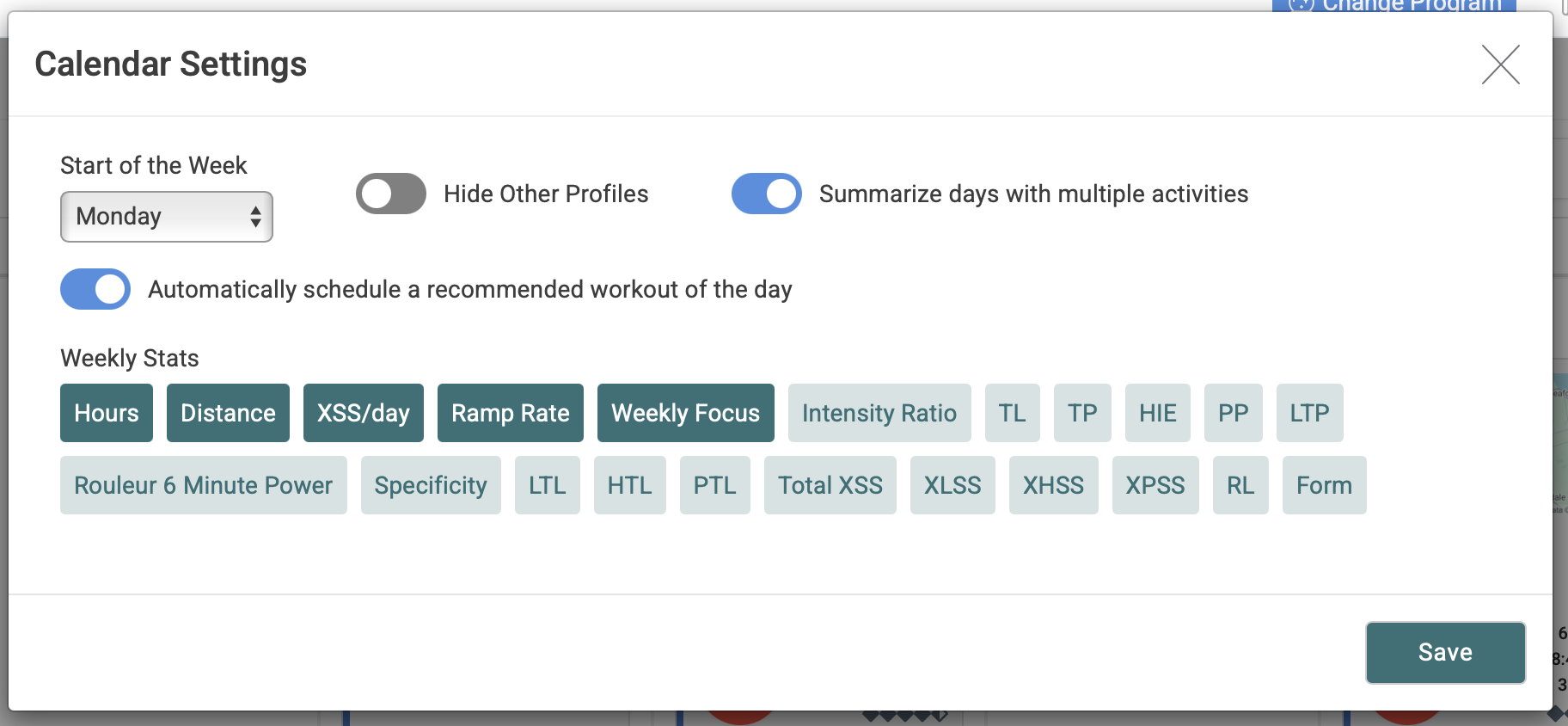
If you turn off Summarize days under Planner settings, you should see the trash can and modify icons under each entry.
If you switch your browser to Desktop view you should also see the Copy, Move, and Swap icons.