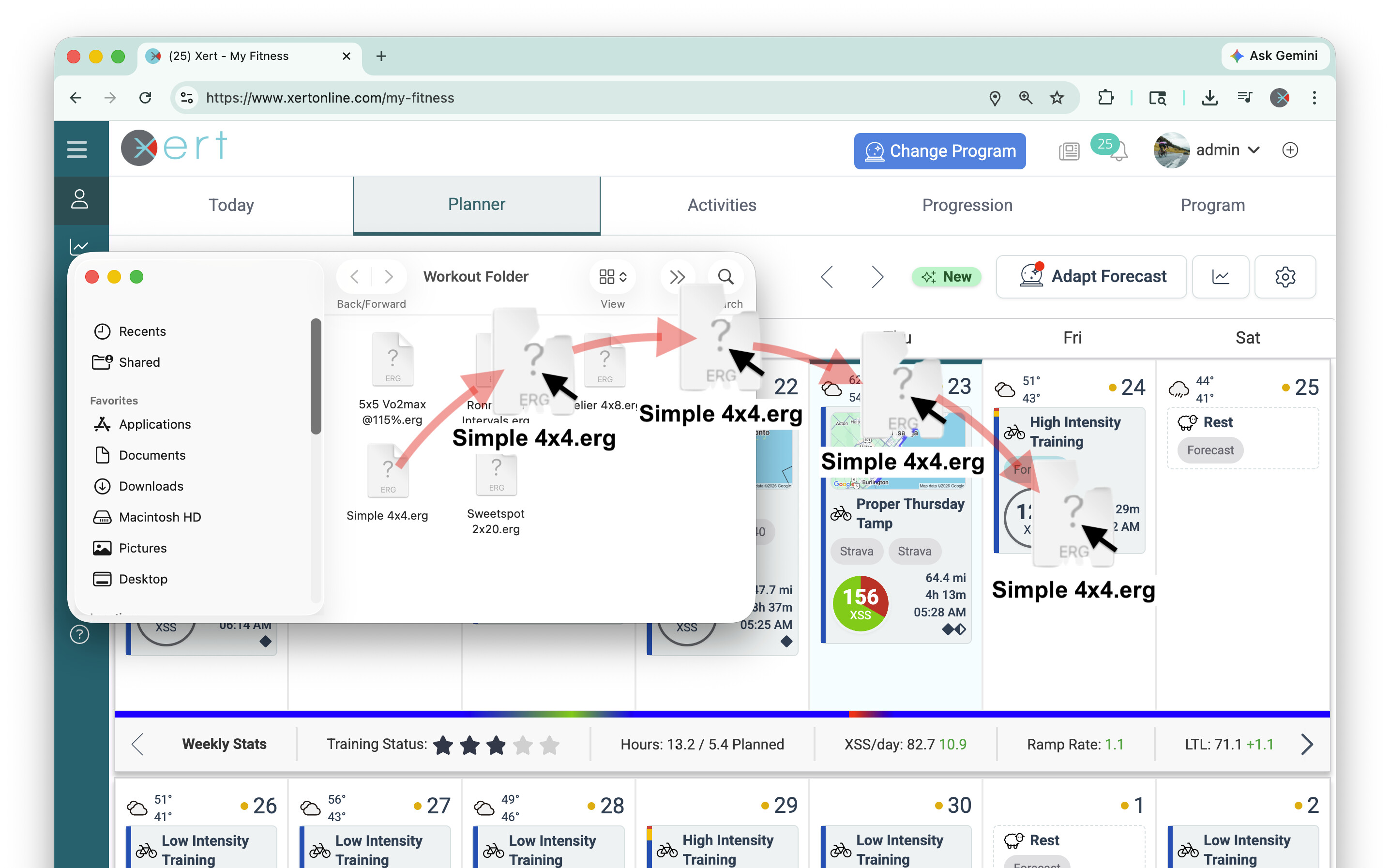
Transfering your training plan to Xert is now super-simple. Export your workouts as files and simply drag-and-drop them onto the Planner for quick-and-easy planning. Take advantage of Magic Buckets, Zwift/Rouvy/MyWhoosh integrations or use Xert EBC to execute the training you have planned on other systems.
.ERG and .ZWO file types are supported. Workouts get converted to %TP and are stored as a temporary personal workout in your library. Workout files can be dropped onto your Forecasted activities and pinned to include them as part of your Forecast AI Training Program. Workout files can also be dropped onto days alongside your program or in conjuction with your Adaptive Training Advisor program, allowing you to plan workouts easily.
This feature worked very well using a bespoke GPT generated ERG file loaded to Xert, and executed in Zwift. This allows complex workouts to be created with minimal effort - I may never see the manual workout builder again. Of course, you can still tweak the workout in the builder if needed.
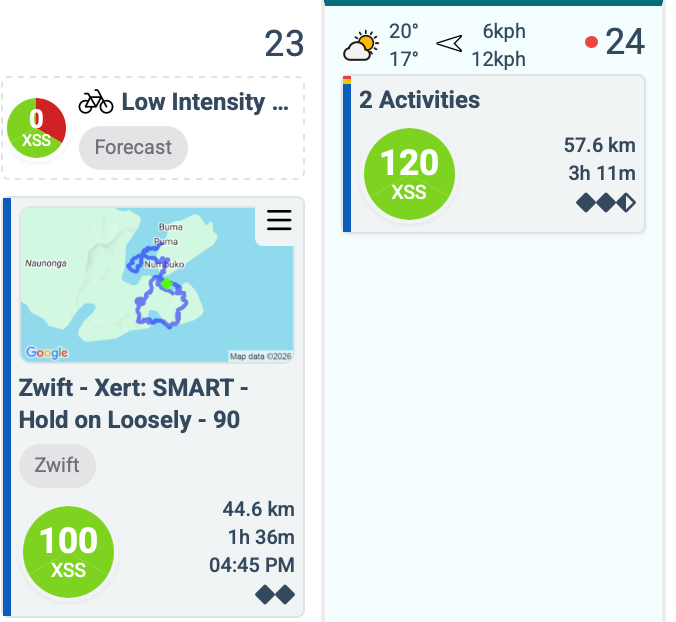
On my calendar it displays 2 activities. One for the completed activity, and one for the forecasted one. The day then shows 2/3rds green and 1/3rd red because of this. On today’s plan it has my completed workout and then the forecast with no way to removed the “2nd” activity.