Hi! first of all thanks for the exceptional rework of UX/UI you have done!
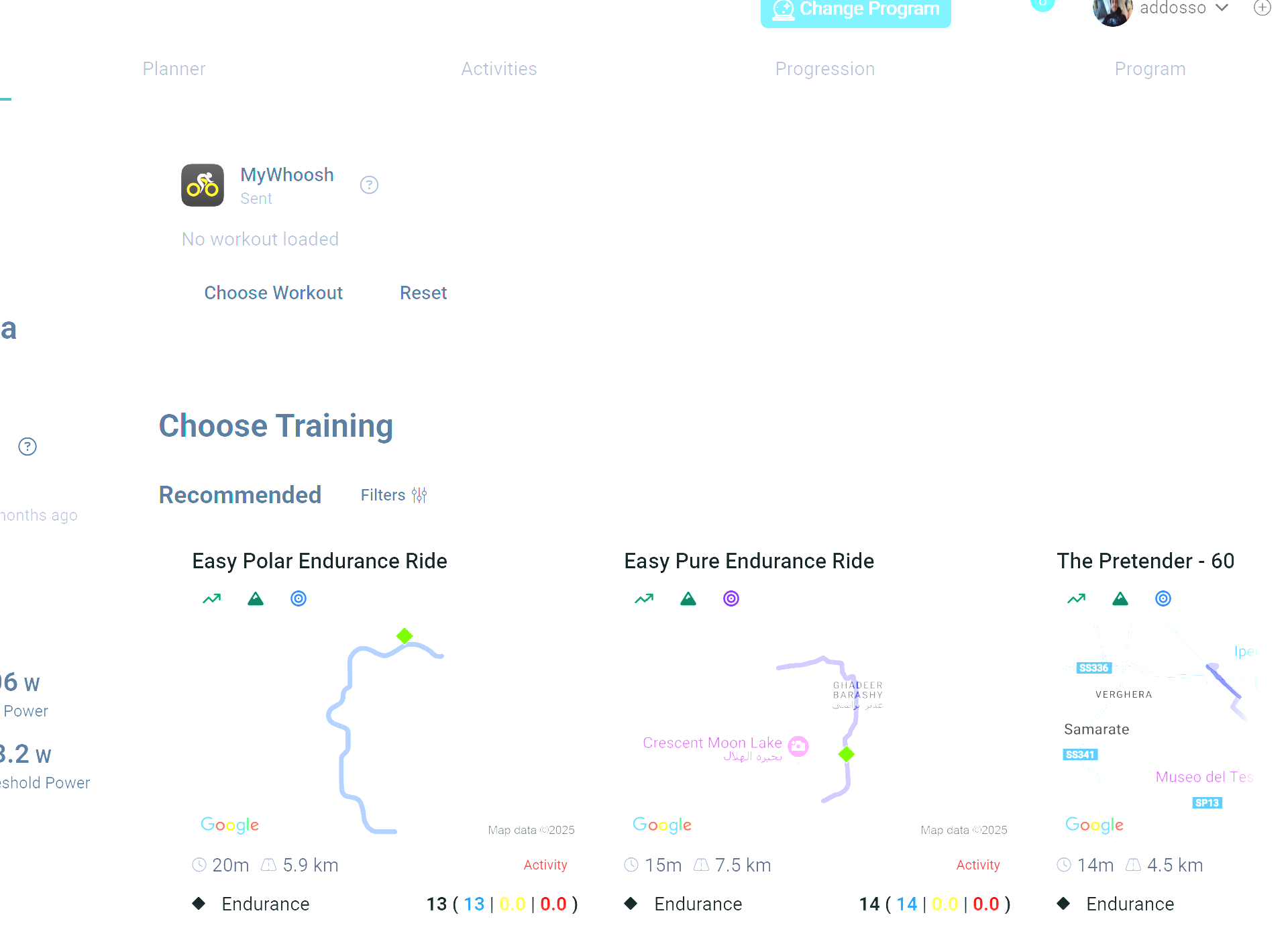
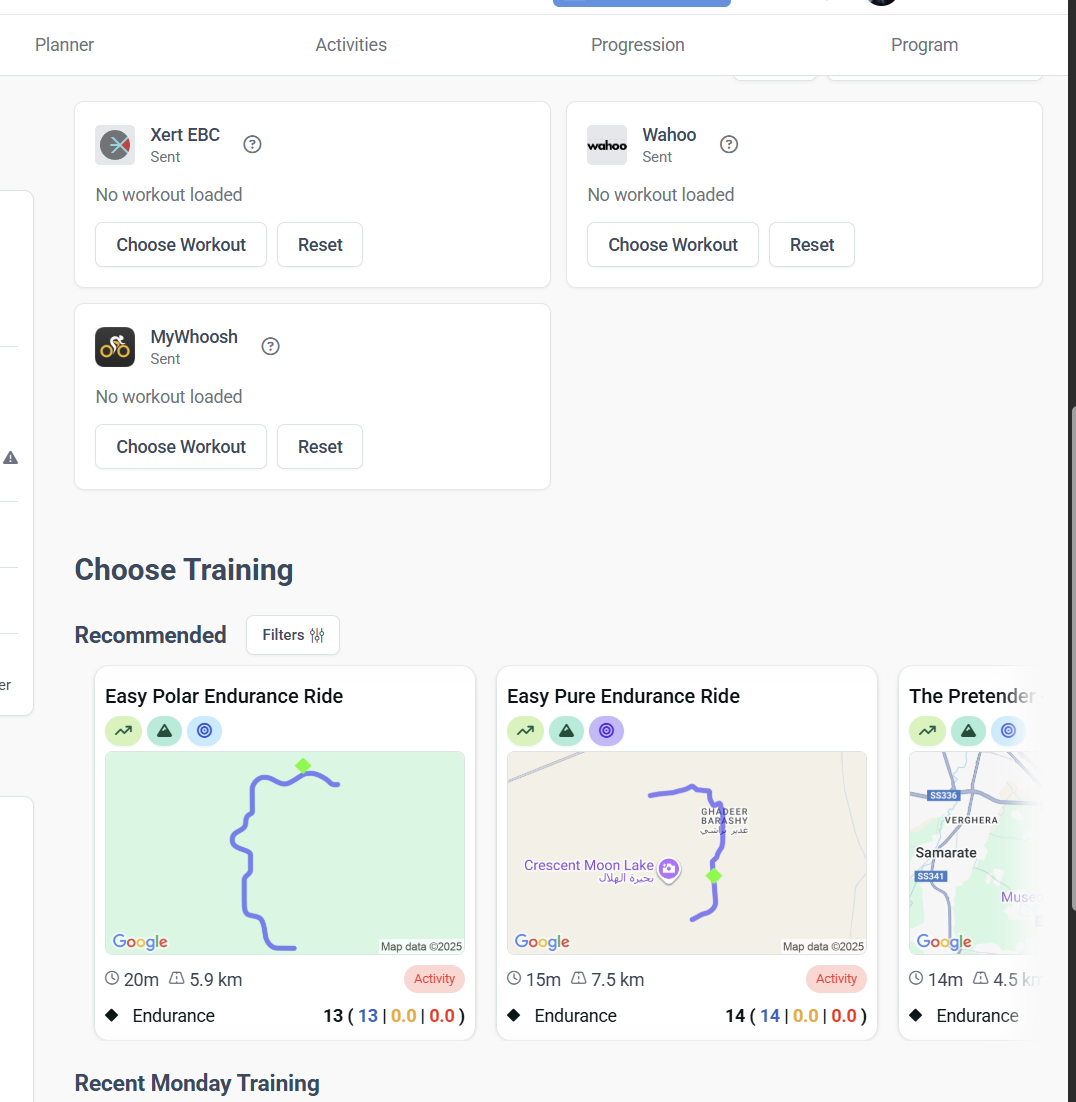
I’ struggling at the moment to use the easy “select and Save” function on the suggested trainings that was also syncing them automatically to all my platforms used for virtual cycling.
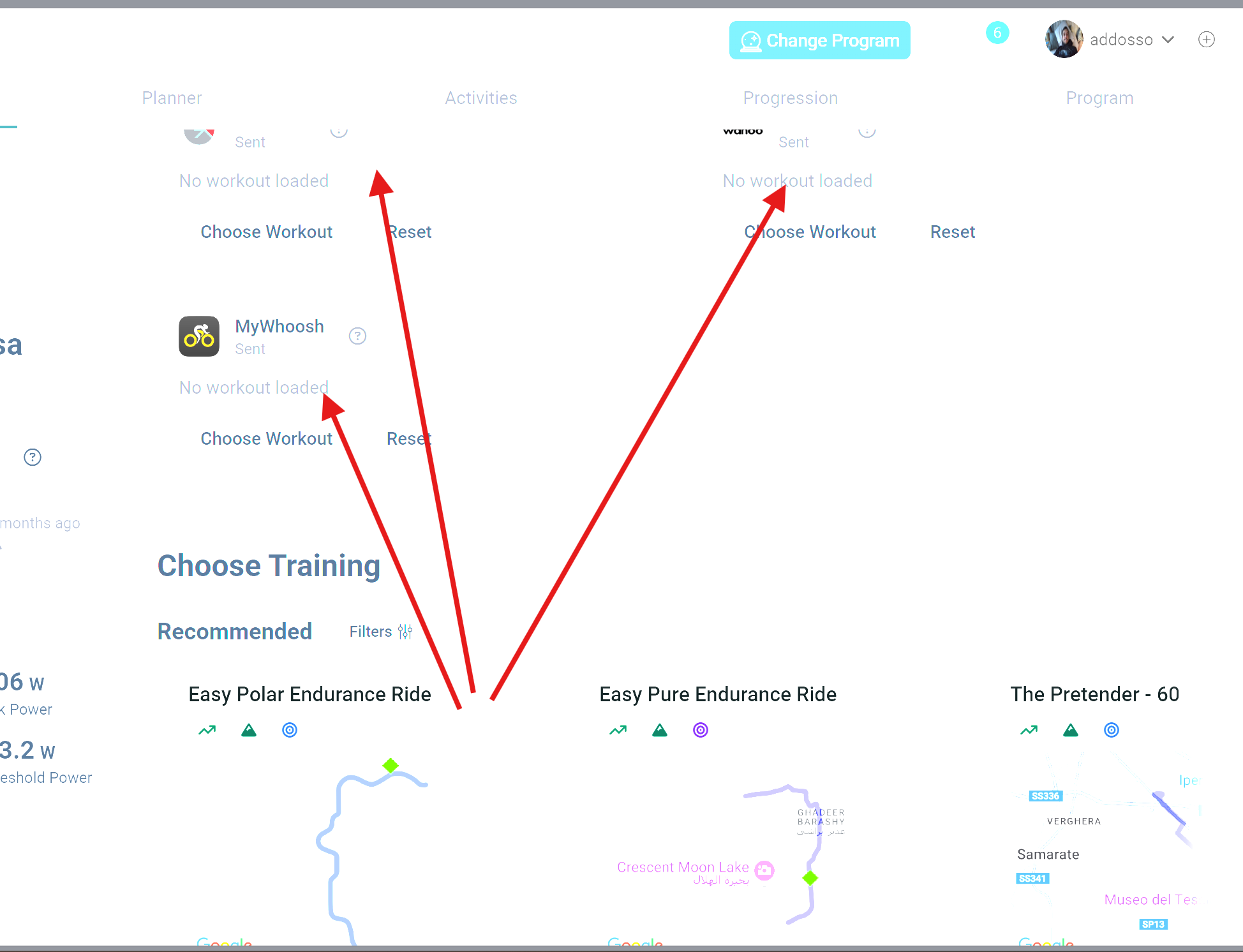
My suggestion is to have an extra button accessible from the “suggested trainings” where i can select and send them directly (or at least preload them) into my other apps.
Thanks and let me know if i wasn’t clear with the request and/or there are other ways to do it that i’m not aware of.
To be clear you want to select an entry from the Recommended list and send it to all of your linked platforms at once?
Wouldn’t you normally decide where you are going to ride (indoor/outdoor) and only need one platform link?
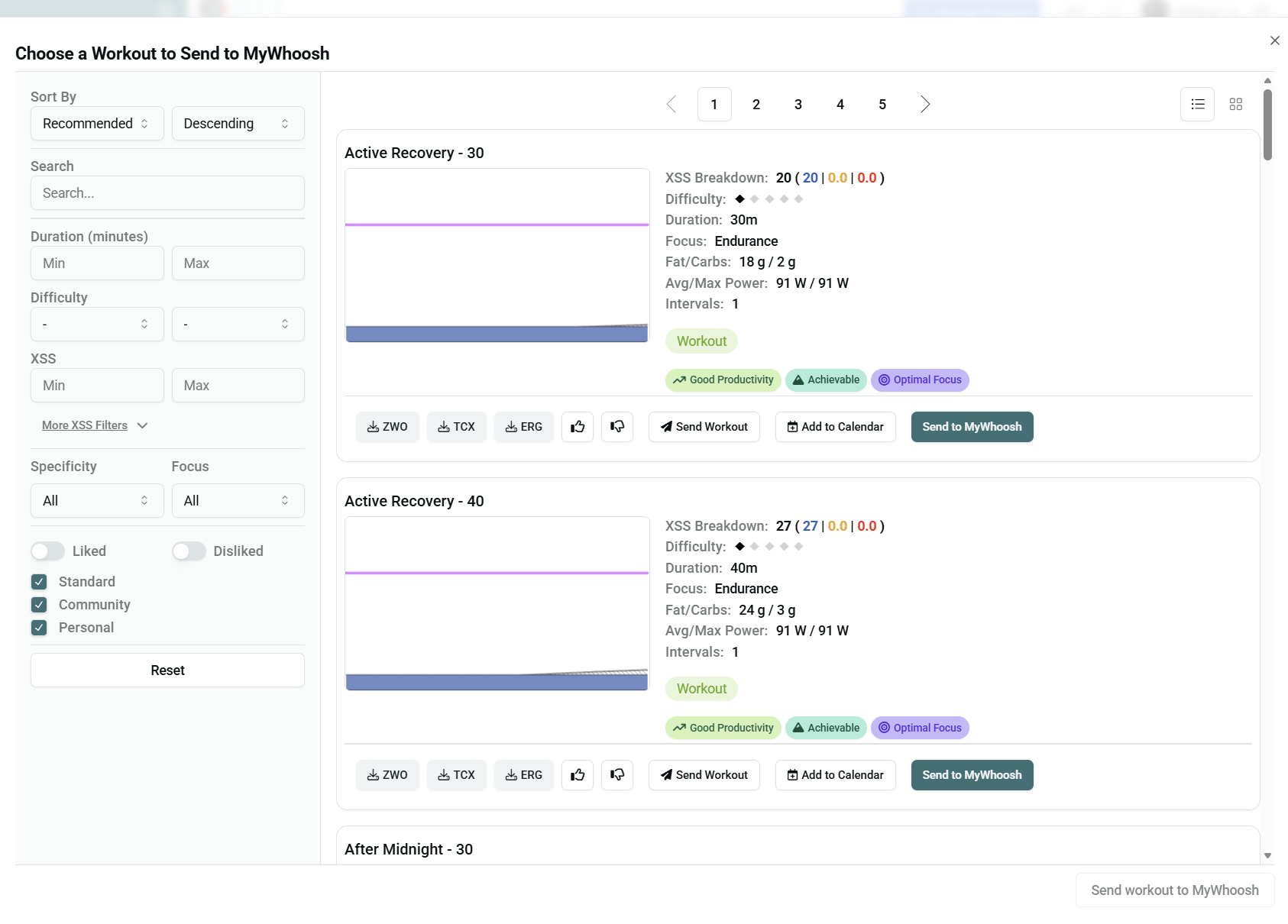
The thing is that the recommended trainings shown there in the main page are not the same if I choose first the platform and then select ”choose training to send”. Somehow they are different
Choose Workouts by platform is limited to Workouts only.
The Recommended list includes this Filter option that defaults to list all possible activity types that meet today’s goal –
The two options should match if you set the Recommended list Filter to Workouts.
Are you seeing a difference when you do that?
Thanks for the feedback. Glad to hear you’re enjoying the updated UI/UX so far.
Hmm… You can’t really send past activities to a workout player, since it’s not a workout. If you want to do a route in Zwift again, you have to select that course in Zwift.. AFAIK, there’s no way for us to tell Zwift (or Rouvy/MyWhoosh) that you’re going to do a specific course.
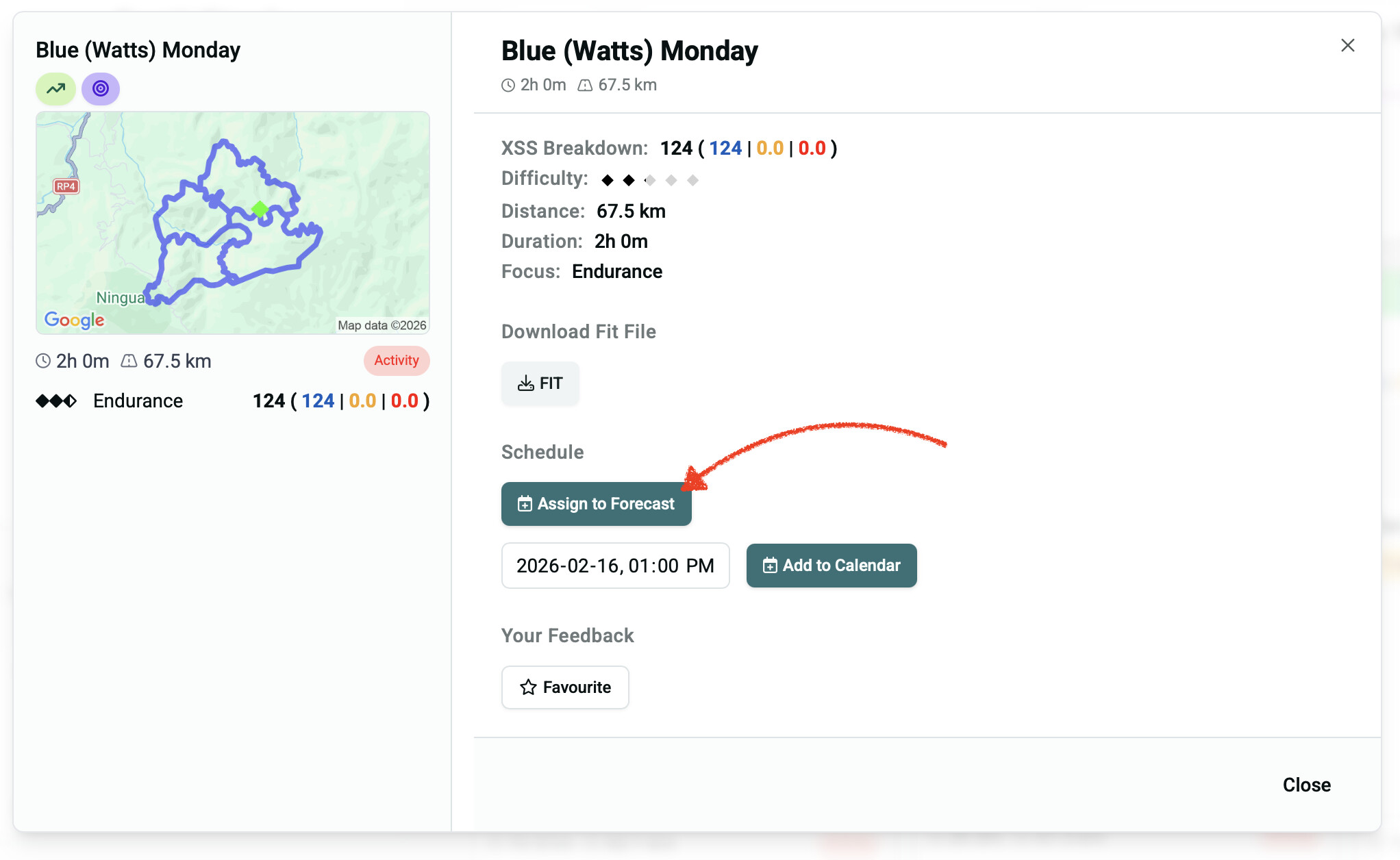
If you’re on a Forecast AI plan, you can assign that activity to the day’s placeholder (effectively making it your planned training for the day) by clicking the ‘Assign to Forecast’ option:
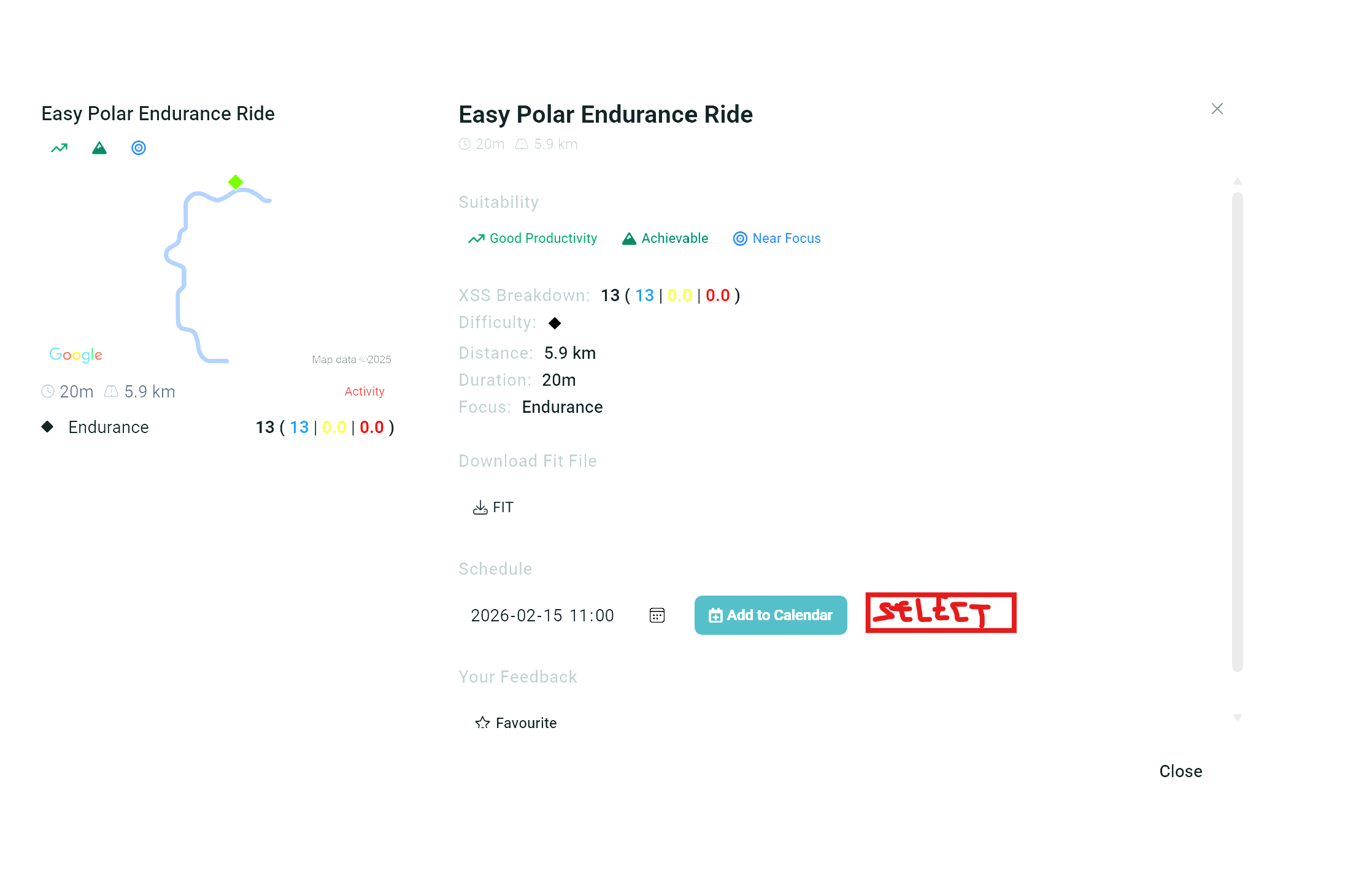
Or you can add it to the calendar to mark it as a planned activity (something to complete in addition to your forecasted training for the day). On an XATA plan, you can add it to your calendar to make the XSS from that past activity as your planned training for the day.
I think the main reason you might want to use this would be when you have a recurring group ride (or weekly race) that has fairly consistent XSS totals that might not align with your recommended training for the day.
I thing i might know the cause of my confusion.
I believed that Training and workout were the same thing.
When i read the “Choose Training” and then “Recommended” then i believe that those are the ones my Plan wants me to do in order to reach the daily XSS level.
If i understood correctly i should instead always choose a “workout” and not a training. So i first select which platform i want to run and then i choose workout from the recommended ones in that list.
I would say then: why not showing directly the recommended workouts in the first page? I’m missing something that makes my interaction with the tool “easy”: just enter the main page, select the training the platform wants me to do, send it to my Virtual ride platform and start training.
I miss a bit of that flow, instead of being overflooded of different trainings, workouts, etc.
They are! You can do any ride - whether it’s a free ride, a race, or a group ride - and still achieve your daily training goals. Structured workouts are a direct way to meet your training objectives, but they may not be as accommodating for outdoor riding or as exciting or motivating for everyone (every athlete is a bit different, so flexibility is good!).
You don’t have to do workouts with Xert. In fact, many Xerters don’t do any workouts but still follow the training plan, especially with the Magic Buckets feature.
If you want to do a workout, simply select one from your desired platform (MyWhoosh, in your case). If you don’t want to do a past ride, ignore it (or filter it out).
In this case, it seems like you’re assigned a rest day (0 XSS), so you’re seeing your lowest XSS past rides and lowest XSS Active Recovery rides being recommended.
I recorded a short video about my main issue understanding the concept.
here i’m trying to select that specific training and sending it to my myWhoosh but the workout does not show up in the list. How can i do in a quick way without adding first to the calender through the schedule?
Perfect! Thanks for having answered to my ignorance about the tool! Really appreciate the time you took to follow my ”feature suggestion” and had the patience to answer all my doubts.
I believe we can close this feature request thread